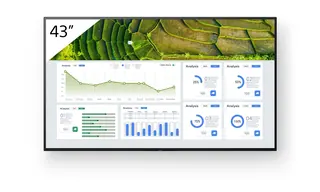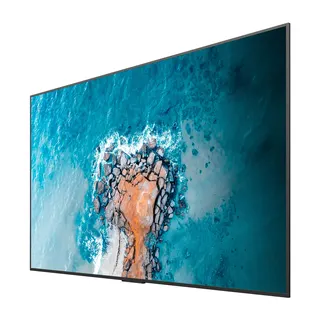
ST6502S
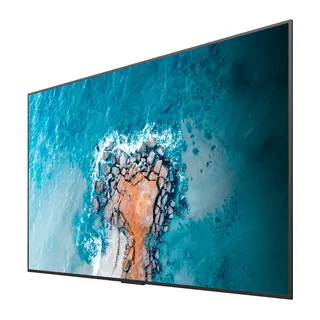
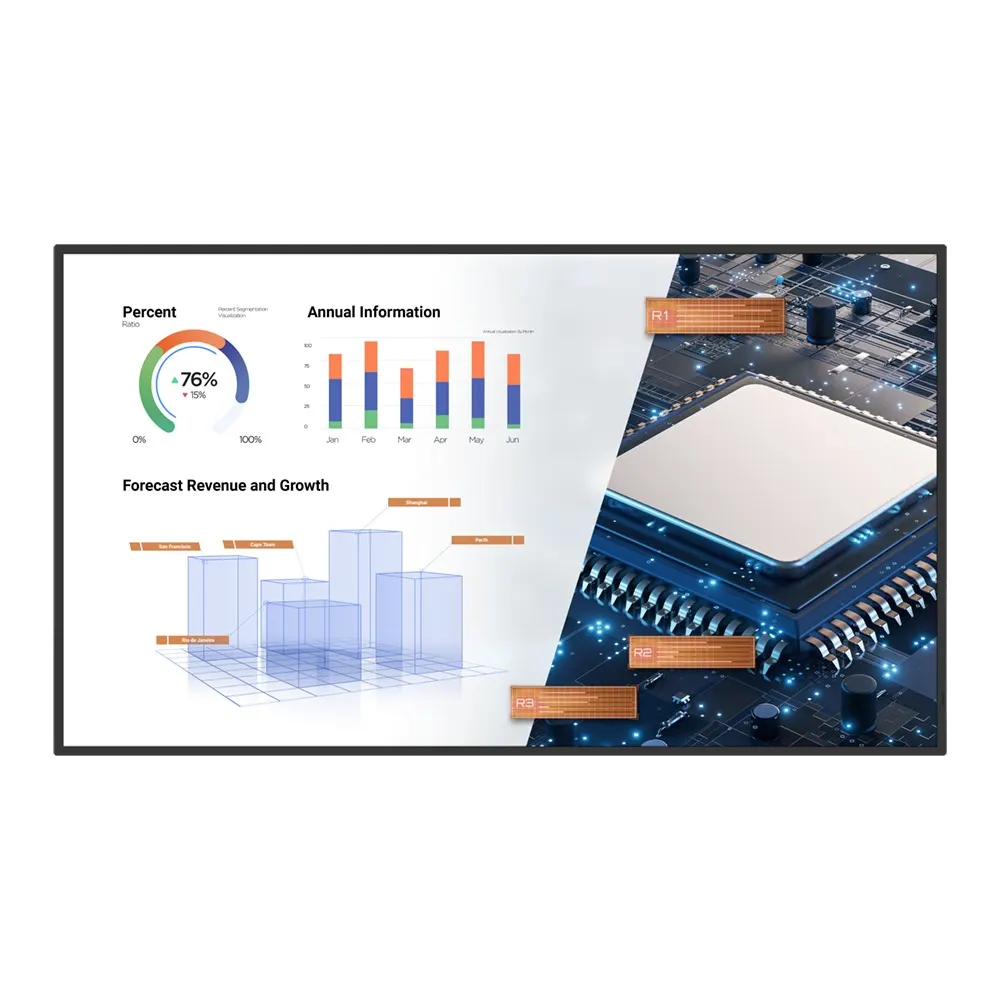
BenQ ST6502S 65-inch 4K Smart Signage Display
- Screen size
- 65''
- Resolution
- UHD 3840 × 2160 pixels
- Brightness
- 400 nits
- Operation
- 18 hours / 7 days
The BenQ ST6502S is a 65-inch 4K UHD display for campus signage and teaching. It runs its own Android 8.0 system, plays media from a USB stick, and takes a slot-in Windows PC through its OPS slot. Three HDMI 2.0 inputs, 400 nits and a 16:9 landscape panel suit schools, universities and corporate lobbies across Qatar that need one screen for announcements and lessons.
What the ST6502S is built for
The BenQ ST6502S is a 65-inch display from the ST02S smart signage series, built to show images and video in 4K UHD while also handling lessons and presentations. It runs its own Android 8.0 operating system, so most everyday playback can happen on the screen itself without an external media player. The same series is also offered in 43, 55, 75 and 86-inch sizes, and the 65-inch model is the middle choice for corridors, classrooms and reception walls that need more presence than a small screen.
Panel and sound figures to check against your room
- Resolution: UHD 3840 × 2160 pixels on a 16:9 landscape panel with an active area of 1428.5 × 803.5 mm.
- Brightness and contrast: 400 nits typical, with a 1200:1 typical contrast ratio and a 72% NTSC colour gamut.
- Response: 8 ms response time on an 8-bit colour panel.
- Operating hours: rated for 18 hours a day, seven days a week, with a typical backlight life of 30,000 hours.
- Speakers: two built-in 10 W speakers.
A 400-nit panel is best placed in rooms with controlled lighting. Keep it out of direct sunlight from windows so the picture stays readable.
Connecting sources and sharing content
The rear panel offers three HDMI 2.0 inputs, two USB 2.0 ports, one VGA input, a PC audio line-in, an earphone output and a micro SD card reader, plus one 10/100 Mbps Ethernet port and an RS-232 control connection. There is no HDMI output, so the screen cannot pass video on to a second display. The model has no built-in Wi-Fi or Bluetooth.
Wireless sharing uses InstaShare 1 from the BenQ App Store, device management runs through DMS, and X-Sign Broadcast handles scheduled posts and real-time alerts. An OPS slot accepts a slot-in PC for Windows applications. A slot-in PC is not listed among this model's accessories, so include it in your quotation request if you need it.
Where it fits in Qatar
Schools and universities. A private school in Al Wakrah fitting out a new block might mount one unit in a corridor for daily timetables and events, and another in a classroom for lessons. A training centre in Education City could pair the screen with a camera and slot-in PC for hybrid sessions with students joining remotely.
Hotels and offices. A hotel in West Bay or a sales gallery in Lusail could place the display in a lobby, looping offers and wayfinding information. Choose an air-conditioned space, since the rated operating range tops out at 40°C.
Government reception. A ministry office in Msheireb could use one unit at the front desk to show service information and visitor notices from a USB stick or from the scheduling system.
What to plan before installation
The unit measures 1462.3 × 837.3 × 68.9 mm and weighs 29 kg, or 37.4 kg in shipping packaging. It mounts on a VESA 400 × 400 mm pattern with M8 screws. A wall mount is not among the listed accessories, so specify a bracket rated for this weight. Because the panel is large, book a free site survey before drilling to check wall structure, cable routes and viewing height. The box includes a 1.5 m HDMI cable and a remote control. The power input is AC 100-240V, 50/60Hz, with a typical draw of 155 W.
Send your room plan, mounting height and the sources you want to connect, and the SmartRooms Qatar team will return a quotation, usually within one working day. Request a quote for the ST6502S today and we will confirm the accessories your installation needs.
Highlights
- 65-inch UHD 3840 × 2160 landscape panel
- 400 nits typical brightness, 1200:1 typical contrast
- Three HDMI 2.0 inputs with no HDMI output
- OPS slot for a slot-in Windows PC
- Android 8.0, USB media playback and X-Sign Broadcast
- Operating range 0°C to 40°C, 18 hours a day
Estimated timeline
Quotation within 1 working day · delivery timing depends on stock availability, and we confirm it with your quotation.
Specifications
Panel14
- Screen size
- 65''
- Panel type
- ADS
- Active area
- 1428.5 × 803.5 mm
- Aspect ratio
- 16:9
- Resolution
- UHD 3840 × 2160 pixels
- Response time
- 8 ms
- Color depth
- 8-bit
- Orientation
- Landscape
- Operation hours
- 18 hours / 7 days
- Panel brightness (typical)
- 400 nits
- Contrast ratio (typical)
- 1200:1
- Dynamic contrast ratio
- N/A
- Color gamut
- 72% NTSC
- Backlight life (typical)
- 30,000 hrs
Glass3
- Germ-resistant technology
- N/A
- Anti-glare
- N/A
- Hardness
- N/A
Touch screen3
- Touch technology
- N/A
- Touch points
- N/A
- Touch response time
- N/A
Connectivity16
- HDMI (in | out)
- 3 × HDMI 2.0 | No
- DisplayPort
- N/A
- USB-A
- 2 × 2.0
- USB-C
- N/A
- USB-B (for touch)
- N/A
- 3.5 mm Line in (1)
- PC Audio × 1
- VGA
- 1
- 3.5 mm Line out
- Earphone × 1
- OPS slot (for slot-in PC)
- 1
- Micro SD reader
- 1
- Wi-Fi
- N/A
- Bluetooth®
- N/A
- S/PDIF out
- N/A
- Ethernet
- 10 / 100 Mbps (Android) × 1
- 3.5 mm Line in (2)
- N/A
- RS-232
- 1 | 1
Built-in peripherals10
- NFC sensor
- N/A
- Ambient light sensor
- N/A
- IR sensor
- Yes
- Motion sensor
- N/A
- Microphone
- N/A
- Speaker
- 2 × 10 W
- Camera
- N/A
- Air sensor
- N/A
- Subwoofer
- N/A
- Air Ionizer
- N/A
Power3
- ENERGY STAR®
- Yes
- Power
- AC 100-240V 50/60Hz
- Typical power consumption
- 155 W
Physical5
- Dimensions (W x H x D)
- 1462.3 × 837.3 × 68.9 mm (57.6 × 33.0 × 2.7 inch)
- Shipping dimensions (W x H x D)
- 1605 × 965 × 220 mm (63.2 × 38.0 × 8.7 inch)
- Weight (product I shipping)
- 29 kg | 37.4 kg (63.9 lbs | 82.5 lbs)
- Mount (screws)
- VESA 400 × 400 mm (4 × M8 × 15L)
- Pen Tray
- N/A
Environment4
- Operating temperature
- 0°C ~ 40°C | 32°F ~ 104°F
- Storage temperature
- -20°C ~ 60°C | -4°F ~ 140°F
- Storage humidity
- 10% ~ 80% RH non-condensing
- Operating humidity
- 10% ~ 80% RH non-condensing
Software8
- Whiteboarding
- N/A
- Wireless screen sharing
- InstaShare 1 (BenQ App Store)
- Device management
- DMS
- Account management
- N/A
- Flicker Free
- N/A
- Quick access tool
- N/A
- Broadcast system
- X-Sign Broadcast
- Low Blue Light
- N/A
Accessories4
- Cables
- HDMI (1.5 m | 4.9 ft)
- Wall mount
- N/A
- Pen
- N/A
- Remote control
- 1
System4
- GPU
- Mali-G51MP2
- CPU
- A73 × 2 + A53 × 2
- Memory | Storage
- 3GB I 16GB
- OS
- Android 8.0