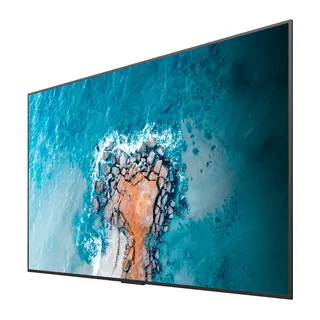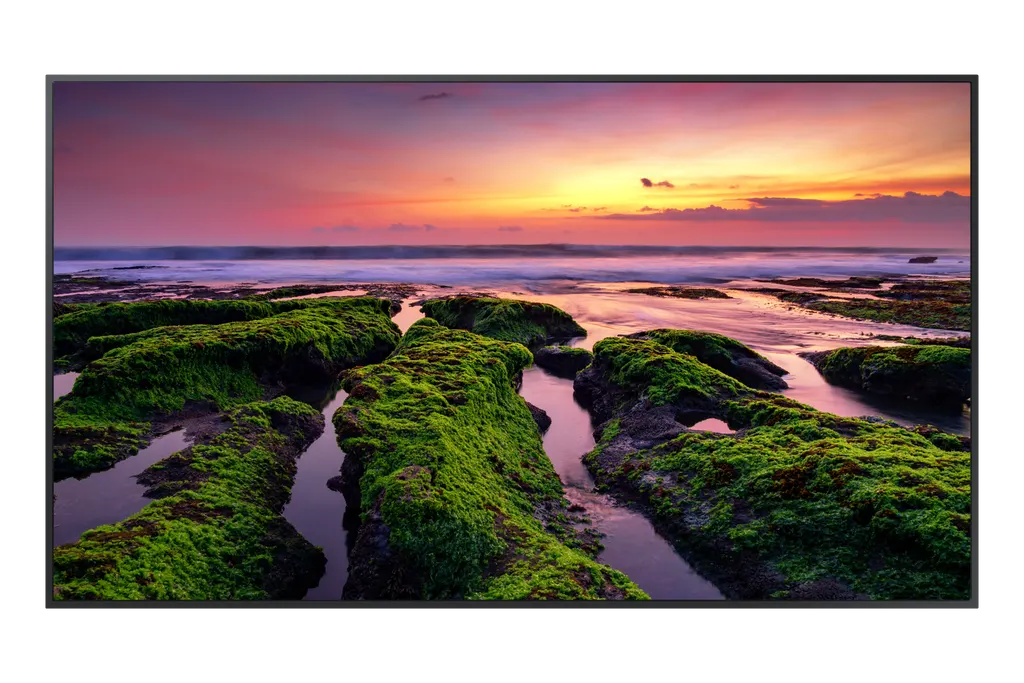
QB50B
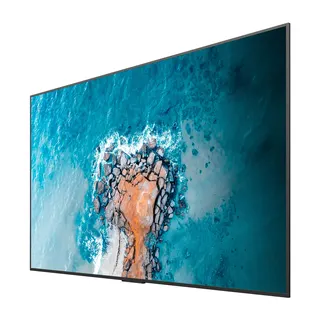
Samsung QB50B 50-inch 4K UHD Signage Display
- Screen size
- 50"
- Resolution
- 3,840 x 2,160
- Brightness
- 350 nit
- Operation
- 16/7
The Samsung QB50B is a 50-inch 4K UHD signage display built for corporate lobbies, meeting rooms and retail walls. Its Quantum Processor 4K upscales lower-resolution content, and it offers three HDMI inputs, Wi-Fi, Bluetooth and SmartView+ wireless screen sharing. Its 16/7 operation rating and slim, symmetrical body suit offices, schools and hotels in Doha that need long daily running hours. Request a quote.
What the Samsung QB50B is built for
The QB50B is a 50-inch UHD signage display from Samsung's QBB series, designed to run content for long hours in offices, corridors, lobbies and meeting areas. Its VA panel offers a 3,840 x 2,160 resolution with a 0.285 x 0.285 mm pixel pitch, so menus, wayfinding maps and brand graphics stay crisp at normal viewing distances. Typical brightness is 350 nit, the contrast ratio is rated at 4,000:1, and the viewing angle is 178 degrees both horizontally and vertically.
Processing, colour and software
The Quantum Processor 4K handles scaling, so lower-resolution clips and older promotional files are upscaled toward UHD detail before they reach the panel. The screen covers 92% of the DCI-P3 colour space and has an 8 ms response time for moving content. It runs Tizen 6.5 with 8 GB of flash memory. The web engine can be upgraded over time, so newer content types can play without changing hardware. Smart Calibration, through the Samsung mobile app, helps keep logos and brand colours consistent across several screens.
Connectivity and management
Three HDMI inputs (HDMI version 2, HDCP 2.2) cover media players and laptops. The panel also offers two USB ports, RS232 in and out for control systems, an RJ45 input, an IR input, a stereo mini jack audio output, Wi-Fi and Bluetooth. There is no DisplayPort and no audio input, so plan source devices around HDMI and the network port.
- Video calls: the built-in conferencing function works with popular web conferencing apps through a USB webcam, which must be bought separately. The source lists nine supported camera models.
- Screen sharing: SmartView+ allows wireless sharing from Windows, Android and iOS devices.
- Room control: Custom Home lets administrators lock meeting room settings so users cannot change them between sessions.
The manufacturer links some features, including the video call function and mobile screen sharing, to firmware updates. Confirm the firmware level before ordering if these matter to your project.
Installation, mounting and power planning
The set measures 1121.4 x 643.9 x 46.3 mm and weighs 13.4 kg, with a 200 x 200 mm VESA pattern for wall brackets. The bezel is 9.2 mm on the top, left and right sides and 11.2 mm at the bottom. All terminals face outward, so the panel sits flush against the wall. The optional WMN4070SG wall mount and STN-L4355G stand are available for this model.
Power is rated AC100-240V at 50/60 Hz, which covers Qatar's 240 V, 50 Hz supply. Power draw is 143 W in on mode and 0.5 W in sleep mode. The panel carries Energy Efficiency Class A, EMC Class B, and safety standards 60950-1 and 62368-1 as listed in the data, and its rear cover uses recycled plastics.
The operating range is 0 to 40 °C at 10 to 80% humidity, non-condensing. Qatar summers regularly exceed 45 °C, so the screen should sit in an air-conditioned room, away from sunlit windows and open entrances. Ask for a free site survey before choosing a wall position.
Where it fits across Qatar
- A private school in Al Wakrah fitting out a corridor for timetables and event notices, where the 16/7 rating suits long school days.
- A clinic waiting area in Msheireb showing patient information and health awareness messages, provided the room stays within the operating range.
- A hotel lobby in West Bay showing arrival information and local guides, with a flush mount that keeps cables out of sight.
Send your room layout, the planned wall and the daily operating hours, and request a quote. Quotations are usually issued within one working day, and purchase orders (LPOs) are accepted for government and corporate buyers.
Highlights
- 50-inch 3,840 x 2,160 VA panel with 350 nit typical brightness
- Quantum Processor 4K upscales lower-resolution content
- Three HDMI 2 inputs, RS232 control, RJ45 and Wi-Fi
- SmartView+ wireless sharing from Windows, Android and iOS
- 16/7 operation with a 0 to 40 °C rated operating range
- 200 x 200 mm VESA pattern with optional wall mount
Estimated timeline
Quotation within 1 working day · delivery timing depends on stock availability, and we confirm it with your quotation.
Specifications
Display15
- Diagonal Size
- 50"
- Panel Type
- VA
- Resolution
- 3,840 x 2,160
- Pixel Pitch (HxV, mm)
- 0.285 x 0.285
- Brightness (Typ)
- 350 nit
- Contrast Ratio
- 4,000:1
- Viewing Angle (H/V)
- 178/178
- Response Time
- 8ms
- Color Gamut
- 92% (DCI-P3, CIE 1976)
- Glass Haze
- 2%
- H-Scanning Frequency
- 30 ~ 81 kHz
- Maximum Pixel Frequency
- 594 MHz
- V-Scanning Frequency
- 48 ~ 75 Hz
- Contrast Ratio (Dynamic)
- Mega
- Operation Time Support
- 16/7
Connectivity14
- HDMI In
- 3
- DP In
- No
- Version of HDMI
- 2
- Version of DP
- No
- Version of HDCP
- 2.2
- USB
- 2
- IR In
- Yes
- Audio In
- No
- Audio Out
- Stereo Mini Jack
- RS232 In
- Yes
- RS232 Out
- Yes
- RJ45 In
- Yes
- WiFi
- Yes
- Bluetooth
- Yes
Power3
- Power Supply
- AC100-240V 50/60 Hz
- Power Consumption (On Mode, W)
- 143
- Power Consumption (Sleep Mode, W)
- 0.5
Dimension2
- Set Dimension (WxHxD, mm)
- 1121.4 x 643.9 x 46.3
- Package Dimension (WxHxD, mm)
- 1269 x 784 x 152
Weight2
- Set Weight (kg)
- 13.4
- Package Weight
- 17.6
Operation Conditions2
- Temperature
- 0℃~ 40℃
- Humidity
- 10 ~ 80%, non-condensing
Mechanical Specification3
- VESA Mount (mm)
- 200 x 200
- Bezel Width (mm)
- 9.2(U/L/R), 11.2(B)
- Frame Material
- Non-Glossy
Optional Feature2
- Mount
- WMN4070SG
- Stand
- STN-L4355G
SoC2
- OS Version
- Tizen 6.5
- Flash Memory Size
- 8 GB
Eco1
- Energy Efficiency Class
- A
Certification and Compliance2
- EMC
- Class B
- Safety
- 60950-1, 62368-1