EP5543T
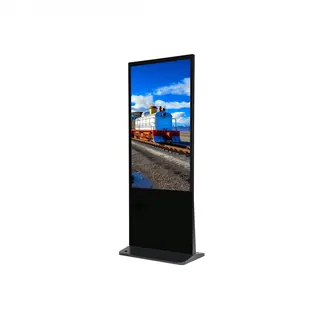
ViewSonic EP5543T 55-inch 4K UHD Interactive ePoster Kiosk
- Screen size
- 55"
- Resolution
- 2160x3840
- Brightness
- 700 nits (typ.)
- Touch
- 10 points
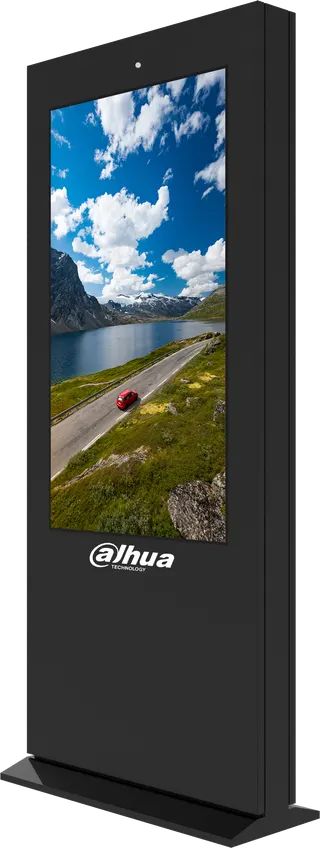
The ViewSonic EP5543T is a 55-inch portrait 4K touch kiosk for wayfinding and self-service in bright indoor spaces. Its 700-nit panel with 25% anti-glare treatment and 10-point touch keep content readable, while a built-in compartment houses a mini PC and hides cables. It suits university campuses, hotel lobbies and government visitor centres in Doha that need an always-on information point. Request a quote to plan the right setup.
A freestanding ePoster for busy indoor lobbies
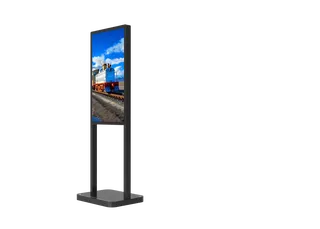
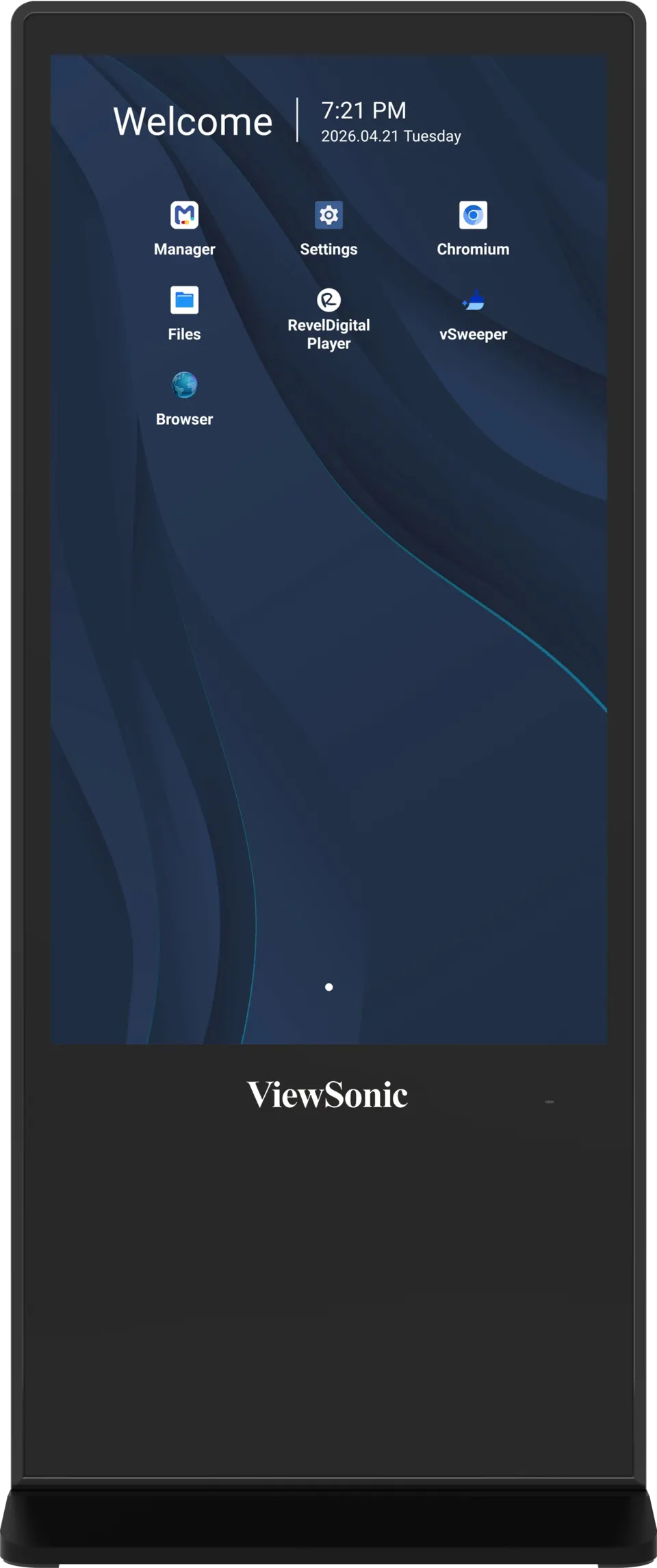
The ViewSonic EP5543T is an all-in-one interactive kiosk built for wayfinding, self-service directories and event information. Its 55-inch panel runs in portrait orientation at 2160 x 3840 native resolution, so one unit can show a tall building directory, a floor map or a list of the day's sessions without scrolling across a wide screen. Because the unit stands on its own, it can be placed in a lobby, reception hall or corridor without a separate computer or a wall bracket being the starting point of the project.
Display and touch figures to check against your site
The panel is rated at 700 nits typical brightness with an anti-glare surface of 25% haze, which helps content stay readable under bright ceiling lights and near glazed entrances. Typical contrast is 1,200:1 and viewing angles are 178 degrees horizontally and vertically. The infrared touch layer registers 10 touch points, so several people can navigate menus at once, and the front glass is 7H tempered for everyday public use.
Built-in computing, storage and content management
An octa-core Android 14 platform with 8GB RAM and 128GB storage plays JPEG, PNG, MP4 and HTML5 content, along with several other video and audio formats. A lockable compartment behind a security door holds a media player or mini PC, keeping cables and hardware out of public view. The Revel Digital player comes preinstalled, but activation needs a separate subscription licence sold apart from the kiosk. ViewSonic Manager gives IT staff status monitoring and settings control across multiple displays and sites, while on-screen scheduling sets playlists and operating hours.
Where it fits in Qatar
A university in Education City can place the unit at a library entrance, showing a floor plan of the stacks, study rooms and printing points, with the event schedule rotating at set times. A hotel lobby in West Bay can use it for restaurant, spa and meeting room directions, where brightness and the anti-glare surface matter most near glazed frontages. A government visitor centre in Msheireb can guide visitors to counters and services through the touch menu, and a private school in Al Rayyan can help parents find departments and event times.
Summer temperatures above 45°C make placement critical. The operating range is 0°C to 40°C with 20% to 80% non-condensing humidity, so position the kiosk inside air-conditioned spaces, away from direct sun through windows and doors.
Planning the installation
- Allow floor space of 778.5 mm width and 450 mm depth, with the 1875 mm height in mind for sightlines.
- Plan for handling: the net weight is 63 kg, so move the unit on a trolley with a second person.
- Confirm power: the input accepts 100 to 240 VAC, with typical consumption of 61.7 W and a maximum of 230 W.
- Route network cables to the dual RJ45 ports inside the compartment.
A free site survey helps confirm placement, cable routes and access before you buy. Request a quote from SmartRooms Qatar for delivery and professional installation across all eight municipalities, with purchase orders and government tenders accepted.
Highlights
- 55-inch portrait 4K UHD panel at 2160x3840 native resolution
- 700-nit typical brightness with 25% anti-glare haze
- 10-point infrared touch for multi-user navigation
- Octa-core Android 14 with 8GB RAM and 128GB storage
- Lockable compartment for a media player or mini PC
- Revel Digital player preinstalled; subscription sold separately
Estimated timeline
Quotation within 1 working day · delivery timing depends on stock availability, and we confirm it with your quotation.
Specifications
Display13
- Panel Size
- 55"
- Type/Tech
- TFT LCD (ADS type, DLED backlight)
- Display Area (mm)
- 1209.6 (H) x 680.4 (V)
- Aspect Ratio
- 9:16
- Native Resolution
- 2160x3840
- Colors
- 1.07G ( 8 bit +FRC)
- Brightness
- 700 nits (typ.)
- Contrast Ratio
- 1200:1 (typ.)
- Response Time
- 8ms
- Viewing Angles
- H=178, V=178 (typ.)
- Backlight Life
- 30,000 hours (typ.)
- Surface Treatment
- Anti-Glare, pencil hardness 7H, Haze=25%
- Orientation
- Portrait
Touch3
- Type/ Tech
- IR Recognition
- Touch Resolution
- 32768 x 32768
- Touch Point
- 10 points
Input6
- HDMI
- (2.0) x 2
- RGB / VGA
- x1
- DisplayPort
- (1.2)x1
- Audio
- x1 (3.5mm)
- MIC(Microphone)
- x1 (3.5mm)
- RS232
- x1
Output3
- HDMI
- x1
- Audio
- x1 ( Earphone out)
- SPDIF
- x1
LAN1
- RJ45
- x2
USB1
- Type A
- x4 (2.0x2 ; 3.0x2)
Others1
- Value
- Type-C x1 ( USB2.0, DP1.2 , PD15W)
Speakers1
- Value
- 20Wx2
Compatibility3
- RGB PC/HDMI PC
- 1920x1080@60Hz
- HDMI
- 2160x3840@60Hz
- DisplayPort
- 2160x3840@60Hz
Android Version1
- Value
- 14.0
Multimedia1
- Value
- Photo: JPG, BMP, PNG Video: MP4, MOV, MKV, DAT, MPG, MPEG, AVI, TS, WMV,RM,RMVB, FLV. Audio: MP3,WAV, AAC, AVI. MKV.
Preloaded Software*1
- Value
- RevelDigital Player (Activation requires a separate subscription license, sold separately for Revel Digital ) Manager
Power2
- Voltage
- 100~240VAC +/- 10% wide range
- Consumption
- 61.7W (Typ.), 230W (Max.) Standby mode < 0.5W , Off mode
Operating Conditions2
- Temperature (º C)
- 0°C to 40°C
- Humidity
- 20% ~ 80% non-condensing
Dimensions (W x H x D)2
- Physical (inch / mm)
- 30.64 x 73.82 x 17.72 inches/ 778.5 x 1875 x 450 mm
- Packaging (inch / mm)
- 38.19 x 80.08 x 23.98 inches/ 970x 2034 x 609 mm
Weight2
- Net (lb / kg)
- 138.89 lbs / 63 kg
- Gross (lb / kg)
- 159.84 lbs / 72.5 kg
Regulations1
- Value
- cTUVus, FCC, Energy Star 8.0, CE, CB, RoHs, Erp, EEI, WEEE.
Package Contents1
- Value
- • Power cord • Remote control • Bottom metal cover and screws • Key • Quick start guide • Compliance statement