






Barco
ClickShare Power Supply 100W
Barco ClickShare Power Supply 100W, 100-Watt Video Conferencing Accessory
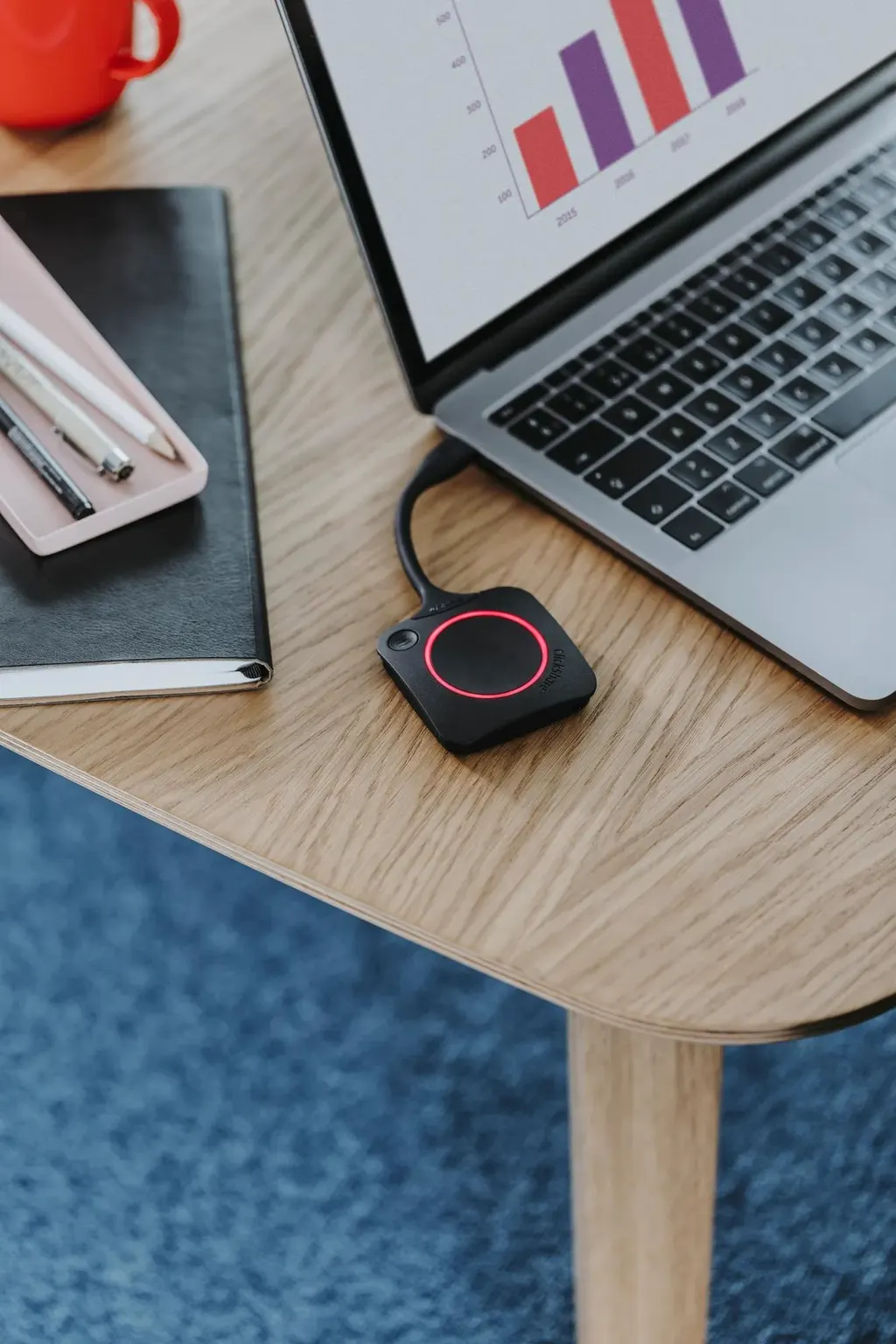
ClickShare Extension Pack
Barco ClickShare Extension Pack Wireless Presentation Accessory
Priceon request
QuotationWithin 1 working day
DeliveryConfirmed with your quote, based on stock
Overview
The Barco ClickShare Extension Pack is an accessory in the ClickShare wireless presentation series that adds extended desktop functionality to an existing setup. It suits meeting rooms, boardrooms and training rooms in Doha, Lusail and Education City where presenters need more working space than a single shared screen gives them. The manufacturer's data does not list the contents or compatible models, so the SmartRooms Qatar team confirms those before you order.
What the ClickShare Extension Pack adds
The Barco ClickShare Extension Pack is an accessory in the ClickShare wireless presentation series. Its defining function is extended desktop functionality. An extended desktop treats the shared display as an additional workspace for the presenter rather than a copy of the main screen, so the person presenting can keep slides, notes and a live document open at the same time while the room sees only what is chosen for sharing.
The source data for this model is a short product record. This page therefore sticks to what it confirms: the product name, the ClickShare series, its accessory category, its current status and its extended desktop function. Details such as the number of items in the pack, compatible ClickShare models, ports and environmental ratings are not listed in that record, so this page does not state or estimate them.
Why extended desktop matters in working rooms
Many meetings run more than one document at once. A presenter may need the presentation on screen, a financial model open on the side and the minutes being typed. Without an extended workspace, all of this competes for one display. An accessory that extends the desktop lets the presenter separate those tasks, which keeps the discussion focused and the session moving.
The benefit depends on the setup already in the room. The Extension Pack is designed to extend a ClickShare installation, so the first question for any organisation is whether it already runs ClickShare or is planning a new system. Where a room is being fitted out from scratch, the wireless presentation system and this accessory should be specified together.
Where it fits in Qatar
- Boardrooms in West Bay: A chair presents board papers on the main screen while keeping the financial model, the agenda and a live resolution draft open on the extended workspace.
- Lecture and seminar rooms at Education City: A lecturer keeps the course deck on the shared display while working through references or a demonstration in a separate window.
- Government and bilingual meetings in Msheireb: Teams working in Arabic and English can keep an Arabic agenda in one window and an English briefing in another. Language support in the presentation software itself depends on the presenter's laptop, not on this accessory.
What to confirm before you order
Before requesting a quote, confirm three things: the ClickShare model already installed or planned, the operating systems on the presenter laptops, and how many rooms need the accessory. Each room may need its own setup, so the number of rooms matters for both the quotation and the installation plan.
Environment is also worth checking. Summer temperatures above 45°C and dust storms can affect equipment in unventilated or window-facing spaces. The source data does not give operating temperature or dust ratings for this accessory, so confirm the intended location with the SmartRooms Qatar team before installing it anywhere other than an air-conditioned meeting room.
Ordering from SmartRooms Qatar
SmartRooms Qatar supplies the ClickShare Extension Pack, delivers to all eight municipalities of Qatar and offers professional installation. Free site surveys are available where the room layout, cable routes or wall-mounted equipment need checking. Quotations are usually issued within one working day. Purchase orders (LPOs), government tenders including Monaqasat, and payment by bank transfer, cheque or purchase order are all accepted. Products are covered by the manufacturer's warranty.
To receive an accurate quotation, send the room type, the ClickShare model in use, the number of rooms and the presenter laptop setup. Request a quote from SmartRooms Qatar today and the team will confirm contents, compatibility and lead time, which depend on stock and are confirmed with the quotation.
Highlights
- Adds extended desktop functionality to a ClickShare setup
- Accessory in the ClickShare wireless presentation series
- Current model; availability confirmed with each quotation
- Contents and compatible models confirmed before ordering
- Covered by the manufacturer's warranty
Room fit
Tell us the room size and platform (Teams, Zoom or BYOD) and we confirm the right combination with your quotation.
Estimated timeline
Quotation within 1 working day · delivery timing depends on stock availability, and we confirm it with your quotation.
Specifications
Source: manufacturer · checked Oct 2026
The full specification and datasheet for this model are available on request; we send them with your quotation.
Downloads
1 file from the manufacturerQuestions about ClickShare Extension Pack
What does the Barco ClickShare Extension Pack do?
It adds extended desktop functionality to a ClickShare setup. The shared screen can act as an additional workspace for the presenter rather than a copy of the main display, which helps when a meeting needs slides, notes and a live document at the same time. The product sits in the ClickShare series under video conferencing accessories, so it is intended to extend an existing ClickShare installation.
Is the Extension Pack a complete ClickShare system?
No. The manufacturer's data classifies it as an accessory in the ClickShare series, so it is intended to work with a ClickShare system rather than replace one. If your room does not yet have a ClickShare system, the SmartRooms Qatar team can advise which configuration fits your requirement before you request a quote.
Which ClickShare models is it compatible with?
The source data does not list compatible models, firmware or operating systems, so this page does not state them. Before ordering, send your installed or planned ClickShare model and the operating systems on your presenter laptops to the SmartRooms Qatar team, who will check compatibility before the quotation is issued.
What is included in the Extension Pack?
The manufacturer's data does not itemise the contents, so quantities and accessories are not confirmed here. Ask for the contents list when you request a quote, especially if you plan to equip several rooms, because each room may need its own setup. Quotations are usually issued within one working day.
How would a boardroom in West Bay use extended desktop?
A chair can present board papers on the main screen while keeping the financial model, the agenda and a live resolution draft open on the extended workspace. Participants see only the material shared with them, so the discussion stays focused. This suits boardrooms where several documents are reviewed in the same session.
Is it useful in a lecture theatre at Education City?
It can be. A lecturer can keep the course deck on the shared display while working through references, a software demonstration or annotated notes in a separate window. This reduces switching between files during a session. Whether it suits a particular theatre depends on the existing ClickShare setup, which the SmartRooms Qatar team can review with you.
Can a government office in Msheireb use it for bilingual meetings?
Bilingual meetings often need two sets of documents open at once. The extended workspace lets a presenter keep an Arabic agenda in one window and an English briefing in another while the room sees the chosen material. Language support within the presentation software depends on the presenter's laptop, not on this accessory.
Does the Extension Pack need professional installation?
The source data gives no mounting or installation requirements for this accessory. SmartRooms Qatar provides professional installation and free site surveys, which are useful when the room includes a wall-mounted display, cable routes or a new conference table layout. A survey lets the team plan the setup before any work begins.
Can a school or government body order it by LPO or through Monaqasat?
Yes. SmartRooms Qatar accepts purchase orders (LPOs) and supplies against government tenders, including those on Monaqasat. Payment can be made by bank transfer, cheque or purchase order. Share the tender reference or LPO details when requesting a quote so the quotation matches your procurement process.
Is the product covered by a warranty?
Yes, products supplied by SmartRooms Qatar are covered by the manufacturer's warranty. The source data does not state the warranty length or its terms, so ask the team to confirm the warranty details that apply to this model before you place an order.
How should I plan for heat and dust in Qatar?
The source data does not give operating temperature or dust ratings for this accessory. Summer temperatures above 45°C and dust storms can affect equipment in unventilated or window-facing spaces, so confirm the intended environment with the SmartRooms Qatar team before installing it anywhere outside an air-conditioned meeting room.
How quickly can I get a quote?
Quotations are usually issued within one working day. Send the room type, the ClickShare model in use, the number of rooms and the presenter laptop setup. The team will then confirm compatibility, contents and lead time, which depends on stock and is confirmed with the quotation.



