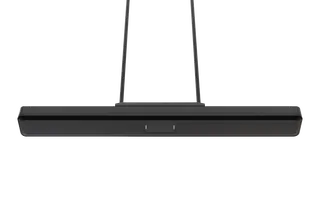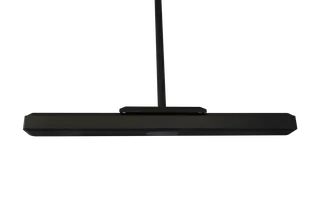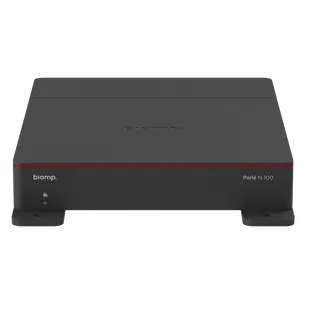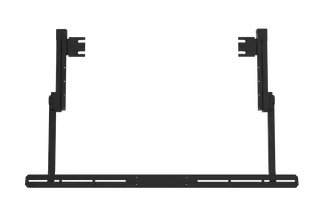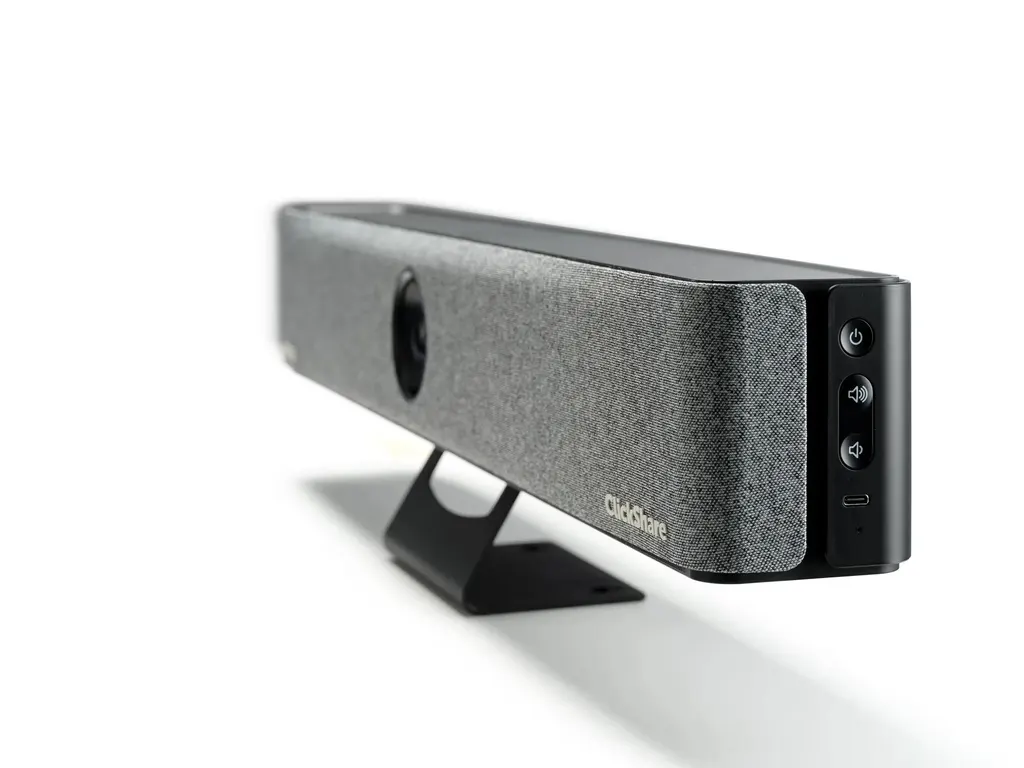
ClickShare Bar Core
Barco ClickShare Bar Core All-in-One Video Bar
- Pickup range
- 6 beamforming MEMS microphones…
- Platforms
- FCC/CE
The Barco ClickShare Bar Core is an all-in-one video bar for small meeting rooms and huddle spaces, working with any videoconferencing platform. It pairs a 4K camera with 3x zoom and group framing for up to four people, two 10W stereo speakers and six beamforming microphones. Wireless sharing runs through one button or the app. It suits offices and schools across Qatar that want a simple setup.
What the ClickShare Bar Core does in a meeting room
The Barco ClickShare Bar Core brings camera, microphones, speakers and wireless sharing into one unit that sits beside or below the display. It is designed for small meeting rooms and huddle spaces, where a full conference system would be more equipment than the room needs. Because it works with any videoconferencing platform, the same bar can support a Teams call on Monday and a Zoom session on Tuesday.
Camera, microphones and audio that matter in a small room
The 4K camera offers 3x zoom and a 120-degree field of view, and its group framing mode composes the picture for up to four people. Six beamforming MEMS microphones apply echo and background noise cancellation, with a pickup range of up to 4 meters, which suits a compact table. Two 10W stereo speakers with full duplex audio let people at both ends talk at the same time, which matters when a discussion moves quickly.
Wireless sharing and wired connections
One ClickShare Button is included, and the ClickShare app runs on desktop and mobile. Sharing also works through Airplay, Google Cast and Miracast. The wireless link operates on 2.4 GHz and 5 GHz with a reach of up to 30 m between button and bar. Wired options are one USB-C 3.1 DP port to the screen, one USB-A 2.0 port, one 1 Gbit Ethernet LAN port and one side USB-C 2.0 port. Only one source can be shown on screen at a time.
Where it fits across Qatar
- A private school in Al Wakrah equipping a small parent or staff meeting room for hybrid conversations.
- A government office in West Bay running a compact briefing room where officials join calls with colleagues in other cities.
- A clinic or consultancy in The Pearl that needs a simple way to host external partners without a technician in the room.
- A company in Lusail with a huddle space that connects regional teams from a single screen.
What to plan before installation
Measure the wall or stand and the display first. The bar measures 640 mm wide, 98 mm high and 101 mm deep, and weighs 2500 g. Operating temperature is 0 to 40°C with 0 to 85% non-condensing humidity, so it belongs in an air-conditioned room. Where summer cooling cannot hold that range, confirm the space with the SmartRooms Qatar team before installation. Power draw is 5 to 20 W in operation with a 65 W maximum, and the source lists a 110/220 V AC plug or USB-C power at the back. Confirm the plug arrangement against Qatar's 240 V sockets before ordering. Warranty is 1 year standard, extended to 5 years on registration via SmartCare. The bar is fanless and has a Kensington lock on the back and bottom. For a smooth Teams or Zoom experience, the source lists a minimum of an Intel i3 dual-core or AMD Ryzen 7 with 8 GB RAM for the connected computer, and an Intel i5 quad-core or AMD Ryzen 9 as recommended.
SmartRooms Qatar offers a free site survey before mounting, professional installation and delivery to all 8 municipalities of Qatar. Quotations usually follow within one working day. Request a quote and our team will confirm the fit for your room.
Highlights
- 4K camera with 3x zoom and 120-degree field of view
- Group framing for up to four people in shot
- Two 10W stereo speakers with full duplex audio
- Six beamforming microphones with echo and noise cancellation
- Wireless sharing via one ClickShare Button or app
- Fanless design, Kensington lock, 1-year standard warranty
Room fit
Tell us the room size and platform (Teams, Zoom or BYOD) and we confirm the right combination with your quotation.
Estimated timeline
Quotation within 1 working day · delivery timing depends on stock availability, and we confirm it with your quotation.
Specifications
General Specifications32
- Operating system
- Windows 10 and higher macOS 11 (Ventura) and higher Android v13 and higher (ClickShare App) iOS 16 and higher (ClickShare App)
- System requirements
- For a smooth experience with Microsoft Teams or Zoom Minimum: Intel i3 dual-core processor or AMD Ryzen 7 / 8GB RAM / OS: Windows 10 latest build or Mac OS Mojave latest build Recommended: Intel i5 4-core processor or AMD Ryzen 9 / 8GB RAM / OS: Windows 11 latest build or Mac OS latest build
- Video outputs
- 4K UHD (3840*2160) @ 30Hz. HDMI™ 1.4b or USB-C DP ALT mode (DisplayPort 1.2)
- Video inputs
- -
- Camera
- 4K camera, 3x zoom/ePTZ, 120 FOV
- Camera AI
- Group framing and composition mode with up to 4 people
- Audio output
- 2x 10W full duplex and stereo speakers, 8 Ohms impedance
- Audio pickup
- 6 beamforming MEMS microphones with echo and background noise cancellation. Pickup range: max. 13ft/4 meters
- ClickShare Buttons
- 1
- ClickShare App
- Desktop & Mobile
- Native protocols
- Airplay, Google Cast, Miracast
- Maximum sources simultaneously on screen
- 1
- Noise Level
- Fanless
- Authentication protocol
- WPA2-PSK in stand-alone mode WPA2-PSK or IEEE 802.1X using the ClickShare Button in network integration mode
- Wireless transmission protocol
- IEEE 802.11 a/g/n/ac and IEEE 802.15.1
- Reach
- Max. 30m (100 ft) between ClickShare Button and ClickShare Bar
- Frequency band
- 2.4 GHZ and 5 GHz (DFS channels supported in select number of countries in network integration mode)
- Connections
- 1x USB-C 3.1 (DP) to screen, 1x USB-A 2.0, 1x Ethernet LAN 1Gbit, 1x USB-C 2.0 (side)
- Temperature range
- Operating: 0°C to +40°C (+32°F to +104°F) Max: 35°C (95°F) at 3000m Storage: -20°C to +60°C (-4°F to +140°F)
- Humidity
- Storage: 0 to 90% relative humidity, non-condensing Operation: 0 to 85% relative humidity, non-condensing
- Anti-theft system
- Kensington lock (back and bottom)
- Certifications
- FCC/CE
- Touch screen support & Interactivity
- No
- Wireless conferencing
- via App or Button
- Local view
- Yes
- Network connection
- LAN & WiFi
- Management and reporting
- Yes
- Warranty
- 1 year standard. 5 years coverage upon registering via SmartCare
- Dimensions (HxWxD)
- 98 mm x 640 mm x 101 mm
- Power consumption
- Operational: 5-20W, 65W Max
- Power supply
- Standard 110/220 V AC plug or USB-C (back)
- Weight
- 2500 gr