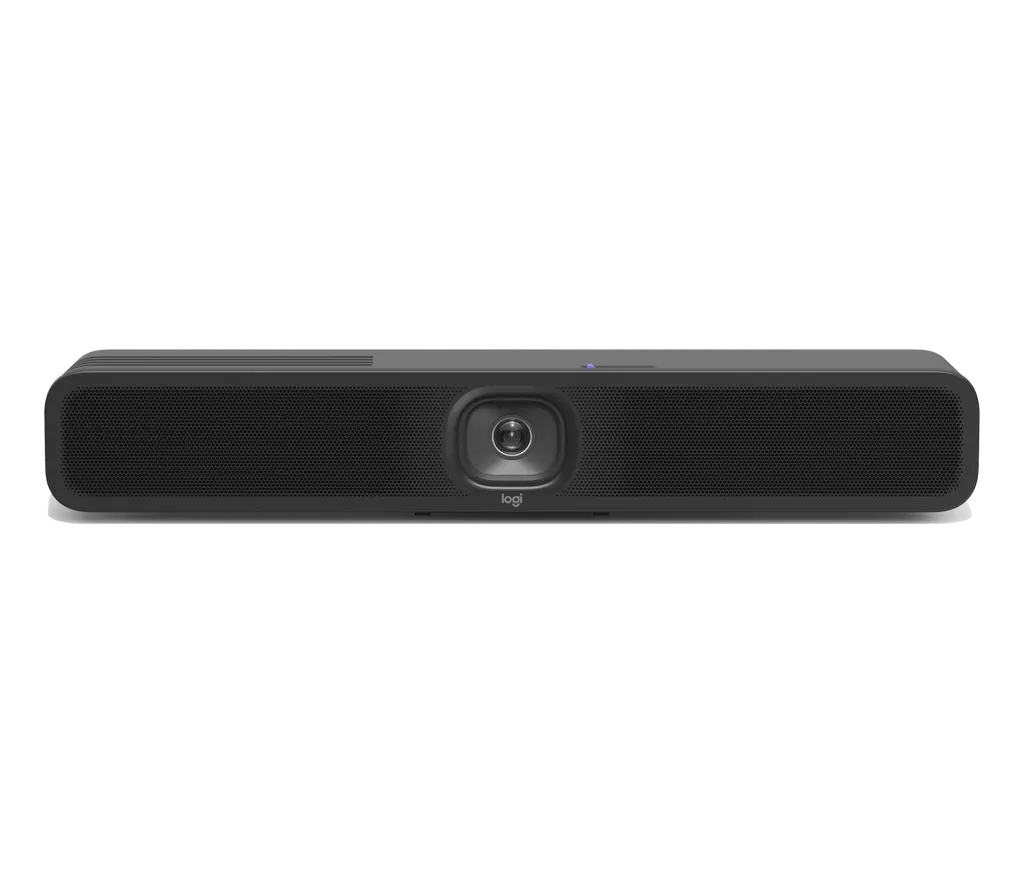
MeetUp 2
Logitech MeetUp 2 All-in-One USB Video Bar for Small Rooms
- Video
- 4K
- Field of view
- 120°
- Zoom
- 4X HD digital zoom
- Pickup range
- Up to 7m
The Logitech MeetUp 2 is an all-in-one USB video bar for small meeting rooms, combining a 4K camera, a six-microphone array, a full-range speaker and AI-based noise suppression in one enclosure. It connects to an in-room PC over USB-C or to a visitor's laptop in BYOD mode, and lists Microsoft Teams, Zoom and Google Meet as compatible platforms. It suits huddle rooms in Doha offices, school staff rooms and clinic meeting spaces. Request a quote for supply, delivery and installation across Qatar.
What the MeetUp 2 does in a small room
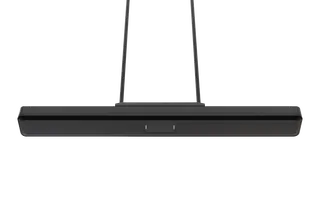
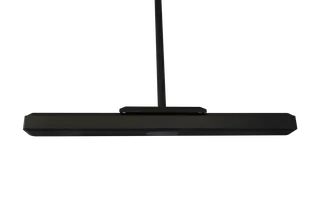
The Logitech MeetUp 2, part number 960-001681, combines a camera, microphone array, speaker and processing in one graphite enclosure that mounts on a wall or sits on a table edge. It is aimed at rooms where a full conferencing system would be oversized, and where the IT team wants a device that is simple to deploy and manage.
In practice, a colleague joining from abroad sees the whole table through a 4K camera and hears people at the far end through a six-microphone array. When a computer is already in the room, one USB-C cable carries video and audio to it, so no separate codec or conference hub is needed.
Specifications that shape the buying decision
- Camera: 4K camera resolution, 4x HD digital zoom, 120° diagonal field of view, digital pan of ±48° and tilt of ±32° at 4x zoom.
- Audio: six omnidirectional digital MEMS microphones forming five adaptive beams, pickup range up to 7 m, AI-based de-noising and acoustic echo cancellation.
- Speaker: 55 mm full-range driver in a bass reflex enclosure, rated at 8 W.
- Connections: one USB-C (USB 3.1) port, one HDMI in, one HDMI out, 10/100/1G Ethernet, Wi-Fi 802.11a/b/g/n/ac/ax and Bluetooth Low Energy.
- Management: Logitech Sync cloud app for room status, updates and settings, with IPv4 and IPv6 and proxy support.
Two operating modes cover most rooms. In USB mode the bar works with an in-room PC. In BYOD mode, a visitor's laptop connects to it and the meeting runs from that laptop. The manufacturer lists Microsoft Teams, Zoom and Google Meet as compatible platforms. The bar is not compatible with Logitech RoomMate, so it is deployed in PC and BYOD modes only.
Where it fits in Qatar
A consultancy office in Msheireb, for example, may have a small room where a client team joins from Riyadh or Dubai while two or three staff sit together. A single bar removes the need to assemble a webcam, speakerphone and microphone on a table. A sales office in Lusail can use BYOD mode so that visiting staff connect their own laptops within seconds, without involving a room PC.
A private school in Al Wakrah fitting out staff meeting rooms might standardise on the same bar across several rooms, with one PC in each room in USB mode. Because the bar is managed through Logitech Sync, the school's IT staff can check each room's status and push updates without visiting every room.
Planning the installation in Qatar
- Choose a wall or table position where the furthest seat is within about 7 m of the bar.
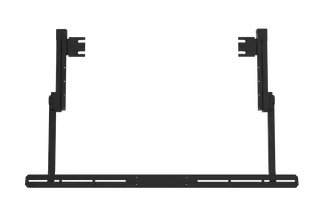
- The box includes a multi-function mount, two wall anchors and two screws, and the bar has a Kensington security slot.
- The USB-C cable and the DC cable are both 3 m long, so plan the distance to the PC or power socket.
- The power supply is auto-sensing with a 100-240 V input and comes with region-specific plugs.
- Operating temperature is 0 to 40°C with 10 to 90% humidity. Qatar summer temperatures can exceed 45°C, so keep the bar inside air-conditioned rooms, away from windows and direct sunlight.
The SmartRooms Qatar team offers a free site survey before mounting, which helps confirm wall construction, cable routes and the room's air-conditioning layout. If your environment is unusual, such as a fully glazed meeting pod, confirm it with us before ordering.
Request a quote
Send us your room dimensions, your PC or laptop setup and the number of rooms, and the SmartRooms Qatar team will return a quotation, usually within one working day. We supply and deliver to all 8 municipalities of Qatar, arrange professional installation, and accept purchase orders (LPOs), government tenders and payment by bank transfer, cheque or purchase order. Request a quote for your Logitech MeetUp 2 today.
Highlights
- 4K camera with 120° diagonal field of view
- Six-microphone array with pickup range up to 7 m
- AI-based noise suppression built into the bar
- USB-C, HDMI in and out, Ethernet and Wi-Fi 802.11ax
- Works with Microsoft Teams, Zoom and Google Meet
- Operating range 0 to 40°C for air-conditioned rooms
Room fit
Tell us the room size and platform (Teams, Zoom or BYOD) and we confirm the right combination with your quotation.
Estimated timeline
Quotation within 1 working day · delivery timing depends on stock availability, and we confirm it with your quotation.
Specifications
Part Number1
- Items
- 960-001681
Technical Specifications - Overview1
- Items
- Built-in Components · 6 DMIC microphone array · Digital PTZ camera · 1 full range ported speaker · Cable management & retention system · Multi-mount · Logitech CollabOS platform · Logitech RightSight 2 · Logitech RightSound 2
Technical Specifications - General Specifications7
- Enclosure
- All-in-one enclosure
- Device Management
- Logitech Sync
- Displays Supported
- BYOD mode: 1; Dedicated computer mode: computer/application dependent
- Display Resolution
- 1080p
- Network Protocol Support
- IPv4, IPv6
- Proxy Support
- IP based Proxy, FQDN based Proxy, Proxy using PAC file
- RoomMate Compatibility
- Not compatible with Logitech RoomMate, MeetUp 2 can be deployed in PC and BYOD mode only.
Technical Specifications - Camera7
- Digital pan
- ±48° at 4x zoom
- Digital Tilt
- ±32° at 4x zoom
- Zoom
- 4X HD digital zoom
- Diagonal Field of View
- 120°
- Horizontal Field of View
- 113°
- Vertical Field of View
- 80°
- Resolution
- 4K
Technical Specifications - Speakers5
- Driver
- 55 mm with bass reflex enclosure and patented suspension design
- Sensitivity
- 83 dB SPL @1W +/-2dB @ 1 meter
- Rated Power
- 8W THD at 1W, 1kHz :
- Speaker Sampling Rate
- 48KHz
- Impedance
- 4 Ohms
Technical Specifications - Microphones7
- Frequency Response
- 90Hz – 16kHz
- Sensitivity
- -36dBFS +/-1 dB @ 1Pa
- Microphone data rate output
- 48 kHz
- Pickup Range
- Up to 7m
- Beamforming Elements
- Six omnidirectional digital MEMS microphones forming five adaptive acoustic broadside beams
- Audio processing
- AEC (Acoustic Echo Cancellation) VAD (Voice Activity Detector)
- Noise suppression
- AI based de-noising algorithm
Technical Specifications - Interfaces6
- HDMI Out
- 1
- HDMI In
- 1
- USB
- 1 x Type C USB 3.1
- Network
- 10/100/1G Ethernet
- WiFi
- 802.11a/b/g/n/ac/ax
- Bluetooth
- Bluetooth® Low Energy
Technical Specifications - Power and Cables5
- Power supply
- Auto-sensing
- Operating Voltage/Power
- 100-240V, 19V, 2.1A
- Power Supply Dimensions
- 114 x 47 mm x 32.3 mm
- DC Cable
- 3 m
- USB C to USB C 2.0 Cable
- 3 m
Technical Specifications - Environmental3
- Operating temperature
- 0 to 40°C
- Storage temperature
- -25-70°C
- Humidity
- 10 to 90%
Technical Specifications - Security6
- File Based Encryption
- AES-128
- Data Encryption
- Symmetric Keys, PKI
- Device Identity
- Protected by device attestation
- Device Access
- Authenticated using API
- Key Protection
- Arm TrustZone, RPMP
- Physical Security
- Kensington security slot