





Thursday, 22 October 2026 · 11 Jumada I 1448 AH Sun – Thu · 9:00 – 18:00
+971 56 914 9477 العربية
WhatsApp

PTZ Virtual USB Driver

Panasonic PTZ Virtual USB Driver Software for Network PTZ Cameras

WhatsApp
Priceon request
QuotationWithin 1 working day
DeliveryConfirmed with your quote, based on stock
Overview

Panasonic PTZ Virtual USB Driver is software that makes supported Panasonic PTZ cameras and professional camera recorders on your network appear as USB cameras to a computer. It suits universities, schools and government offices in Qatar that already own a compatible camera and need it in video calls or remote lectures without a cable run to the room. Request a quote and we will confirm your model is supported.

What the driver does on your network

Panasonic PTZ Virtual USB Driver is computer software for a situation common in Qatari meeting rooms and lecture halls: the camera is fixed high on a wall or ceiling, while the computer running the call sits somewhere else. Rather than running a USB cable between the two, the driver locates a supported Panasonic PTZ camera or professional camera recorder on the local network and presents it to the computer as a USB camera. Video conferencing and lecture capture software can then select it like any other webcam.

Because the feed travels over the network, the camera can sit where the shot is best, not where a USB cable happens to reach. That matters in large halls, multi-floor buildings and rooms where the desk is far from the mounting point.

Supported cameras and recorders to check first

The driver only works with models on the manufacturer's supported list, so confirm your exact camera before anything else. Supported PTZ cameras include the AW-UE160W/K, AW-UE100W/K, AW-UE80W/K, AW-UE50W/K, AW-UE40W/K, AW-UE30W/K, AW-UE20W/K, AW-UE4WG/KG and AW-UR100. The list also includes AW-UN70W/K, AW-UE70W/K and AW-UE150W/K, with AW-UE150W/K and AW-UE70W/K marked as discontinued models. Professional camera recorders on the list are the AJ-CX4000GJ, AG-CX350 and AG-CX10, along with POVCAM units AG-UMR20/AG-UCK20GJ and AG-MDR25/AG-MDC20GJ. The AW-HE145W/K is marked as a US and EU only model.

Where it fits in Qatar

  • A university in Education City recording a lecture that students follow from another building. The source lists PTZ camera operation through the Panopto interface, so the camera can be framed from the lecture platform during recording.
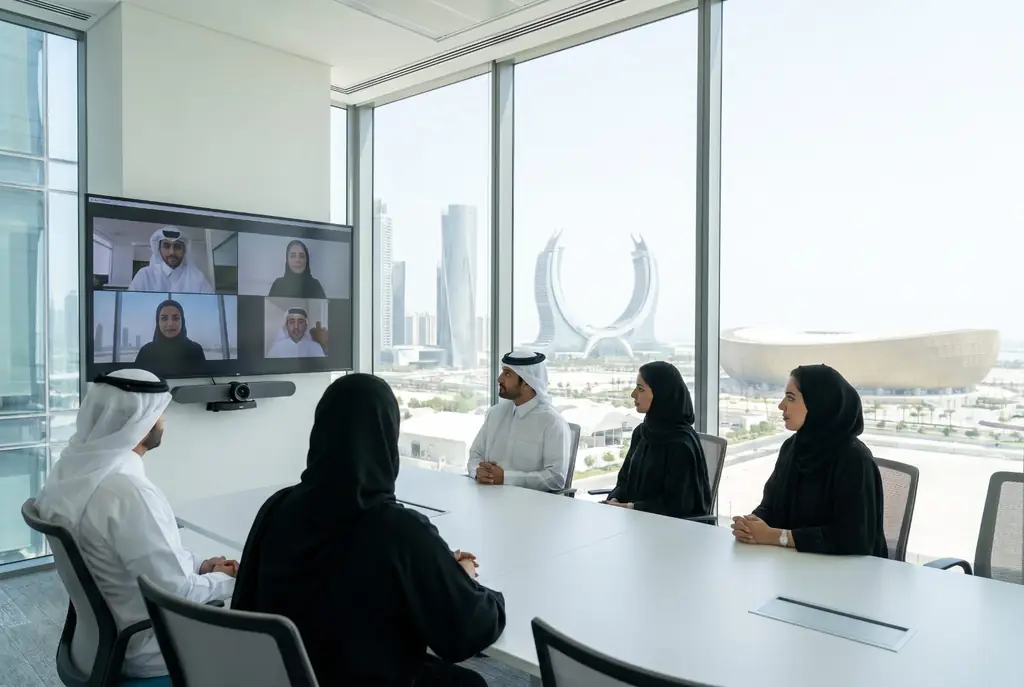
  • A ministry meeting room in West Bay where a camera at the head of the table lets officials join calls with colleagues abroad, without a cable run from the ceiling to the desk.
  • A private school in Al Wakrah fitting out a classroom for hybrid lessons, with the camera feeding the teacher's laptop over the school network.

Planning the network and the order

Map the network path between each camera and the computer that will use it, and confirm the camera is reachable from that computer before fitting. The source data does not list operating system, computer or bandwidth requirements, so SmartRooms Qatar checks these with you during quotation rather than assuming them. A free site survey lets our team look at mounting height, sightlines and the network route in person.

Purchase orders (LPOs) and government tenders are welcome, so a school or ministry ordering several cameras can raise one order for the whole project.

How to request a quote

Send SmartRooms Qatar your exact camera model numbers, the computer and video conferencing or lecture capture software you use, and a note of the room layout. Our team will confirm compatibility and return a quotation, usually within one working day. Request a quote today and we will confirm which of your camera models are on the supported list.

Highlights

  • Uses supported Panasonic PTZ cameras on the LAN as USB cameras
  • Professional camera recorders such as AG-CX350 and AG-CX10 are supported
  • Remote PTZ use for setups where a USB cable connection is not possible
  • PTZ camera operation available through the Panopto interface
  • Compatibility limited to models on the manufacturer's supported list
  • Software only; request a quote to confirm your camera models

Room fit

Tell us the room size and platform (Teams, Zoom or BYOD) and we confirm the right combination with your quotation.

Estimated timeline

Quotation within 1 working day · delivery timing depends on stock availability, and we confirm it with your quotation.


Specifications

Source: manufacturer · checked Oct 2026
The full specification and datasheet for this model are available on request; we send them with your quotation.

Downloads

1 file from the manufacturer

Questions about PTZ Virtual USB Driver

What does the Panasonic PTZ Virtual USB Driver do?
It is software that lets a computer use a supported Panasonic PTZ camera or professional camera recorder on the local network as if it were a USB camera. Video conferencing and lecture capture applications then receive the camera feed like any webcam, so the camera can be mounted where the shot is best rather than where a USB cable reaches.
Which cameras work with the driver?
Only models on the manufacturer's supported list. Supported PTZ cameras include the AW-UE160W/K, AW-UE100W/K, AW-UE80W/K, AW-UE50W/K, AW-UE40W/K, AW-UE30W/K, AW-UE20W/K, AW-UE4WG/KG and AW-UR100. Professional camera recorders such as the AG-CX350 and AG-CX10 are also supported. Confirm your exact model before ordering, because compatibility is model-specific.
Are any supported cameras discontinued or limited by region?
Yes. The manufacturer's list marks the AW-UE150W/K and AW-UE70W/K as discontinued models, and the AW-HE145W/K as a US and EU only model. If you are specifying a camera for a Qatar project, ask SmartRooms Qatar to confirm the current availability of your chosen model before you commit to it.
Do I still need a USB cable between the camera and the computer?
No. The driver is designed for cases where a USB cable connection is not possible, because it reaches the camera over the network. The camera still needs a working network connection to the computer that runs the call, so plan that route before installation.
Can the camera be operated remotely during a lecture?
The manufacturer lists PTZ camera operation through the Panopto interface, which suits remote lectures. A lecturer at a university in Education City can frame the shot from the lecture platform while teaching, without an operator standing in the room. Confirm that your lecture platform is the one you plan to use before ordering.
How would a ministry meeting room in West Bay use this driver?
A camera fixed at the head of a boardroom table can feed the room computer over the network, so officials can join calls with colleagues abroad without running a USB cable from the ceiling to the desk. SmartRooms Qatar offers a free site survey to check the mounting height and the network route before installation.
Could a private school in Al Wakrah use it for hybrid lessons?
Yes, provided the classroom camera is on the supported list. A school fitting out a classroom can connect the camera to the teacher's laptop over the school network, so remote pupils can see the room without a long USB run to the teacher's desk. Send us the camera model and the classroom layout so we can check both.
Is it suitable for a training centre in Al Rayyan?
It can be, for rooms where a trainer uses a laptop and the camera is mounted some distance away. Each room needs its own supported camera and a network connection to the trainer's computer. A single purchase order can cover several rooms, and SmartRooms Qatar can confirm the camera models for each room before quotation.
What computer or operating system do I need?
The source data does not list operating system, processor or bandwidth requirements for the driver. SmartRooms Qatar will confirm the computer and conferencing software you plan to use when you request a quote, so the driver is not installed on a machine that cannot run it.
Do I need a site survey before installation?
A site survey is useful for any camera fixed to a wall or ceiling. SmartRooms Qatar offers free site surveys to check mounting height, sightlines and the network route between the camera and the computer. Surveys are especially useful in large halls, where the camera may be far from the desk.
How do I request a quote and what happens next?
Send your camera model numbers, the computer and software you use, and the room layout. The SmartRooms Qatar team confirms compatibility and returns a quotation, usually within one working day. Payment can be made by bank transfer, cheque or purchase order, including LPOs for government and school orders.

Similar models

Biamp Vidi 100 Biamp Vidi 100 4K Conferencing Camera
Cameras
Biamp Vidi 150 Biamp Vidi 150 4K Conferencing Camera
Cameras
Biamp Vidi 250 Biamp Vidi 250 4K Conferencing Camera
120 Degrees Zoom Certified
Biamp Vidi 280 Biamp Vidi 280 4K Conferencing Camera with Dual Sensors
Ultrawide Lens Zoom Certified
Biamp Vidi Content Cam 250 Biamp Vidi Content Cam 250 4K Whiteboard Content Camera Kit
120° Up to 5x digital zoom
Email Call


