CS7501
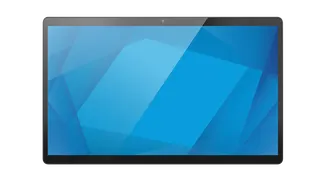
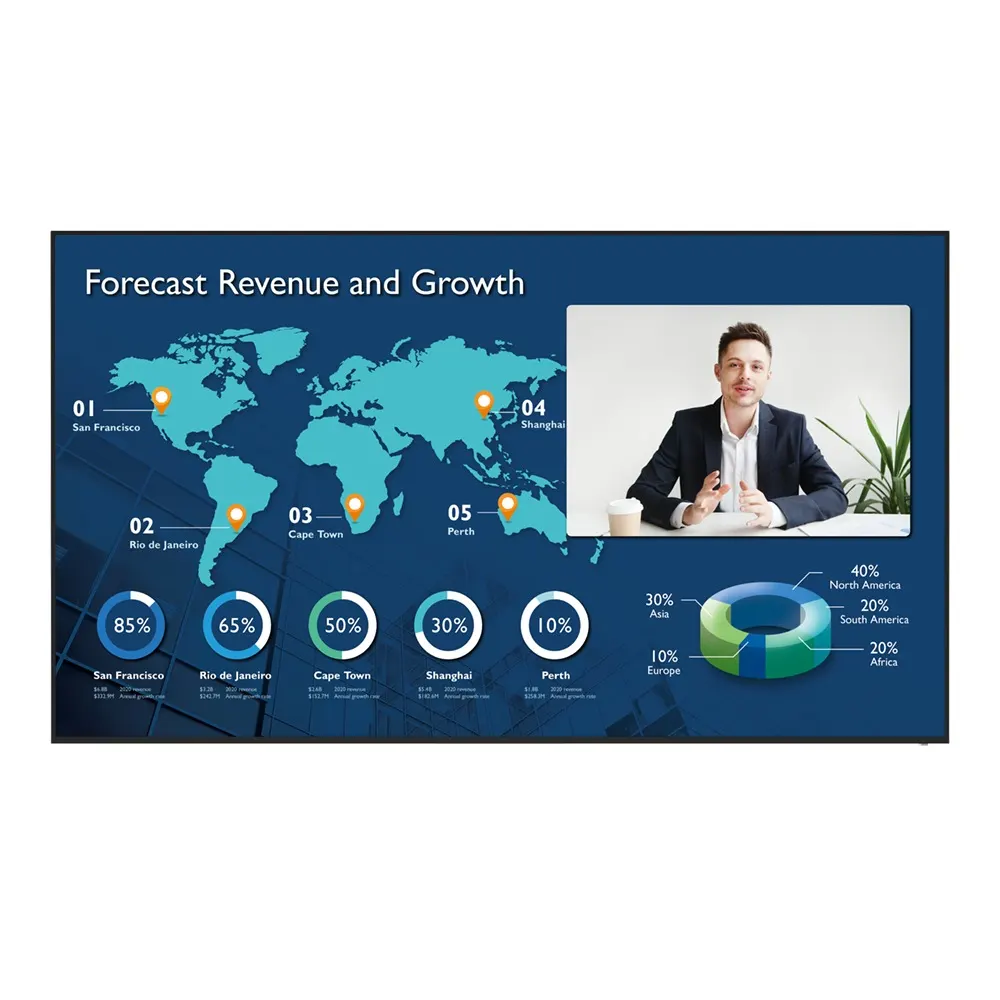
BenQ CS7501 75-inch Corporate Meeting Room Display
- Screen size
- 75''
- Resolution
- UHD 3840 × 2160 pixels
- Brightness
- 450 nits
- Operation
- 18 hours / 7 days
The BenQ CS7501 is a 75-inch 4K UHD corporate meeting room display without touch input. It runs Android 8.0, has an OPS slot for a conferencing PC, three HDMI 2.0 inputs and built-in wireless sharing for up to four screens. Suited to medium meeting rooms in West Bay, Lusail or Education City that host hybrid calls with teams abroad. Request a quote.
What the BenQ CS7501 is for
The BenQ CS7501 is a 75-inch corporate display built for meeting rooms, where it shows presentations and carries video calls. It is a non-touch model, so people control it with the included remote, a connected laptop or the built-in Android interface rather than by touching the glass. The panel offers 4K UHD resolution at 3840 × 2160 pixels, 10-bit colour, 450 nits typical brightness and a 1,200:1 typical contrast ratio. The display runs Android 8.0 with 4GB of memory and 32GB of storage.
Ports and connections that matter in a meeting room
Three HDMI 2.0 inputs and one HDMI 2.0 output connect a laptop, a document camera and a second screen without constant cable swapping. A VGA input and a 3.5 mm line input for PC audio cover older equipment. The OPS slot accepts a slot-in computer, so conferencing software runs on a PC module rather than relying on the display alone. The manufacturer lists Zoom, Cisco Webex, Microsoft Teams and other apps as compatible through that slot. Ethernet at 10/100/1000 Mbps serves both the Android system and the OPS module.
- USB: 3 × USB 2.0 and 3 × USB 3.0 ports
- Audio: 2 × 10 W built-in speakers, 3.5 mm line out and optical S/PDIF out
- Control: one RS-232 port for room control integration
Sharing, whiteboarding and room booking
InstaShare 2 lets up to four screens share wirelessly, so presenters do not have to hunt for the right cable. EZWrite 5.0 allows attendees to add notes and media from their own devices onto the whiteboard. Duo OS and Duo Windows let you keep a working window open while running a second application side by side. For room bookings, Meeting Room 365 works with Microsoft Outlook, Office 365, Exchange and Google Workspace, and X-Sign Broadcast pushes announcements to one or several displays.
Where it fits in Qatar
- A government authority in West Bay refitting a boardroom, where staff book the room through Outlook and join calls with colleagues abroad.
- A private school in Al Rayyan equipping a staff meeting room, where teachers present in Arabic and English during the Sunday to Thursday working week.
- A consultancy in Lusail running hybrid teams, where one room needs a large screen for shared documents and a slot-in computer that joins the call.
Planning the installation and site
The panel weighs 33.3 kg and ships at 49 kg, so plan for several people to lift it and confirm that the wall or mounting structure can carry the load. It measures 1672.2 × 954.9 × 86.7 mm and uses a VESA 400 × 200 mm pattern with four M8 × 15 screws. Operating temperature is 0°C to 40°C with 10% to 90% RH non-condensing humidity. Qatar summer temperatures can exceed 45°C, so install it in an air-conditioned room away from direct sunlight and dusty entrances. The power input covers 100-240V at 50/60Hz, with 157 W typical consumption and under 0.5 W on standby. The listed accessories are VGA, HDMI and USB cables and a remote control, so a camera and a conferencing PC must be planned separately.
Request a quote
To confirm mounting, conferencing setup and cabling for your room, request a quote from SmartRooms Qatar. We supply and deliver to all eight municipalities of Qatar, provide professional installation and offer free site surveys before a heavy panel goes on the wall. Quotations are usually issued within one working day. We accept purchase orders (LPOs) and government tenders, including Monaqasat, with payment by bank transfer, cheque or purchase order. The product is covered by the manufacturer's warranty.
Highlights
- 75-inch 4K UHD panel at 3840 × 2160 pixels
- 450 nits typical brightness and 1,200:1 typical contrast
- OPS slot for a slot-in conferencing computer
- Three HDMI 2.0 inputs, one HDMI 2.0 output, VGA input
- InstaShare 2 wireless sharing for up to four screens
- Non-touch model with 100-240V, 50/60Hz power input
Estimated timeline
Quotation within 1 working day · delivery timing depends on stock availability, and we confirm it with your quotation.
Specifications
Panel14
- Screen size
- 75''
- Panel type
- ADS
- Active area
- 1649.7 × 927.9 mm
- Aspect ratio
- 16:9
- Resolution
- UHD 3840 × 2160 pixels
- Response time
- 8 ms
- Color depth
- 10-bit
- Orientation
- Landscape
- Operation hours
- 18 hours / 7 days
- Panel brightness (typical)
- 450 nits
- Contrast ratio (typical)
- 1200:1
- Dynamic contrast ratio
- 30,000:1
- Color gamut
- 72% NTSC
- Backlight life (typical)
- 50,000 hrs
System4
- GPU
- Mali-G51MP4
- CPU
- A73 × 2 + A53 × 2
- Memory | Storage
- 4GB I 32GB
- OS
- Android 8.0
Connectivity10
- HDMI (in | out)
- 3 × HDMI 2.0 | 1 × HDMI 2.0
- USB-A
- 3 × 2.0 + 3 × 3.0
- USB-B (for touch)
- 2 × 2.0
- 3.5 mm Line in (1)
- Mic / PC Audio × 1_test
- VGA
- 1 | 0
- 3.5 mm Line out
- Earphone × 1
- OPS slot (for slot-in PC)
- 1
- S/PDIF out
- 0 | 1 (optical)
- Ethernet
- 10 / 100 / 1000 Mbps (Android), 10 / 100 / 1000 Mbps (OPS) × 1
- RS-232
- 1 | 0
Built-in peripherals1
- Speaker
- 2 × 10 W
Power2
- Power
- AC 100-240V 50/60Hz
- Typical power consumption
- 157 W
Physical4
- Dimensions (W x H x D)
- 1672.2 × 954.9 × 86.7 mm (65.8 × 37.6 × 3.4 inch)
- Shipping dimensions (W x H x D)
- 1828 × 1098 × 220 mm (72.0 × 43.2 × 8.7 inch)
- Weight (product I shipping)
- 33.3 kg | 49 kg (73.4 lbs | 108 lbs)
- Mount (screws)
- VESA 400 × 200 mm (4 × M8 × 15L)
Environment4
- Operating temperature
- 0°C ~ 40°C | 32°F ~ 104°F
- Storage temperature
- -20°C ~ 60°C | -4°F ~ 140°F
- Storage humidity
- 10% ~ 90% RH non-condensing
- Operating humidity
- 10% ~ 90% RH non-condensing
Software6
- Whiteboarding
- EZWrite 5.0
- Wireless screen sharing
- InstaShare 2
- Device management
- DMS
- Account management
- AMS
- Quick access tool
- Floating Tool
- Broadcast system
- X-Sign Broadcast
Accessories2
- Cables
- 1 × VGA(5 m | 16.4 ft), 1 × HDMI (1.5 m | 4.9 ft), 1 × USB (3 m | 9.8 ft)
- Remote control
- 1