T6529AS-B1AG
iiyama ProLite T6529AS-B1AG 65-inch All-in-One PCAP Interactive Display
- Screen size
- 64.5" / 164cm
- Resolution
- 3840 x 2160 (8.3 megapixel 4K UHD)
- Brightness
- 500 cd/m²
- Contrast
- 4000:1
The iiyama ProLite T6529AS-B1AG is a 65-inch all-in-one interactive display with a 4K UHD VA panel, 20-point PCAP touch and Android 14 built in. A single USB-C cable carries video, data and power, and the USB-C loop-through lets displays daisy-chain. It suits huddle rooms, breakout rooms and reception areas in Doha that need one unit to present, share and run signage.
What the ProLite T6529AS-B1AG is
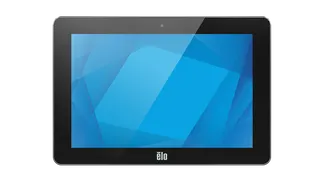
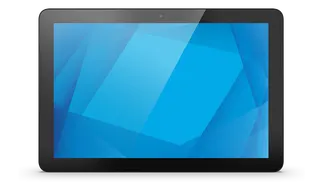
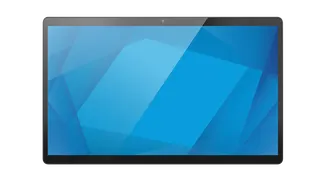
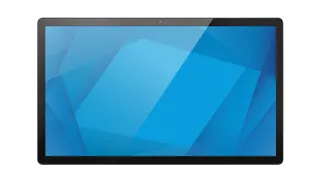
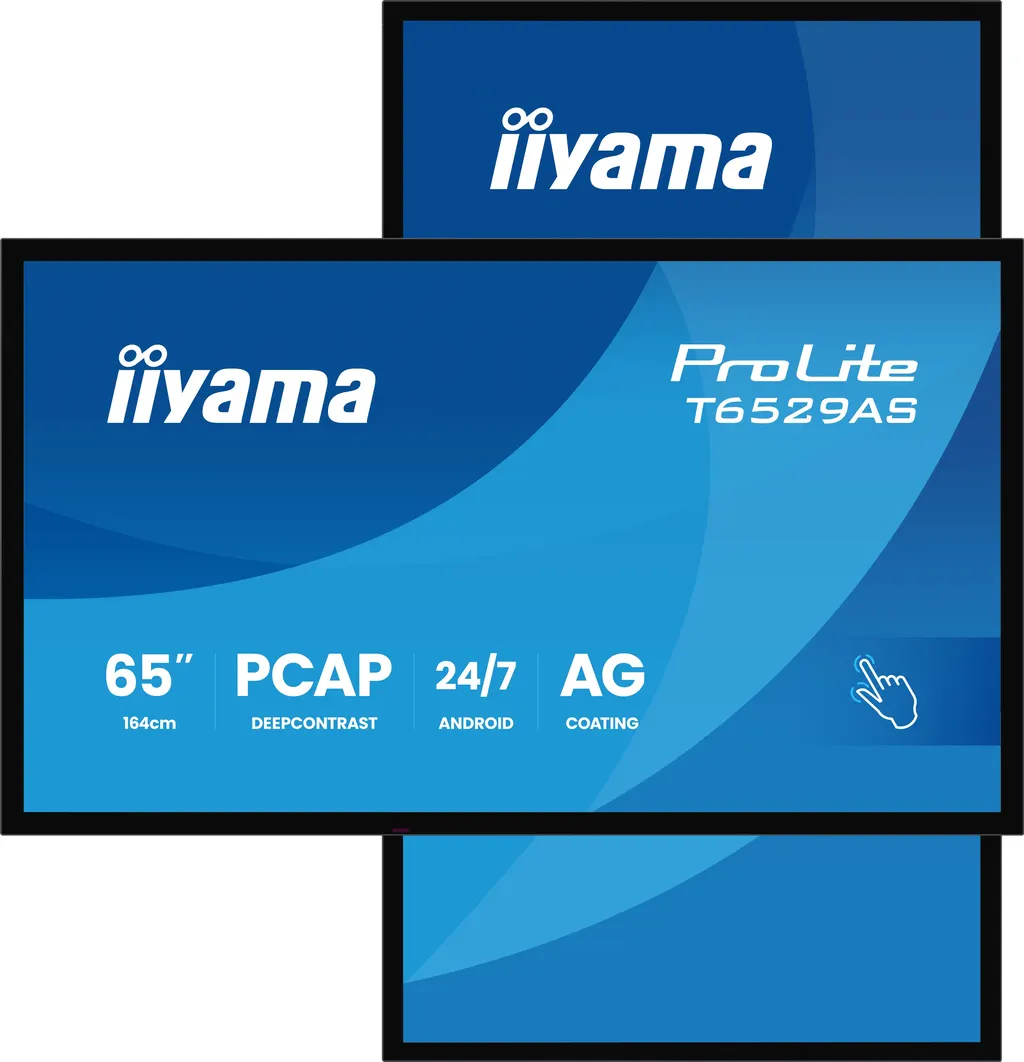
The iiyama ProLite T6529AS-B1AG is a 65-inch all-in-one interactive display from the Txx29AS series. It combines a 4K UHD VA panel, a PCAP touch layer and an Android 14 computer in one housing, so it can run presentations, whiteboard sessions and digital signage without an external PC. The edge-to-edge glass sits in a black matte bezel, and the viewable area measures 1428.5 x 803.5 mm.
Display and touch performance for meeting rooms
The 3840 x 2160 resolution and 0.372 mm pixel pitch keep small text and fine diagrams sharp at close range. Panel brightness is 500 cd/m2, falling to 420 cd/m2 with touch enabled, and the static contrast ratio is 4000:1. The anti-glare glass has an anti-gloss treatment, is 3.7 mm thick and carries an 8H hardness rating. Viewing angles are 178 degrees horizontally and vertically.
The PCAP layer accepts finger and stylus input across 20 touch points, with palm rejection and touch accuracy of +/- 2.5 mm. Two dual-tip pens are supplied. Multi-user touch depends on a supported operating system, so confirm your setup before ordering.
Connectivity, software and daily control
- Inputs: two HDMI ports (1.4 and 2.0, up to 3840 x 2160 at 60 Hz) and one USB-C port with DisplayPort 1.2 Alt mode and 15W power delivery.
- Control: RS-232c, RJ45 LAN and IR inputs, plus RS-232c and IR loop-through outputs for building control.
- Software: Android 14, Whiteboard, EShare, iiShare, iiSignage2 and iiControl, with a browser, PDF and media player and file manager.
- Hardware: quad-core MTK9679 processor, 4GB RAM, 32GB storage and WiFi 5 on 2.4 and 5 GHz.
Where it fits in Qatar
In a corporate office in West Bay or Lusail, the display works as a huddle-room screen where a team shares a laptop, marks up a document and saves notes on the built-in whiteboard from one panel. In a private school in Al Wakrah or Doha, it suits classrooms and group-work rooms, where students take turns with the pens in small groups. In a clinic or shopping centre, kiosk mode and the iiSignage2 platform let staff update waiting-area messages without visiting each screen. Because the operating range is 0 to 40 degrees Celsius, place the display in an air-conditioned room rather than a lobby facing glass.
What to plan before ordering
- Wall structure: the panel weighs 38.5 kg without its box and mounts on a 400 x 400 mm VESA pattern.
- Room conditions: confirm an air-conditioned location within the 0 to 40 degrees Celsius operating range.
- Power: the internal supply accepts 100 to 240V at 50/60 Hz and draws 118W typical.
- Cabling: plan the USB-C daisy-chain route if you connect more than one display.
- Administration: decide who manages iiSignage2 and iiControl and how content is approved.
Request a quote
Request a quote from SmartRooms Qatar for the ProLite T6529AS-B1AG. Supply covers delivery to all eight municipalities of Qatar, professional installation and a free site survey. Quotations are usually issued within one working day, and purchase orders and Monaqasat tenders are accepted.
Highlights
- 65-inch (64.5-inch diagonal) 4K UHD VA panel
- 20-point PCAP touch with palm rejection, finger and stylus
- Android 14 with Whiteboard, EShare and iiShare included
- USB-C loop-through carries video, data and 15W power
- Fanless design rated for 24/7 non-stop operation
- Wall mounting bracket and 400 x 400 mm VESA pattern included
Estimated timeline
Quotation within 1 working day · delivery timing depends on stock availability, and we confirm it with your quotation.
Specifications
DISPLAY CHARACTERISTICS17
- Design
- Edge to edge glass
- Diagonal
- 64.5", 164cm
- Panel
- VA ELED
- Touch Glass
- Anti-Glare Glass with Anti-Gloss treatment, Smooth writing, Zero Gap - Air Bonded, DeepContrast PCAP
- Native resolution
- 3840 x 2160 (8.3 megapixel 4K UHD)
- Aspect ratio
- 16:9
- Panel brightness
- 500 cd/m²
- Brightness
- 420 cd/m² with touch
- Light transmittance
- 83%
- Static contrast
- 4000:1
- Response time (GTG)
- 6.5ms
- Viewing zone
- horizontal/vertical: 178°/178°, right/left: 89°/89°, up/down: 89°/89°
- Colour support
- 1.07G (8 Bits+FRC) (72% NTSC)
- Horizontal Sync
- 28 - 160kHz
- Viewable area W x H
- 1428.5 x 803.5mm, 56.2 x 31.6"
- Pixel pitch
- 0.372mm
- Bezel colour and finish
- black, matte
TOUCH7
- Touch technology
- DeepContrast-PCAP
- Touch points
- 20 (HID, only with supported OS)
- Touch accuracy
- +- 2.5mm
- Touch method
- stylus, finger
- Touch interface
- USB
- Supported operating systems
- All iiyama monitors are Plug & Play and compatible with Windows and Linux. For details regarding the supported OS for the touch models, please refer to the driver instruction file available in the downloads section.
- Palm rejection
- yes
INTERFACES / CONNECTORS / CONTROLS7
- Digital signal input
- HDMI x2 (1.4/ 2.0, max. 3840;2160 @60Hz) USB-C x1 (3.2, DP 1.2 Alt mode, 15W PD)
- Monitor control input
- RS-232c x1 RJ45 (LAN) x1 IR x1 (3.5mm)
- Audio output
- Speakers 2 x 10W
- Monitor control output
- RS-232c x1 IR loop through x1 (3.5mm)
- HDCP
- 1.4 / 2.2
- USB ports
- x2 (2.0 with Multi-Media support)
- RS-232c
- x1
FEATURES11
- Integrated software
- Android 14 OS, Whiteboard, iiSignage², iiControl, iiShare, EShare, FailOver, TeamViewer, Web-, PDF & Media Player, iiBrowser, File manager
- WiFi
- WiFi 5 @ 2.4G / 5G
- Hardware
- CPU: MTK9679 Quad-core A73*4, GPU: Mali G51, RAM: 4GB, ROM: 32GB
- Kiosk mode
- yes
- Max. non-stop operating time
- 24/7
- Anti image retention
- yes
- Glass thickness
- 3.7mm
- Glass hardness
- 8H
- Housing (bezel)
- metal (front)
- OSD key lock
- yes
- Remote control lock
- yes
GENERAL4
- OSD languages
- EN, DE, FR, ES, IT, RU, CZ, NL, PL, SV, FI, DA, NB
- Control buttons
- Power (long press for Quick Menu (source, volume +, volume -, brightness +, brightness -, Touch unlock)
- User controls
- picture (brightness, contrast, sharpness, black level, tint, colour, noice reduction, gamma selection, low blue light, color temp., color control, picture reset), audio (balance, treble, bass,volume, audio out, max. volume, min. volume, mute, speakers setting audio reset), OSD setting (OSD timeout, OSD H position, OSD V position, OSD transparency, information OSD, side bar), general (logo and animation, wallpaper, no signal image, schedule, off timer), screen (zoom mode, custom zoom, system rotation, scree reset), device (power on status, RS232 routing, IR control, Physical button, motorized s
- Plug&Play
- DDC2B
MECHANICAL6
- Orientation
- landscape, portrait
- Fanless design
- yes
- VESA mounting
- 400 x 400mm
- Operation temperature range
- 0°C - 40°C
- Operation temperature range (-°/+°)
- -20°C - 60°C
- MTBF
- 50000 hours (excluding backlight)
ACCESSORIES INCLUDED5
- Cables
- power (1.8m), HDMI (1.8m), RS-232c (1.8m)
- Touch pen
- x2 (Dual tips)
- Guides
- quick start guide, safety guide
- Other
- Wall Mounting Bracket (VESA 400x400), Magnetic holding places for Touch pens (on sides in landscape)
- Remote control
- yes (batteries included)
POWER MANAGEMENT3
- Power supply unit
- internal
- Power supply
- AC 100 - 240V, 50/60Hz
- Power usage
- 118W typical, 0.5W stand by, 0.3W off mode
SUSTAINABILITY3
- Regulations
- CB, CE, TÜV-Bauart, EAC, RoHS support, ErP, WEEE, REACH, UKCA, cTUVus
- Energy efficiency class (Regulation (EU) 2017/1369)
- G
- REACH SVHC
- above 0.1%: Lead, Lead monoxide
DIMENSIONS / WEIGHT5
- Product dimensions W x H x D
- 1447.3 x 852.3 x 42.8mm
- Box dimensions W x H x D
- 1645 x 1050 x 192mm
- Weight (without box)
- 38.5kg
- Weight (with box)
- 47.3kg
- EAN code
- 4948570125593
RELATED INFORMATION1
- Product series
- ProLite T4329AS-B1AG , ProLite T5529AS-B1AG