TF4339AS-B1AG
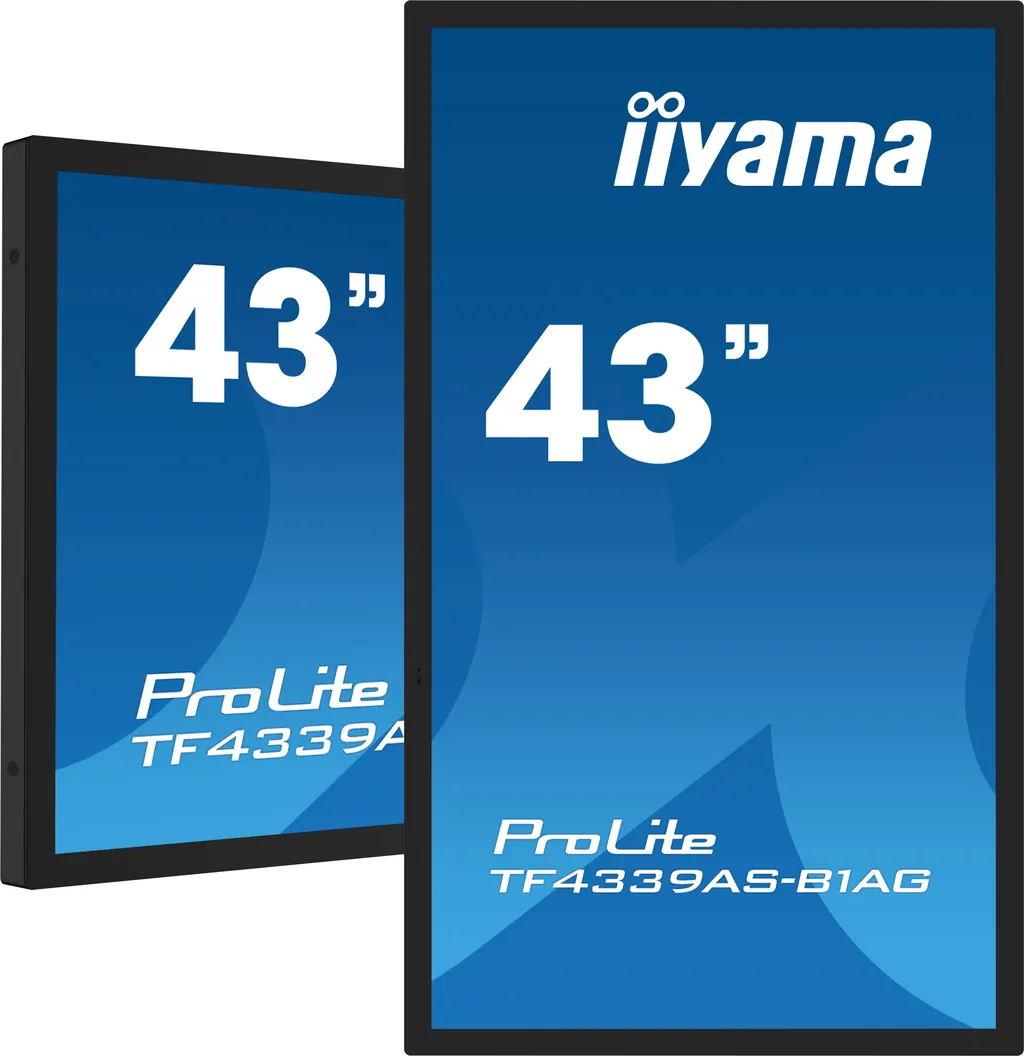
iiyama ProLite TF4339AS-B1AG 43-inch All-in-One PCAP Interactive Display
- Screen size
- 42.5" / 108cm
- Resolution
- 3840 x 2160 @60Hz (8.3…
- Brightness
- 500 cd/m²
- Contrast
- 1200:1
The iiyama TF4339AS-B1AG is a 43-inch all-in-one interactive display with 4K UHD resolution, a matte anti-glare IPS panel and 40-point PCAP touch on edge-to-edge glass. It runs Android 11 with the iiSignage² content management system and EShare wireless sharing built in, so apps and signage run on the unit itself. It suits meeting rooms, reception areas and retail counters across Doha and beyond. Request a quote from SmartRooms Qatar.
An all-in-one 43-inch touch display built around Android
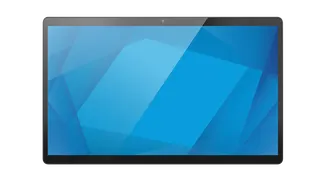
The iiyama TF4339AS-B1AG combines a 42.5-inch (108 cm) 4K UHD IPS panel, a PCAP touch layer and an on-board Android 11 computer in one open-frame unit. There is no separate media player to mount or cable, which keeps a meeting room or reception area tidy. The 997.2 x 585.4 x 63.4 mm chassis has a black, matte metal bezel that is 26 mm wide on all three sides.
Picture and touch specifications that matter
The 3840 x 2160 panel delivers 8.3 megapixels, with 500 cd/m² panel brightness (435 cd/m² with touch active), a static contrast ratio of 1,200:1 and an 8 ms grey-to-grey response time. The anti-glare matte glass helps in bright rooms and near windows. Touch is bonded PCAP with 40 touch points, palm rejection, and support for stylus, finger and latex gloves. Touch accuracy is within plus or minus 2.5 mm, and the touch layer works through glass up to 6 mm thick.
Software for signage, kiosks and collaboration
The on-board iiSignage² content management system lets administrators schedule content and control displays remotely. EShare supports wireless sharing for presentations and brainstorming. FailOver monitors the inputs in the priority order you set and switches to the next available source when the current one loses signal. Kiosk mode, an OSD key lock and a remote control lock limit what visitors can change. Anti image retention is included, and the unit is rated for 24/7 operation.
Where it fits in Qatar
- Office huddle rooms in West Bay or Msheireb: a 43-inch screen suits a small team room where people share a laptop wirelessly and annotate directly on the glass.
- Storefront and mall counters: through-glass touch lets passers-by interact with content from outside a shop window. Install the unit indoors, in an air-conditioned space behind the glass, because the stated operating range is 0°C to 40°C.
- Classrooms and learning centres in Al Rayyan or Education City: a single screen for group work, with Android apps installed directly on the unit.
What to plan before installation
The unit weighs 22.1 kg without its box and 27 kg packed, so plan for two people during mounting. It uses a VESA 200 x 200 mm pattern and is compatible with the MD-WM2020 wall mount, MD-WLIFT2031-W1, MD-CAR2031-B1 and the optional OMK4-3 external brackets. Power comes from an internal supply accepting 100 to 240 V at 50/60 Hz, with 116 W typical consumption and a 1.8 m power cable, so position the socket within reach. Summer rooms in Doha must be kept within the 40°C operating ceiling, so choose a well-ventilated location. SmartRooms Qatar offers a free site survey before wall mounting to confirm wall loading, sightlines and cable routes.
Request a quote from SmartRooms Qatar for the TF4339AS-B1AG, including the brackets and installation planning you need. Our team usually responds within one working day.
Highlights
- 43-inch 4K UHD IPS panel at 3840 x 2160 resolution
- 40-point PCAP touch with palm rejection and glove support
- Android 11 with built-in iiSignage² CMS and EShare
- Touch works through glass up to 6 mm thick
- Kiosk mode, 24/7 operation and IP65 front protection
- Two HDMI 2.0 inputs, DisplayPort 1.2, RS-232c and LAN
Estimated timeline
Quotation within 1 working day · delivery timing depends on stock availability, and we confirm it with your quotation.
Specifications
DISPLAY CHARACTERISTICS17
- Design
- Edge to edge glass, Open Frame
- Diagonal
- 42.5", 108cm
- Panel
- IPS LED, AG coated glass, matte finish
- Native resolution
- 3840 x 2160 @60Hz (8.3 megapixel 4K UHD)
- Aspect ratio
- 16:9
- Panel brightness
- 500 cd/m²
- Brightness
- 435 cd/m² with touch
- Light transmittance
- 87%
- Static contrast
- 1200:1
- Response time (GTG)
- 8ms
- Viewing zone
- horizontal/vertical: 178°/178°, right/left: 89°/89°, up/down: 89°/89°
- Colour support
- 16.7mln 8bit (72% NTSC)
- Horizontal Sync
- 28 - 160kHz
- Viewable area W x H
- 941.2 x 529.4mm, 37 x 20.8"
- Bezel width (sides, top, bottom)
- 26mm, 26mm, 26mm
- Pixel pitch
- 0.245mm
- Bezel colour and finish
- black, matte
TOUCH8
- Touch technology
- bonded PCAP
- Touch points
- 40
- Touch accuracy
- +- 2.5mm
- Touch method
- stylus, finger, glove (latex)
- Touch interface
- USB
- Supported operating systems
- All iiyama monitors are Plug & Play and compatible with Windows and Linux. For details regarding the supported OS for the touch models, please refer to the driver instruction file available in the downloads section.
- Through-Glass
- 6mm
- Palm rejection
- yes
INTERFACES / CONNECTORS / CONTROLS5
- Digital signal input
- HDMI x2 (2.0, max. 3840x2160 @60Hz) DisplayPort x1 (1.2, max. 3840x2160 @60Hz)
- Monitor control input
- RS-232c x1 (Get/Set Command) RJ45 (LAN) x1 (Control and Internet)
- Audio output
- Mini jack x1 Speakers 2 x 10W
- HDCP
- 2.2
- USB ports
- x2 (2.0 x2 (Type A))
FEATURES13
- Integrated software
- Android 11 OS, iiSignage², EShare, FailOver
- Hardware
- CPU: A73*4+A53*4, GPU: G52 MP8, RAM: 4GB, ROM: 32GB
- Extra
- handles, Touch Through-Glass
- Kiosk mode
- yes
- Max. non-stop operating time
- 24/7
- Anti image retention
- yes
- Glass thickness
- 3mm
- Glass hardness
- 7H
- 60950 Ball drop test
- yes
- Water and dust protection
- IP65 (front)
- Housing (bezel)
- metal
- OSD key lock
- yes
- Remote control lock
- yes
GENERAL3
- OSD languages
- EN, DE, FR, ES, IT, RU, CZ, NL, PL, SV, FI, DA, NB
- User controls
- picture (brightness, contrast, sharpness, back level, tint, colour, noise reduction, gamma selection, low blue light, colour temp., colour control, overscan, picture reset), screen (zoom mode, custom zoom, screen reset), audio (balance, treble, bass, volume, audio out (line out), max. volume, min. volume, mute, audio reset, audio out sync, speaker setting), configuration 1 (Android launcher, switch on state, Touch lock, Touch mode, mouse mode, panel saving, RS232 routing, boot on source, WOL, conf.1 reset, factory reset), configuration 2 (OSD timeout, OSD H position, OSD V position, system rot
- Plug&Play
- DDC2B
MECHANICAL6
- Orientation
- landscape, portrait, face-up
- VESA mounting
- 200 x 200mm
- Mini PC mount
- VESA 100 x 100, NUC INTEL
- Operation temperature range
- 0°C - 40°C
- Storage temperature range
- - 20°C - 60°C
- MTBF
- 50000 hours (excluding backlight)
ACCESSORIES INCLUDED4
- Cables
- power (1.8m), USB (1.8m), HDMI (1.8m)
- Guides
- quick start guide, safety guide
- Cable cover
- yes
- Remote control
- yes (batteries included)
POWER MANAGEMENT3
- Power supply unit
- internal
- Power supply
- AC 100 - 240V, 50/60Hz
- Power usage
- 116W typical, 0.5W stand by, 0.3W off mode
SUSTAINABILITY3
- Regulations
- CB, CE, TÜV-Bauart, EAC, RoHS support, ErP, WEEE, REACH, UKCA, cTUVus
- Energy efficiency class (Regulation (EU) 2017/1369)
- F
- REACH SVHC
- above 0.1%: Lead
DIMENSIONS / WEIGHT5
- Product dimensions W x H x D
- 997.2 x 585.4 x 63.4mm
- Box dimensions W x H x D
- 1105 x 712 x 157mm
- Weight (without box)
- 22.1kg
- Weight (with box)
- 27kg
- EAN code
- 4948570123872
COMPATIBLE ACCESSORIES1
- Mounts / Stands / Brackets
- MD-WM2020 , MD-WLIFT2031-W1 , MD-CAR2031-B1