





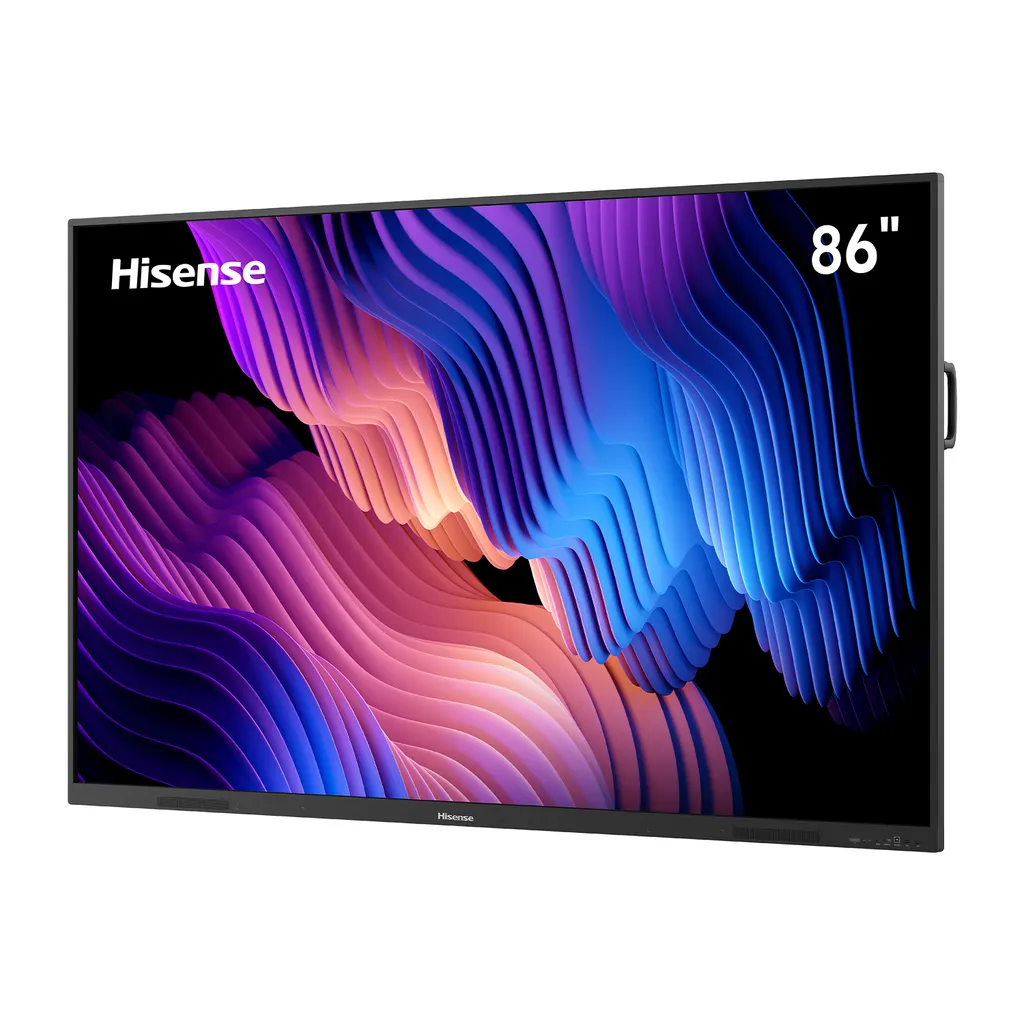
86WE3FE
Hisense 86WE3FE 86-inch Advanced Interactive Display
- Resolution
- 3840x2160
- System
- Android 14.0
- Memory
- 8GB
- Storage
- 128GB
The Hisense 86WE3FE is an 86-inch 4K interactive display with 400-nit typical brightness, infrared touch supporting up to 40 points, Android 14.0 and a pluggable Wi-Fi module. It suits lecture halls, classrooms and boardrooms in Qatar where several people write and share on one screen. Anti-glare glass and a 178-degree viewing angle help a whole room read the content, and an optional OPS slot lets you add a computer module. Request a quote for supply and installation.
What the 86WE3FE is and who it suits
The Hisense 86WE3FE is an 86-inch interactive display from the WE3FE Series of advanced interactive displays. It combines a 4K LCD panel, an infrared touch frame and an Android 14.0 operating system with a built-in smart whiteboard, so one screen can work as a presentation display, a whiteboard and a collaboration tool. It is aimed at lecture halls, large classrooms and boardrooms where several people need to write, annotate and share at the same time.
Picture and touch figures that matter in a room
The panel is rated at 400 nits typical brightness, a 3840 x 2160 resolution and a 1,200:1 typical contrast ratio. The 178-degree horizontal and vertical viewing angles mean people seated at the sides of a long room can still read the same content. An anti-glare glass surface reduces reflections, which helps in rooms with large windows. The 10-bit colour depth and 72% typical NTSC colour gamut suit presentations and training material.
Touch is infrared with support for up to 40 touch points, a 3 mm minimum touch object and a 1.5 mm writing height. Multi-touch is supported on both Windows and Android, so several users can annotate on the same screen.
Software, wireless sharing and ports
The panel runs Android 14.0 on a quad-core Cortex-A73 processor with a working frequency up to 1.39 GHz, a Mali-G52 MC1 graphics unit, 8GB of RAM and 128GB of storage. Google-certified software support helps with compatibility for Google applications and services. Wi-Fi comes from a pluggable module that can be replaced if it fails, and it supports 802.11 a/b/g/n/ac/ax on 2.4 GHz and 5 GHz. Screen sharing works with AirPlay, Miracast and Chromecast, and dual Wi-Fi support lets a sharing hotspot run alongside a network connection.
- Three HDMI 2.1 inputs and one DisplayPort 1.2a input
- One VGA input and two USB-C ports, the front one supporting 65 W Power Delivery
- Three USB 3.0 ports, two USB 2.0 ports and a TF card slot
- Gigabit LAN input and output, RS232 (DB9), and audio in and out
- HDMI output and S/PDIF output for external equipment
- Bluetooth 5.2, with no built-in camera or NFC
Where it fits in Qatar
A private school in Al Wakrah fitting out a new science classroom could use the panel to teach in Arabic and English on one board, with the built-in whiteboard tools for worked examples. A ministry meeting room in Msheireb could show documents from a laptop over HDMI or DisplayPort, with participants annotating them directly on the touch surface. A consultancy boardroom in West Bay or Lusail can connect with colleagues in Doha and abroad, and wireless sharing lets visitors present without swapping cables.
Planning the installation and the room
At 1957 mm wide and 51.0 kg net, the panel needs a solid wall or a suitable mount. It follows a VESA pattern of 800 x 600 mm with four M8 screws, and a wall mount bracket is included in the box. Our team offers a free site survey to check wall construction, cable routes and the position of the power outlet before installation.
Typical power use is 255 W and the maximum is 410 W without the OPS module, with standby below 0.5 W. The stated input range of 100 to 240 V at 50/60 Hz includes Qatar's 240 V, 50 Hz supply, but the power cable is listed as country dependent, so confirm the plug type before ordering. The operating range is 0 to 40 °C at 20 to 80% relative humidity. Summer temperatures in Qatar can pass 45 °C, so install the panel in an air-conditioned room and confirm the room conditions with the SmartRooms Qatar team before choosing a position.
An optional OPS slot, powered at DC 18 V and 3.5 A, lets you add a plug-in computer module, and a mobile cart is available as an optional accessory.
Efficiency and eye comfort
The panel carries Energy Star 8.0 certification, which reflects lower power consumption than comparable products. It is also certified by TÜV Rheinland for reducing harmful blue light, which the manufacturer links to less eye fatigue and fewer headaches during long sessions.
Request a quote from SmartRooms Qatar for the Hisense 86WE3FE. Quotations usually follow within one working day. Tell us the room, the wall type and the number of units you need, and we will prepare the right configuration for your site.
Highlights
- 86-inch 3840 x 2160 LCD with 400-nit typical brightness
- Infrared touch frame supporting up to 40 touch points
- Android 14.0 with 8GB RAM and 128GB storage
- Pluggable Wi-Fi module supporting 802.11 a/b/g/n/ac/ax
- Three HDMI 2.1 inputs, DisplayPort 1.2a and 65 W USB-C
- Operating range 0-40°C; optional OPS slot for plug-in PC
Classroom fit
At 86″ the farthest student should sit within about 6.4 m (6× the screen height).
Estimated timeline
Quotation within 1 working day · delivery timing depends on stock availability, and we confirm it with your quotation.
Specifications
Interactive Display panel11
- LCD Size
- 86”
- Backlight Type
- D-LED
- Resolution
- 3840x2160(pixels)
- Brightness
- 400nits(typ.)
- Contrast Ratio
- 1200:1(typ.)
- Response Time
- 8ms(typ.)
- Refreshing Frequency
- 60Hz
- Viewing Angle
- 178°(H) / 178°(V)
- Lifetime(typ.)
- 50,000 hrs
- Color Gamut(X% NTSC)
- 72%(typ.)
- Display Colors
- 1.07B(10bit)
System6
- CPU Architecture
- - Core Cortex-A73x4 - Working Frequency - 1.39GHz(max.)
- GPU
- MaliG52 MC1
- RAM
- 8GB
- ROM
- 128GB
- OS
- Android 14.0
- Language
- English (default), Chinese, French, Spanish, German, Italian, Polish, Finnish, Norwegian, Swedish, Thai, Indonesian, Japanese, Russian, Arabic, Vietnamese, Serbian, Kazakh; Croatian, Slovenian, Czech, Slovak, Hungarian, Romanian, Bulgarian, Albanian, Macedonian, Greek, Turkish, Afrikaans
Power4
- Power Requirements
- AC 100 V ~ 240 V, 50/60 Hz
- Power Consumption Without OPS
- - 410W (Max) - 255W (typ.)
- Speaker (Built-in)
- 2x16W
- OPS Power
- DC 18V/3.5A
Physical6
- Product Size (W x H x D)
- 1957 x 1159.9 x 97.1mm / 77 x 45.7 x 3.8inch
- Package Size (W x H x D)
- 2110 x 1291 x 185mm / 83.1 x 51 x 7.3inch
- Net Weight
- 51.0kg / 112.4lbs
- Packed Weight
- 51.0kg / 112.4lbs 20GP Container Capacity (pcs): 30 40GP Container Capacity (pcs): 66 40HQ Container Capacity (pcs): 66
- Housing Colour
- Black
- VESA
- 800 x 600mm, 4-M8 Screw
Touch7
- Sensing Type
- Infrared Touch Frame
- Surface Protection
- Anti-Glare Glass
- Touch Accuracy
- 90%(±1.5mm)
- Theory Clicks
- Unlimited
- Minimum Touch Object
- 3mm
- Writing Height
- 1.5mm
- Windows 11/10/8/7,Android
- Multi Touch
Connectivity7
- Wi-Fi
- - IEEE 802.11a/b/g/n/ac/ax(2.4G and 5G) - IEEE 802.11a/b/g/n/ac(2.4G and 5G)
- Bluetooth
- BT5.2
- NFC
- w/o
- Camera
- w/o
- Input
- HDMI(2.1) IN x3 DP(1.2a) IN x1 VGA IN x1 OPS(optional) x1 LAN IN x1 (1000 baseT) USB2.0 x2 USB3.0 x3
- Type-C x2 (frontx 1
- support PD 65W) Touch x3 Audio IN x1 RS232 IN x1 (DB9) TF Card x1
- Output
- HDMI OUT x1 S/PDIF OUT x1 Audio OUT x1 LAN OUT x1 (1000 baseT)
Environment2
- Operation Temperature
- 0-40°C
- Operation Humidity
- 20% - 80%RH
Accessories2
- Basic
- User Manual x1 Pen x2 Remote Control x1 Power Cable x1 (Country Dependent) Battery x2 Wall Mount Bracket x1
- Optional
- Mobile Cart OPS




