





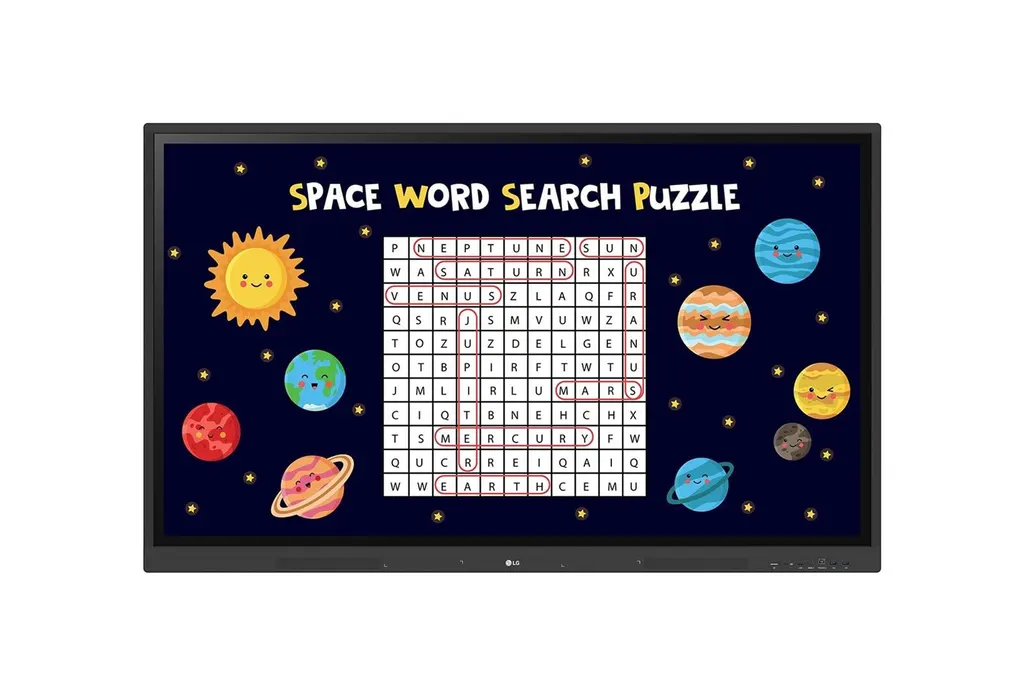
65TR3DK
LG CreateBoard 65TR3DK 65-inch Interactive Digital Board
- Screen size
- 65"
- Resolution
- 3840x2160 (UHD)
- Touch
- Max 40 points
- System
- Quad core A55
The LG CreateBoard 65TR3DK is a 65-inch 4K interactive digital board built for classrooms and meeting rooms that need one screen for teaching, collaboration and wireless sharing. It offers up to 40-point multi-touch on Windows, a built-in OPS slot, 64GB internal storage and Android 13. Schools, training centres and offices across Qatar can request a quote for supply and installation.
What the 65TR3DK does in a room
The LG CreateBoard 65TR3DK combines a 65-inch UHD display, a touch layer and an Android 13 computer in one housing. A teacher or presenter can write, annotate, open files and share content from the same surface, without bringing a separate computer into every session. Its 16:9 IPS panel suits lessons, workshops and meetings where small text on slides must stay readable from the back row.
The manufacturer lists several variant codes for this series, including 65TR3DK-B.AMNQ, 65TR3DK-B.AUMQ and 65TR3DK-BM. Confirm the exact code when you request a quote, because it determines the package and regional configuration you receive.
Display and touch figures that matter
The panel runs at 3840 x 2160 with a static contrast ratio of 1200:1 and a dynamic contrast figure of 5000:1. Brightness is rated up to 440 nits without the protective glass, with typical figures between 350 and 400 nits depending on glass fitting, so check these against your room lighting. The refresh rate is 60Hz, response time is 8ms and colour depth is 10-bit (8-bit plus FRC). The touch layer responds within 5ms with ±1mm accuracy and detects objects from 2 mm across its surface.
- Multi-touch up to 40 points on Windows and 32 on Android
- 3T anti-glare protection glass with 88% light transmission
- Linux and Mac support one-point touch
Teaching, sharing and security tools
Two or more sources can appear on screen at once. Side-by-side multi-window mode and picture-in-picture mode both help teachers compare materials without switching windows, although multi-window may not work with some apps and picture-in-picture applies to an external source. Up to nine screens can share to the board through LG CreateBoard Share, and devices on the same network can also connect without the app, though the dedicated app gives a steadier link. Files can move to and from Google Drive, OneDrive and USB drives.
For sensitive rooms, Secure Mode disables screen sharing, USB Lock Mode limits copying to unauthorised devices, Screen Lock requires a password to unlock, and files can be deleted regularly on a schedule you set.
Where it fits in Qatar
A private school in Al Wakrah fitting out a secondary science room could use the 65-inch size for a classroom of moderate size. The built-in OPS slot lets staff mount a desktop module behind the board rather than running cables from a separate computer, and the front-facing ports and speakers help when students present from the front of the room.
A government office in Msheireb holding bilingual meetings could share laptops wirelessly during a review session, while Screen Lock and USB Lock Mode help keep documents in the room secure. Training centres in Education City or Lusail can use the 16:9 panel for workshops where several groups work from one display.
What to plan before ordering
- VESA 600 x 400 mm mounting interface; head weight 35.0 kg, packed weight 44.7 kg
- Free site survey before fixing a board this size, covering wall, height and cable routes
- Operating range 0 to 40 °C and 10 to 90% RH, so install indoors in air-conditioned rooms away from direct sun
- Built-in power rated 100-240V, 50/60Hz; typical consumption 220 W, maximum 420 W
- Optional WM-L000S wall mount and ST-000F floor stand, both sold separately; USB-C cable sold separately
- LG ConnectedCare DMS is purchased separately, and regional availability should be confirmed
The on-screen menu language list in the manufacturer data does not include Arabic, so confirm your language requirements before ordering. Purchase orders (LPOs) and government tenders, including Monaqasat, are accepted, and SmartRooms Qatar usually issues quotations within one working day. Request a quote and the team will confirm the configuration, delivery across Qatar and installation for your site.
Highlights
- 65-inch 4K UHD IPS panel at 3840 x 2160 resolution
- Up to 40-point multi-touch on Windows, 32 on Android
- Built-in OPS slot with OPS power built in
- Android 13, 8GB RAM and 64GB internal storage
- Wireless sharing for up to nine screens via LG CreateBoard Share
- Built-in Wi-Fi 6 and Bluetooth 5.0 connectivity
Classroom fit
At 65″ the farthest student should sit within about 4.9 m (6× the screen height).
Estimated timeline
Quotation within 1 working day · delivery timing depends on stock availability, and we confirm it with your quotation.
Specifications
Panel17
- Screen Size
- 65"
- Panel Technology
- IPS
- Back Light Type
- Direct
- Aspect Ratio
- 16:9
- Native Resolution
- 3840x2160 (UHD)
- Refresh Rate
- 60Hz
- Brightness
- 440nit(wo Glass, max), 390nit (wo Glass, typ) 400nit(w Glass, typ), 350nit (w Glass, typ)
- Contrast Ratio
- 1200:1
- Dynamic CR
- 5000:1
- Color gamut
- NTSC 72%
- Viewing Angle(H x V)
- 178°(H/V)
- Color Depth
- 10bit(8bit + FRC)
- Response Time
- 8ms
- Surface Treatment(Haze)
- Haze 25%
- Life time
- 50,000hrs (L30)
- Operation Hours (Hours/Day)
- 16/7
- Portrait / Landscape
- No / Yes
Connectivity(Jack Interface)2
- Input
- HDMI (3, HDCP2.2), RGB (1, VGA), Audio In, RS232C IN, RJ45(LAN), USB3.0 Type A (4), USB2.0 Type A(1), USB Type-C(1, USB-PD, DP-Alt,)
- Output
- DP Out (HDMI Out), Audio Out (1, Optical 1(SPDIF)), Touch USB (2), RJ45(LAN)
Mechanical Specification8
- Bezel Color
- Black
- Bezel Width
- T/R/L/B : 15/15/15/44mm
- Weight(Head)
- 35.0Kg
- Packed Weight
- 44.7Kg
- Monitor Dimension(W x H x D)
- 1488.4×896.6×87.2mm
- Carton Dimensions(W x H x D) (Box outer size)
- 1628×1005×208mm
- Handle
- Yes
- VESA™ Standard Mount Interface
- 600 x 400 mm
Key Feature2
- HW
- Internal Memory (64GB), Built-in Wi-Fi (Slot type), Auto Brightness sensor, Power Indicator
- SW
- Android 13, Background Image (Booting Logo Image), Multi-screen (PIP (1 external source), PBP(1 external source)), Screen Share (LG CreateBoard Share), Power (Smart Energy Saving (Energy Saving))
Environment Conditions2
- Operation Temperature
- 0 ~ 40 °C
- Operation Humidity
- 10 ~ 90 % RH
Power2
- Power Supply
- 100-240V~ 50/60Hz 4.0A
- Power Type
- Built-In Power
Power Consumption5
- Typ.
- 220
- Max.
- 420
- BTU (British Thermal Unit)
- 751 BTU/Hr(Typ.), 1433 BTU/Hr(Max)
- DPM
- ≤0.5W
- Power off
- ≤0.5W
Sound1
- Speaker
- Yes (15W x 2)
Certification3
- Safety
- CB / NRTL
- EMC
- FCC Class "A" / CE / KC
- ErP / Energy Star
- Yes / Yes
OPS Compatibility2
- OPS Type Compatible
- Yes (Slot)
- OPS Power Built In
- Yes
Software Compatibility2
- LG ConnectedCare
- Yes
- LG ConnectedCare DMS
- Yes (DMS)
Language1
- OSD
- English, Denmark, Finnish, German, Korean, Norwegian, Polski, Portugues(Europe), Portugues(Brazil), Romanian, Spanish, Swedish, Hungarian, Thai
Accessory2
- Basic
- Power Cord 3 M*1, USB Cable (Type A-Type B) 5 M*1, HDMI Cable 3 M*1, Writing Pen*2pcs, User Manual, QSG, Carton Box, Remote Controller(include battery 2ea), Wifi module
- Optional
- Wall Mount(WM-L000S), Floor Stand(ST-000F)
Special Feature8
- Touch - Available object size for touch
- Ø2 mm ↑ .
- Touch - Reponse Time
- ≤5ms
- Touch - Accuracy
- ±1mm
- Touch - Interface
- USB2.0
- Touch - Protection Glass Thickness
- 3T(Anti-Glare)
- Touch - Protection Glass Transmission
- 88%
- Touch - Operating System Support
- Windows 7/8/10/Linux/Mac/Android (Linux/Mac Support one point touch)
- Touch - Multi touch point
- Max 40 points
ANDROID SYSTEM7
- SoC
- Quad core A55
- GPU
- Mali G52MP2
- Internal Memory - Storage
- 64GB
- Internal Memory - RAM
- 8GB
- Wi-Fi
- 802.11a/b/g/n/ac/ax (WiFi 6)
- LAN
- Gigabit LAN
- Bluetooth
- Bluetooth 5.0




