





Thursday, 22 October 2026 · 11 Jumada I 1448 AH Sun – Thu · 9:00 – 18:00
+971 56 914 9477 العربية
WhatsApp

TT-7521IP

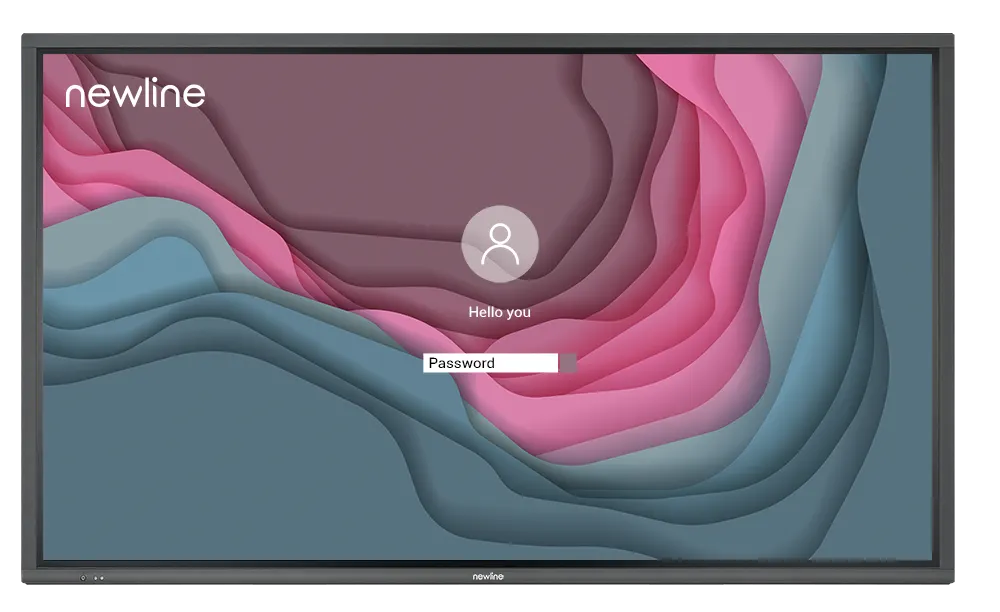
Newline TT-7521IP 75-inch 4K Interactive Display

Screen size
75″
Resolution
3840 × 2160 (4K)
Touch
P-Cap
WhatsApp
Priceon request
QuotationWithin 1 working day
DeliveryConfirmed with your quote, based on stock
Overview

At 75 inches, the TT-7521IP is a 4K interactive display with 20-point P-Cap touch and a 178° viewing angle. It runs a Linux-based operating system and has an OPS-PC slot for an on-board PC. It suits lecture rooms, boardrooms and hotel conference spaces in Qatar that need a large shared touch surface. Request a quote from SmartRooms Qatar.

What the Newline TT-7521IP is

The Newline TT-7521IP is a 75-inch interactive display from the IP+ Series, sitting between the 65-inch and 86-inch models in the range. Its 4K LED panel has a 1650 × 928 mm active area and weighs 49 kg, a size that fills a large meeting room without the structural planning the biggest panel needs. Touch is projected capacitive (P-Cap), and the unit runs a Linux-based operating system instead of Android.

Image, touch and viewing performance

Resolution is 3840 × 2160, and the 178° viewing angle keeps the picture usable for people seated at the sides of a long room. This model is rated at a minimum of 400 cd/m² brightness, with 4000:1 dynamic contrast and an 8 ms response time. The anti-glare surface has 88% ±3 transparency and 8H surface hardness. The touch layer recognises up to 20 points, so several people can write or annotate at once, and a passive pen is supported.

Connectivity and expansion

  • Video in: three HDMI inputs at 4K 60 Hz, with ARC on HDMI 1
  • Video out: one HDMI output at 4K 60 Hz for a second display
  • USB-C: one USB Type-C 3.0 port with 60W Power Delivery, carrying data, audio, video and power over one cable
  • Touch and USB: three USB Type-B touch connections, a USB 3.0 public port and a USB 2.0 (FW) port
  • Audio: microphone input, line out, S/PDIF and two 15 W speakers
  • Control and network: RS-232 control input and an RJ-45 network connector
  • Expansion: an OPS-PC slot for adding an on-board PC, and an SDM-S slot

Where it fits in Qatar

In a lecture room in Education City, a lecturer can write on the screen, annotate slides and switch between a lab PC and a laptop within the same session, with three HDMI inputs keeping both sources connected.

In a boardroom in West Bay where directors join calls with teams in Europe and Asia, the HDMI and USB-C inputs take a laptop or conferencing device, and the Linux-based system suits IT teams that want firmer control over the display.

In a hotel conference room in Lusail hosting daily sessions, the 8H surface hardness and a rated life of 50,000 hours matter, and cable routes and mounting position need to be planned before the room is fitted out.

What to plan before ordering

The panel weighs 49 kg and is listed for wall mounting or a mobile stand, both as optional accessories. SmartRooms Qatar offers a free site survey to check the wall structure before a mount is chosen. The operating range is 0°C to 40°C at 20 to 80% relative humidity, non-condensing, and summer temperatures in Qatar can exceed 45°C, so the room must stay air-conditioned. The unit draws a maximum of 400W, or 300W in eco mode, from an AC 100 to 240V supply.

Schools and government bodies equipping several rooms can order under a purchase order (LPO) or through government tenders, including Monaqasat. Send the room list and mounting preferences so the quotation covers every unit.

To check whether the TT-7521IP suits your room, send the room dimensions and mounting preferences, then request a quote from SmartRooms Qatar. Quotations are usually provided within one working day.

Highlights

  • 75-inch 4K LED panel with a 1650 × 928 mm display area
  • P-Cap touch recognising up to 20 points at once
  • 178° viewing angle and minimum brightness of 400 cd/m²
  • Linux-based operating system with an OPS-PC slot for an on-board PC
  • USB Type-C 3.0 port with 60W Power Delivery
  • Weighs 49 kg, with optional wall-mount or mobile stand

Classroom fit

At 75″ the farthest student should sit within about 5.6 m (6× the screen height).

Estimated timeline

Quotation within 1 working day · delivery timing depends on stock availability, and we confirm it with your quotation.

Specifications

7 specifications · Source: manufacturer · checked Oct 2026
TT-7521IP7
General · Screen Size
75″
General · Display area (mm)
1650 × 928
General · Weight (kg)
49
General · Touch Technology
P-Cap
General · Resolution
3840 × 2160 (4K)
General · Viewing Angle
178°
General · Backlight
LED

Downloads

0 files from the manufacturer
No downloadable files are listed for this model yet. Ask us and we will send the datasheet.

Questions about TT-7521IP

Who is the Newline TT-7521IP designed for?
It suits organisations that need a large touch display for teaching, presentations or shared planning, where the 4K image must stay readable across the room. In Qatar that usually means lecture rooms, boardrooms and hotel conference spaces. The 1650 × 928 mm display area gives several people enough room to write and annotate at the same time.
How does the 75-inch TT-7521IP differ from the 65-inch and 86-inch models?
It sits between the two. The TT-6521IP has a 1428 × 804 mm display area and weighs 36 kg, while the TT-8621IP has a 1895 × 1066 mm area and weighs 59 kg. The TT-7521IP weighs 49 kg and draws a maximum of 400W, so wall and room planning falls between the two larger and smaller options.
Is it suitable for a lecture room in Education City?
Yes, for a room where the lecturer writes, annotates and switches between sources during a session. Three HDMI inputs keep a lab PC and a laptop connected at the same time, and the 4K panel shows slide detail clearly. Ask for a free site survey to confirm the mounting position and wall structure before you accept the quotation.
Can it support a West Bay boardroom that calls teams abroad?
It can be part of that setup. The HDMI and USB-C inputs take a laptop or conferencing device, and USB-C carries data, audio, video and power over one cable with up to 60W Power Delivery. The 178° viewing angle keeps the screen readable from every seat, and the Linux-based system suits IT teams that want firmer control over the display.
Will it handle daily use in a hotel conference room in Lusail?
The panel has a rated life of 50,000 hours and an 8H surface hardness, which matters where many people touch the glass. Plan cable routes to the HDMI and USB inputs and choose a fixed mounting point. Book a free site survey before ordering so the layout suits repeated event set-ups.
How does it suit a ministry meeting room in Msheireb that needs tighter network control?
The IP+ Series replaces Android with a Linux-based operating system, and the manufacturer positions the range for enterprise security. IT staff can plan network access around the RJ-45 connection, and an on-board PC can be added through the OPS-PC slot if the department needs a Windows environment. SmartRooms Qatar confirms the configuration in the quotation.
Can it go into a classroom at a private school in Al Wakrah without air conditioning?
No. The working range is 0°C to 40°C at 20 to 80% relative humidity, non-condensing. Summer temperatures in Qatar can exceed 45°C, so install it only in an air-conditioned classroom or hall, and confirm the room conditions during the site survey.
What brightness, contrast and viewing angle does it offer?
It is rated at 400 cd/m² or more, with 4000:1 dynamic contrast, a 178° viewing angle and an 8 ms response time. The anti-glare surface helps where ceiling lights or daylight reflect off the glass. Colour depth is 1.07 billion colours (8-bit plus FRC).
Which ports and inputs does it have for connecting devices?
It has three HDMI inputs at 4K 60 Hz, one of which supports ARC, and one HDMI output at 4K 60 Hz. There is also a USB Type-C 3.0 port with 60W Power Delivery, a USB 3.0 public port, three USB Type-B touch ports, a microphone input, an audio line out, S/PDIF, an RS-232 control input and an RJ-45 network connector.
How much power does it draw, and does it suit Qatar's electrical supply?
It works on AC 100 to 240V with a maximum current of 4.0A and a maximum draw of 400W. Eco mode draws 300W, and standby power is under 0.5W. Qatar's 240V mains falls within the rated range. Have your electrician confirm the circuit and socket arrangement before installation.
Can it be wall-mounted, and what does the 49 kg weight mean for installation?
Yes, it can be wall-mounted or fitted to a mobile stand, and both are optional accessories. At 49 kg the panel needs a wall or bracket rated for that load and a second person to lift it safely. SmartRooms Qatar offers a free site survey to check the wall construction before you order the mount.
Can a school or government office order it through an LPO or a tender?
Yes. SmartRooms Qatar accepts purchase orders (LPOs) and government tenders, including those published on Monaqasat, and payment can be made by bank transfer, cheque or purchase order. If you are equipping several rooms with the 75-inch model, send the room list and mounting details so the quotation covers every unit.

Similar models

BenQ CM7505 BenQ Board CM7505 75-inch Interactive Display
75″ UHD 3840 × 2160 pixels Ultra Precision IR
SMART SBID-6286S-V3 SMART Board 6086S-V3 86-inch Interactive Display with iQ
86″ 4K UHD (3840 × 2160) HyPr Touch with InGlass
SMART SBID-6286S-V3-P SMART Board 6086S-V3 Pro 86-inch Interactive Display with iQ
86″ 4K UHD (3840 × 2160) HyPr Touch with InGlass
Clevertouch Clevertouch Edge 65" Clevertouch Edge 65" 4K Interactive Display with Camera and Speakers
65″ 4K UHD (3840x2160 @60Hz) Android 15
Clevertouch Clevertouch Edge 86" Clevertouch Edge 86" 4K Interactive Flat Panel
86″ 4K UHD (3840x2160 @60Hz) Android 15
Email Call




