DS-C66S-PRE
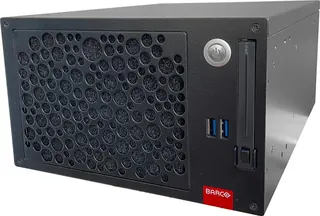
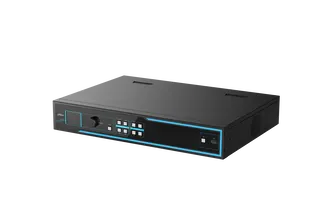
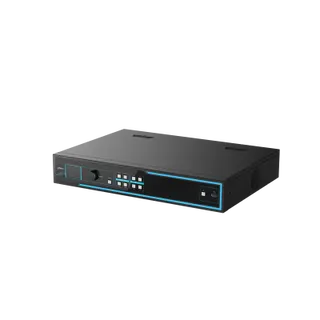
Hikvision DS-C66S-PRE Preview Board for Video Walls
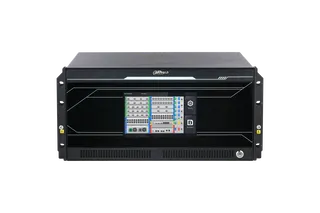
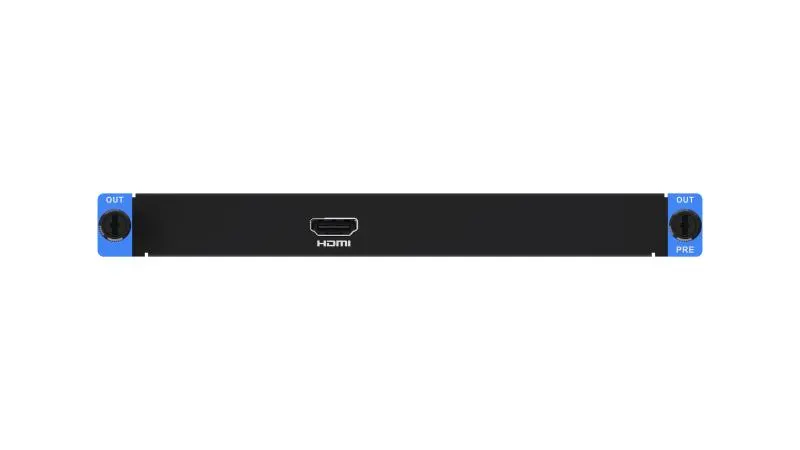
The Hikvision DS-C66S-PRE is a preview board for video wall systems that occupies an output slot in the C66S chassis. It drives a screen through its HDMI port, shows a wall image on a remote client and displays a local signal source live there. It suits control rooms and operations centres in Qatar that need to check wall content before it goes live. Request a quote to confirm compatibility.
What the DS-C66S-PRE does in a video wall system
The Hikvision DS-C66S-PRE is a Preview Board for video wall installations. Instead of sending content straight to the wall, it lets an operator check the wall image, or a local signal source, before that content is committed. The board occupies an output slot in the chassis, so the design starts with the C66S series layout.
Preview paths and capacity
- Local preview: one channel at 1080p60 on the screen connected to the board's HDMI port.
- Client-based preview: one channel at 1080p30 on a remote client.
- Remote wall view: the video wall image can appear on a remote client as well as on the local HDMI screen.
- Remote source view: a local signal source can be viewed live on the remote client.
- Live view capacity: 16-channel D1 or 32CIF, as listed in the video wall specification.
The 1080p60 local path gives the screen beside the operator smoother motion, which matters for moving video and fast-changing graphics. The 1080p30 client path suits checking layout, sequence and wall content from another room, where a lower frame rate is acceptable.
One preview board per system
The specification allows a maximum of one preview board. A site that wants preview positions in several control rooms should send its full layout with the enquiry, so the design can be checked against that limit before any hardware is quoted.
Where it fits in Qatar
A control room in Doha's Industrial Area or West Bay can use the board so a duty operator confirms wall content on a local HDMI screen before switching it live, while a supervisor on another floor sees the same image on a client. Changes are reviewed before the audience sees them.
In Lusail, a hospital or hotel operations centre can check signage or camera content from a remote workstation before it is shown on a lobby wall. In Education City, a university or training centre can preview teaching sources locally and let technicians check feeds remotely.
Planning the installation
- Confirm a free output slot in the chassis your wall system uses.
- Map where the HDMI screen and remote client will sit, and the network route between them.
- Check the room environment: the manufacturer data we hold does not list an operating temperature range or power rating, so confirm conditions with our team before ordering.
SmartRooms Qatar offers a free site survey, which we recommend before any video wall controller is ordered, along with professional installation and delivery to all 8 municipalities of Qatar. Government buyers can order through purchase orders (LPOs) or tenders, including Monaqasat.
Send your wall layout, chassis details and the number of preview positions you need, and request a quote. The SmartRooms Qatar team usually responds within one working day.
Highlights
- Maximum of one preview board per system
- Local preview at 1080p60 through the HDMI port
- Client-based preview at 1080p30
- Live view of local sources on a remote client
- Live view capacity: 16-channel D1 or 32CIF
- Occupies one output slot in the chassis
Estimated timeline
Quotation within 1 working day · delivery timing depends on stock availability, and we confirm it with your quotation.
Specifications
Chassis1
- Occupied Slot
- Output slot
Video Wall2
- Video Wall Live View
- Supported(16-channel D1 or 32CIF)
- Video Wall Preview
- 1channel of 1080p60 local preview 1 channel of 1080p30 client-based preview