LG SuperSign WB
LG SuperSign WB White Balance Calibration Software for Video Walls
LG SuperSign WB is white balance calibration software for LG digital signage monitors and video walls. It offers sensor calibration and camera calibration, the latter using a Nikon D5300 with an 18 mm lens to detect the wall layout. It connects to a PC over USB and RS232. It suits control rooms, lobbies and retail walls in Qatar that need uniform colour across panels. Request a quote from SmartRooms Qatar.
What SuperSign WB does for a multi-panel display
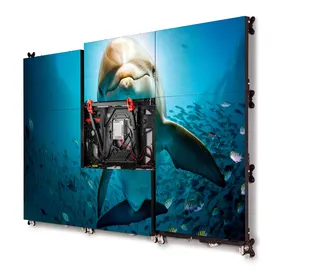
SuperSign WB is white balance calibration software for LG digital signage monitors and video walls. Its purpose is to bring the white point of each panel into agreement, so a wall of screens reads as one consistent picture rather than a patchwork of slightly different tones. It is most useful when panels are installed at different times or when the same wall is viewed under changing light.
Two calibration routes: sensor and camera
The software provides sensor white balance calibration and camera white balance calibration. The camera route uses a Nikon D5300 DSLR fitted with an AF-S DX NIKKOR 18-55mm F3.5-5.6G VR II lens, set to 18 mm. The data lists the 55VH7B in a 3x3 configuration as a supported model for camera calibration. Setup relies on three connection points:
- a USB link from the camera to the PC
- an RS232 link from the monitors to the PC
- a recommended 10 m (32 feet) extender for each long cable run
Camera setup, auto setup and reflections
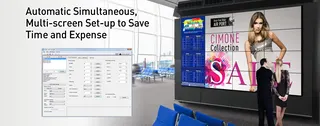
Position the camera so the whole videowall fills the guidelines on its live view, adjusting distance and position rather than zoom. Keep the camera horizontal, since a vertical orientation can stop the monitors from being detected. Once the wall is aligned, the software sets the layout automatically and shows real-time camera images. It also detects reflection areas and excludes them from calibration, and it reports an error if too many are found. If auto setup fails, the process stops and offers a route back to the first step.
Where it fits in Qatar
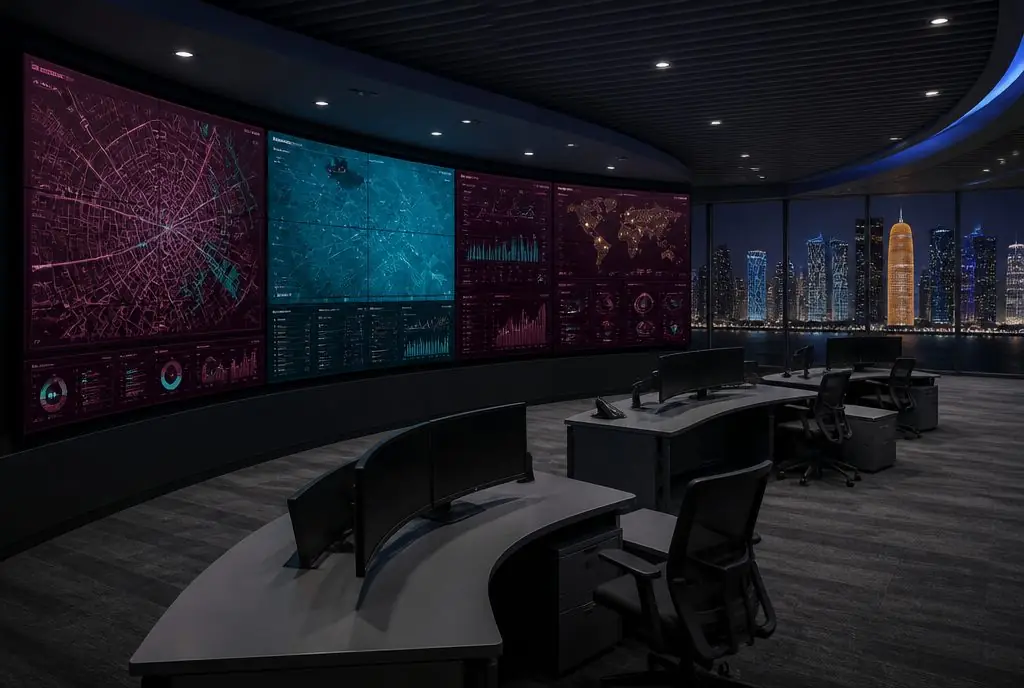
A hotel lobby in West Bay with a tiled video wall may need its panels matched after staged installation. A government control room in Doha that runs several panels side by side benefits from a uniform white point when operators compare screens. A retail atrium in Lusail or a private school in Al Wakrah with a square wall in an assembly hall are other realistic cases where calibration matters more than the content itself.
What to plan before you request a quote
- Confirm the monitor model, panel count and wall shape, because camera calibration only works on a square videowall
- Reserve clear floor space in front of the wall for the camera, facing the centre of the display
- Map cable routes between the PC, the monitors and the camera before walls are closed up
Send SmartRooms Qatar your panel models, the wall layout and photos of the room, then request a quote. A free site survey can confirm whether a square layout and camera position will work in your space before you order.
Highlights
- Sensor and camera white balance calibration for LG monitors
- Camera route uses a Nikon D5300 with an 18 mm lens setting
- Supported camera lens: AF-S DX NIKKOR 18-55mm F3.5-5.6G VR II
- Listed camera-calibration model: 55VH7B in a 3x3 configuration
- Camera calibration works only on square videowall layouts
- PC connection over USB and RS232, with 10 m extenders recommended
Estimated timeline
Quotation within 1 working day · delivery timing depends on stock availability, and we confirm it with your quotation.