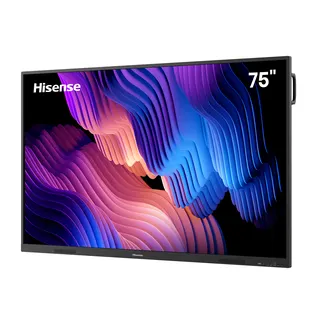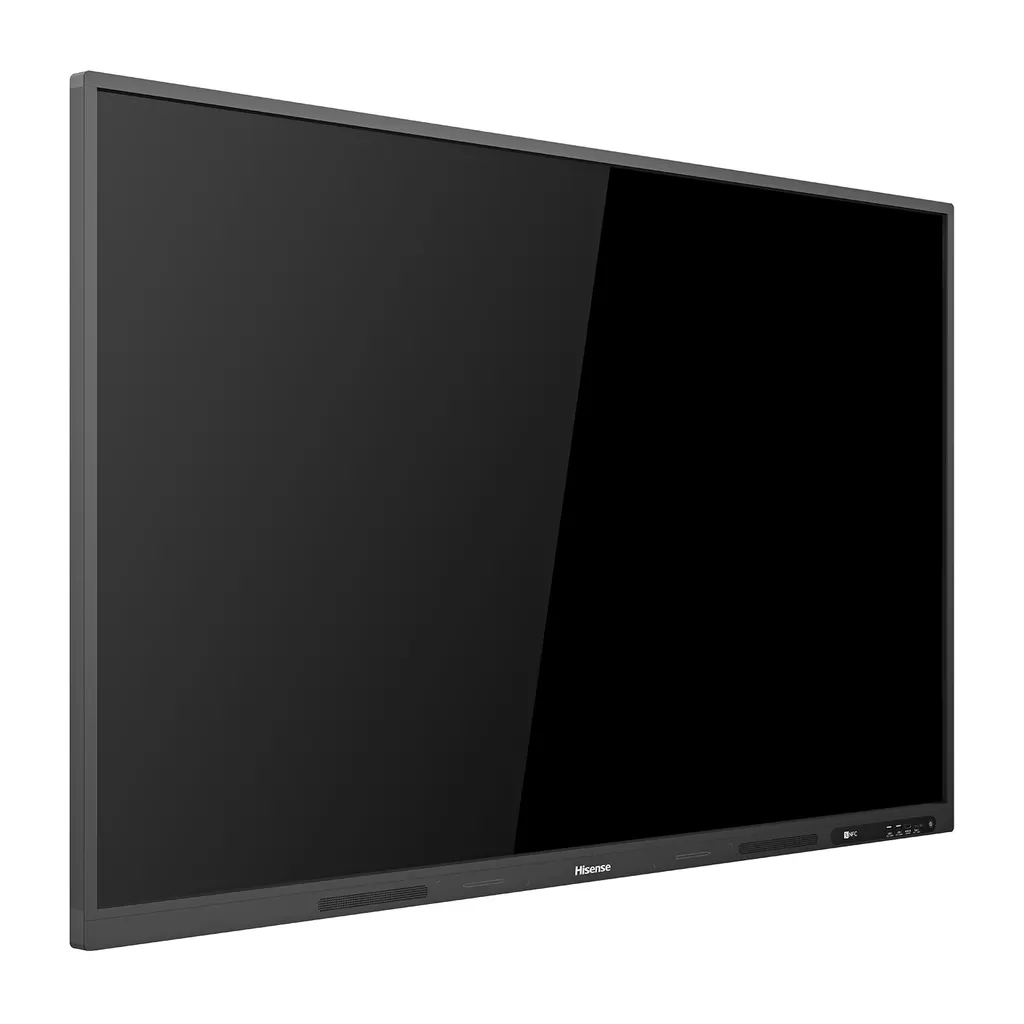
75WR6CE
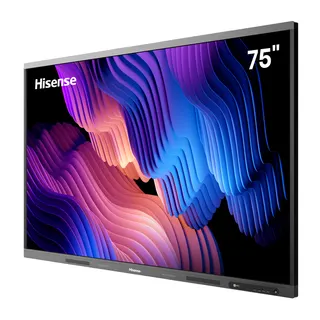
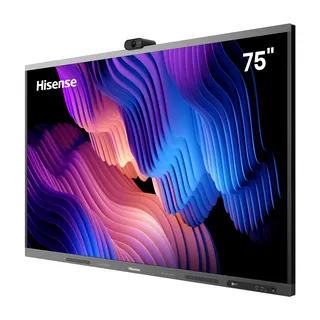
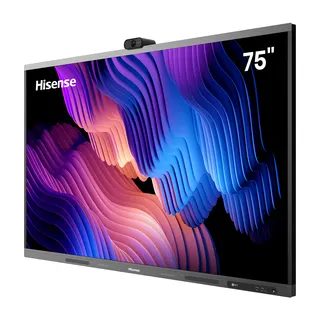
Hisense 75WR6CE 75-inch Advanced Interactive Display
- Screen size
- 75’’
- Resolution
- 3840 x 2160
- System
- Android 8.0
- Brightness
- 350cd/m²(typ.)
The Hisense 75WR6CE is a 75-inch 4K interactive display with a 20-point infrared touch frame, Android 8.0 and 802.11ax Wi-Fi. Hisense has discontinued this model, so it now suits organisations that already run it or need a comparable replacement. Its 350 cd/m² typical brightness and anti-glare glass suit lecture rooms, boardrooms and training centres in Doha, Education City and Lusail. Request a quote for a current equivalent or compatible replacement.
What the 75WR6CE is and who it suits
The Hisense 75WR6CE is a 75-inch interactive display that combines a large 4K panel, a touch layer, a built-in Android system and whiteboard functions in one unit. Hisense has discontinued this model, so this page is written for three groups: organisations that already own a 75WR6CE and need to plan support or expansion, buyers comparing it with other 75-inch boards, and anyone who needs a replacement for a room fitted with this model.
Because the model is no longer produced by Hisense, SmartRooms Qatar recommends requesting a quote for a current equivalent or a compatible replacement before committing to a new purchase. Send us your room size, mounting wall and list of connected sources, and we will check which options match your setup.
Panel and touch performance that matter in a room
The panel runs at 3840 x 2160 resolution, which is four times the pixel count of Full HD. On a 75-inch screen this gives sharp text for spreadsheets, engineering drawings and lesson materials. Typical brightness is 350 cd/m² and typical contrast is 1,200:1. The viewing angle is rated at 178 degrees both horizontally and vertically, so people seated at the sides of a meeting table see the same colours as those in front.
Touch is handled by an infrared touch frame over anti-glare glass. The source data rates touch accuracy at 90 percent within ±1 mm, a minimum touch object of 2 mm, and up to 20 simultaneous touch points. Touch clicks are listed as unlimited. The anti-glare surface reduces reflections from ceiling lights and windows, which matters in rooms with glazed walls. A blue light filter is included to reduce eye strain during longer sessions.
Connectivity, OPS and the hardware behind the screen
The 75WR6CE runs Android 8.0 and supports Wi-Fi under IEEE 802.11 a/b/g/n/ac/ax on both 2.4 GHz and 5 GHz, plus Bluetooth 5.1. For wired sources, the panel offers two HDMI 2.0 inputs, one DisplayPort 1.2a input, one USB-C port, two USB 3.0 ports, a USB 2.0 port, a LAN port and an RS232 input. An HDMI 2.0 output and S/PDIF and audio outputs let the signal feed a second screen or an external sound system.
An OPS slot is available as an optional module, which lets you run a computer inside the panel instead of a separate PC on the desk. Power consumption is rated at 260 W without OPS, and standby consumption is below 0.5 W. Two 15 W speakers are built in. NFC integration and a wireless presentation link to compatible Hisense displays are included, and a wireless cast unit is listed as an optional accessory.
Where it fits in Qatar and what to plan before ordering
A 75-inch panel like this suits a seminar room in a private school in Al Wakrah fitting out new classrooms, a training room on a campus in Education City, or a meeting room in a government office in Msheireb. In each case a small group works at the screen together, and the teacher or presenter needs annotation, a second source and remote control.
- Wall mounting: VESA 600 x 600 mm with four M8 screws, and a wall mount bracket is in the box. The net weight is 45.8 kg, so a free site survey to confirm wall structure is advisable before fixing.
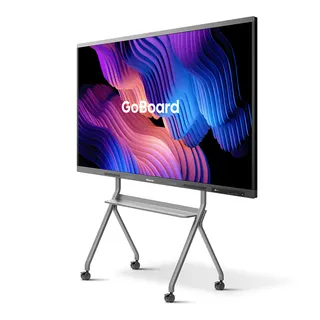
- Mobile option: a mobile cart is listed as an optional accessory for rooms that share one panel between spaces.
- Power and sockets: the power input accepts AC 100 V to 240 V at 50/60 Hz, which covers Qatar's 240 V 50 Hz supply. Check that the supplied power cable suits BS 1363 (Type G) sockets during the survey.
- Environment: the source data gives no operating temperature range, so confirm the installation location with the SmartRooms Qatar team, particularly rooms exposed to direct sun or dust.
- Language: the system language list does not include Arabic, so confirm interface language before ordering for an Arabic-first office or school.
Because the 75WR6CE is discontinued, the most reliable route to the right result is a quote. Send SmartRooms Qatar your room dimensions, wall type and connection needs, and we will reply with a quote for a current equivalent or compatible replacement, usually within one working day. We deliver to all eight municipalities of Qatar, offer professional installation and free site surveys, and accept LPOs, government tenders and payment by bank transfer, cheque or purchase order. Products are covered by the manufacturer's warranty.
Highlights
- 75-inch panel with 3840 x 2160 (4K UHD) resolution
- Up to 20 simultaneous touch points on an infrared frame
- Typical brightness 350 cd/m² and 178-degree viewing angle
- Android 8.0 with 802.11ax Wi-Fi and Bluetooth 5.1
- Two HDMI 2.0 inputs, DisplayPort 1.2a and optional OPS slot
- Discontinued by Hisense; request a quote for a replacement
Classroom fit
At 75″ the farthest student should sit within about 5.6 m (6× the screen height).
Estimated timeline
Quotation within 1 working day · delivery timing depends on stock availability, and we confirm it with your quotation.
Specifications
Interactive Display panel11
- Size
- 75’’
- Backlight
- D-LED
- Resolution
- 3840 x 2160
- Brightness
- 350cd/m²(typ.)
- Contrast ratio
- 1200:1(typ.)
- Response Time
- 8ms
- Refreshing Frequency
- 60Hz
- Viewing angle
- 178°(H) / 178°(V)
- Lifetime
- 50,000hrs
- Color Gamut
- 72%
- Display Colours
- 1.07B(10bit)
System2
- OS
- Android 8.0
- Language
- Chinese, English, Polish, German,French, Italian, Spanish, Finnish, Norwegian, Swedish, Thai, Indonesian, Japanese
Speaker1
- Audio Output Power
- 2x15W
Connectivity4
- WI-FI
- IEEE 802.11a/b/g/n/ac/ax(2.4G and 5G), IEEE 802.11a/b/g/n/ac(2.4G and 5G)
- Bluetooth
- BT5.1
- Input
- HDMI(2.0) IN x 2, DP(1.2a) IN x 1, OPS(optional) x 1, LAN x 1, USB2.0 x 1, USB3.0 x 2, Type-C x 1, Touch x 1, RS232 IN x 1, Service x 1
- Output
- HDMI(2.0) OUT x 1, S/PDIF OUT x 1, Audio OUT x 1
Power2
- Power Requirements
- AC 100 V ~ 240 V, 50/60 Hz
- Power Consumption Without OPS
- 260W
Touch7
- Sensing Type
- Infrared Touch Frame
- Surface Protection
- Anti-Glare Glass
- Infrared Touch
- ≤20 points
- Touch Accuracy
- 90%(±1mm)
- Theory Clicks
- Unlimited
- Minimum Touch Object
- ≥2mm
- Windows 10/8/7,Android
- Multi Touch
Physical6
- Housing Color
- Black
- Product Size (W x H x D)
- 1710 × 1014 × 100mm / 67.3 x 39.9 x 3.9inch
- Package Size (W x H x D)
- 1896 × 1184 x 300mm / 74.6 x 46.6 x 11.8inch
- Net Weight
- 45.8kg / 100.99lbs
- Packed Weight
- 61.5kg / 135.61lbs
- VESA
- 600x600mm, 4-M8 screw
Optional1
- Basic
- Mobile cart, OPS
What’s in the box1
- Value
- User manual Pen x 2 Remote control Wireless Cast x 1 (optional) Power Cable Battery x 2 Wall Mount Bracket x 1