Thursday, 22 October 2026 · 11 Jumada I 1448 AH Sun – Thu · 9:00 – 18:00
+971 56 914 9477 العربية
WhatsApp
This model is discontinuedThe manufacturer no longer makes it. Request a quote and we will propose the closest current replacement.
Suggested replacements ↓

86TR3E

LG Interactive Digital Board 86TR3E 86-inch Display

Screen size
86"
Touch
InGlass™
Brightness
410 nit
WhatsApp
Priceon request
QuotationWithin 1 working day
DeliveryConfirmed with your quote, based on stock
PDFDownload datasheet (ARA.pdf)
Overview

The LG 86TR3E is an 86-inch interactive digital board from the CreateBoard TR3E series, discontinued by LG. It pairs a UHD IPS panel with InGlass touch supporting up to 20 points, and its embedded webOS IDB app lets teams write and annotate without a PC. Qatar organisations that already run it, or are comparing it with newer models, can request a quote for a current equivalent or compatible replacement.

An 86-inch board for meetings that need detail

The LG 86TR3E is an 86-inch interactive digital board from the CreateBoard TR3E series. Its UHD IPS panel keeps fine detail sharp when content is zoomed, and the IPS design keeps colours readable from seats around a large table. The typical module brightness is 410 cd/m², so compare that figure with your room lighting before committing. LG has discontinued this model, so this page is written for organisations that already run one, buyers comparing it with newer boards, and anyone who needs a replacement.

Touch and writing on the glass

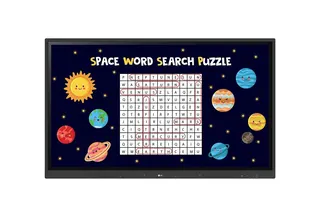
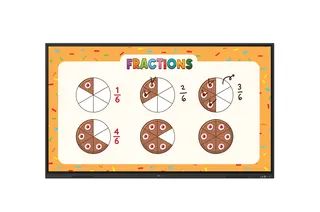
InGlass touch supports up to 20 simultaneous points and has a stated accuracy of 2 mm, so several presenters can write at once. Objects larger than Ø 3 mm are detected, and the pen stroke thickness adapts to writing speed. A palm swipe clears notes. The protective glass is 4T with an anti-glare finish, which reduces reflections from ceiling lights and windows. Two touch pens and two eyebolts come in the box.

Sharing content without a PC

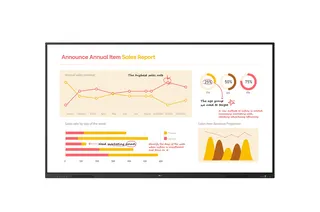
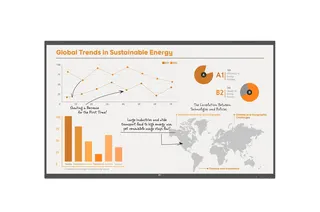
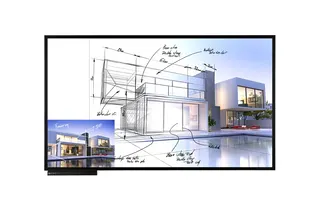
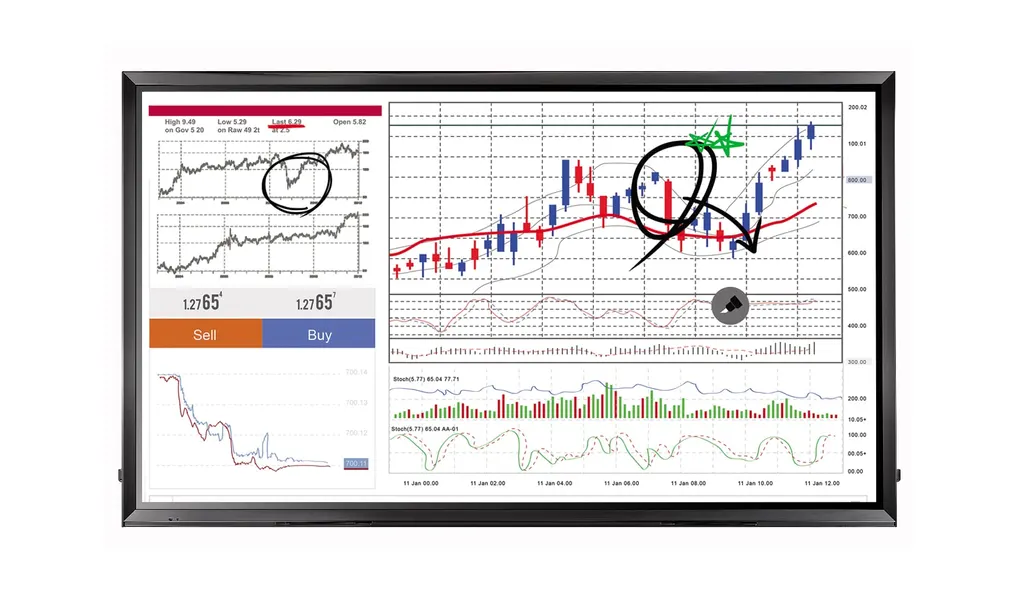
The embedded LG IDB app and webOS IDB app let teams write and collaborate on the board without a dedicated PC or additional licences. Several participants can share their laptop screens at the same time over wired or wireless connections, write on the shared image and save annotations. PBP and PIP modes show two sources in layouts including full screen, original ratio and sub-screen. Connections include three HDMI inputs, DisplayPort, DVI-D, RGB, audio, USB 3.0 and USB 2.0, plus an OPS USB 2.0 connection for the optional OPS Kit (KT-OPSA). Two touch USB 2.0 outputs are provided.

Where it fits in Qatar

  • Boardrooms in West Bay or Msheireb: teams review documents from separate laptops and mark them up in the same session, while a second source stays on screen.
  • University seminar rooms in Education City: a lecturer keeps slides on one side of the board and a live demonstration on the other using PBP layouts.
  • Training rooms in Al Rayyan or the Industrial Area: trainers and trainees write on the same surface, and notes can be saved after the session.

Planning the installation

The head weighs 85.8 kg and the packed unit 114.6 kg, so plan for a lifting team, a trolley and a wall structure rated for the load. The monitor measures 2,026.9 x 1,180.3 x 79.5 mm without the handle, and the carton measures 2,190 x 1,470 x 371 mm, so check doorways and lift access before delivery. The VESA mount interface is 600 x 400 mm. The operating range is 0°C to 40°C at 10% to 80% humidity. Qatar summer temperatures can exceed 45°C, so keep the board in an air-conditioned room and confirm the room stays within that range.

SmartRooms Qatar offers free site surveys, professional installation and delivery to all 8 municipalities of Qatar, with quotations usually issued within one working day. Purchase orders and government tenders are welcome. Send your room size, wall type and number of boards, and the SmartRooms Qatar team will prepare a quotation for a current equivalent or compatible replacement. Request a quote today.

Highlights

  • 86-inch UHD IPS panel with 410 cd/m² typical module brightness
  • InGlass touch with up to 20 points and 2 mm accuracy
  • Embedded LG IDB app for writing without a PC
  • Three HDMI inputs, DisplayPort, DVI-D and OPS USB 2.0 connection
  • Two touch USB 2.0 outputs and SuperSign software compatibility
  • Head weight 85.8 kg with 600 x 400 mm VESA interface
  • Discontinued by LG; request a quote for a replacement

Classroom fit

At 86″ the farthest student should sit within about 6.4 m (6× the screen height).

Estimated timeline

Quotation within 1 working day · delivery timing depends on stock availability, and we confirm it with your quotation.

Specifications

22 specifications · Source: manufacturer · checked Oct 2026
PANEL2
Screen Size
86"
Brightness(Module, Typ., cd/m²)
410
CONNECTIVITY2
Input
HDMI (3), DP, DVI-D, RGB, Audio, USB 3.0, USB 2.0, OPS USB 2.0
Output
Touch USB 2.0 (2)
PHYSICAL SPECIFICATION6
Bezel Width
50.7 mm (T/L/R), 62.2 mm (B)
Monitor Dimension (W x H x D)
2,026.9 x 1,180.3 x 79.5 mm (w/o Handle)
Weight (Head)
85.8 kg
Carton Dimensions (W x H x D)
2,190 × 1,470 × 371 mm
Packed Weight
114.6 kg
VESA™ Standard Mount Interface
600 x 400 mm
ENVIRONMENT CONDITIONS2
Operation Temperature
0°C to 40°C
Operation Humidity
10 % to 80 %
SOFTWARE COMPATIBILITY2
Content Management Software
SuperSign Premium
Control and Monitoring Software
SuperSign Link
ACCESSORY2
Basic
Remote Controller (include battery 2ea), Power Cord, QSG, HDMI (3M), Regulation Book, Phone to RS232C Gender, Touch Pen (2ea), Eyebolt (2ea)
Optional
OPS Kit (KT-OPSA)
TOUCH6
Touch type
InGlass™
Available object size for touch
more than Ø 3 mm
Accuracy
2 mm
Interface
USB 2.0
Protection Glass Thickness
4T (Anti-Glare)
Multi touch point
Max 20 Point

Downloads

7 files from the manufacturer

Questions about 86TR3E

What is the LG 86TR3E used for in Qatar?
The LG 86TR3E is an 86-inch interactive digital board for meeting rooms, training rooms and lecture spaces where one presenter writes, annotates and shows content from several sources on one large surface. Its UHD IPS panel suits teams that need to read detailed documents from across the room, such as a board pack in a West Bay boardroom or a training session in Education City.
Is LG still selling the 86TR3E?
No. LG has discontinued the 86TR3E, so the manufacturer no longer offers it as a current model. If your organisation needs an 86-inch interactive board, request a quote from SmartRooms Qatar for a current equivalent or a compatible replacement. We will confirm the specifications and the estimated lead time with the quotation. This page also serves owners of the 86TR3E who need its technical details.
Do I need a PC to write and collaborate on the board?
No. According to the manufacturer's data, the embedded LG IDB app and the webOS IDB app let users write and collaborate on the board without a PC and without additional writing or collaboration licences. This suits rooms without a dedicated computer, and IT managers who want fewer devices to support in each meeting room. Annotations can be saved, so the markup from a meeting is kept for follow-up.
How many people can touch the board at the same time?
The InGlass touch system supports up to 20 simultaneous touch points, with a stated accuracy of 2 mm. Objects larger than Ø 3 mm register, and two touch pens are included in the box. A palm swipe clears notes. This suits a classroom where several students write on the board together during a maths or science lesson, or a workshop where teams sketch ideas side by side.
Can the board show two sources side by side?
Yes. PBP and PIP modes display two different sources in layouts that include full screen, original aspect ratio and a sub-screen, and you can allocate space to each source. In a lecture theatre at Education City, a lecturer could keep slides on one side while a live demonstration from a laptop occupies the other side of the board.
Which connections does the LG 86TR3E offer?
Inputs include three HDMI ports, DisplayPort, DVI-D, RGB, audio input, USB 3.0 and USB 2.0, plus an OPS USB 2.0 connection for the optional OPS Kit (KT-OPSA). Two touch USB 2.0 outputs are also provided. Before ordering, tell us which devices and cables your room uses, so the SmartRooms Qatar team can confirm the setup in the quotation.
Can several laptops share their screens at once?
Yes. The board supports screen sharing from participants' laptops over wired or wireless connections, so several laptops can share simultaneously. Participants can write on the shared screen and save the annotations. For example, a West Bay team meeting colleagues abroad can have each speaker present from their own laptop, with the board acting as the single shared surface for the whole discussion.
Will it cope with Qatar summer heat?
The published operating range is 0°C to 40°C with 10% to 80% humidity. Outdoor temperatures in Qatar can exceed 45°C in summer, so the board should be installed only in an air-conditioned room, away from entrances, lobby glass and direct sun. Confirm your room's temperature with the SmartRooms Qatar team before installation, since the operating range is the limit to plan around.
What wall or stand do I need for this board?
The head weighs 85.8 kg and the packed unit weighs 114.6 kg, and the VESA mount interface is 600 x 400 mm. Two eyebolts are included. A structural engineer should check the wall or stand before mounting. SmartRooms Qatar offers a free site survey and professional installation, which lets us confirm fixing points and load capacity before the unit arrives on site.
How much space does the installation need?
The monitor measures 2,026.9 x 1,180.3 x 79.5 mm without the handle, and the carton measures 2,190 x 1,470 x 371 mm. Bezels are 50.7 mm on the sides and top and 62.2 mm at the bottom. In an Al Rayyan school, check the doorway, corridor and lift dimensions so the carton reaches the classroom without obstruction, then plan clear floor space in front of the board for presenters.
Which software works with the board?
The board is listed as compatible with SuperSign Premium for content management and SuperSign Link for control and monitoring. If your organisation runs digital notices or training content across several displays, these are the relevant tools to discuss. Ask the SmartRooms Qatar team to confirm software requirements in writing before the quotation is issued, so the installation matches your plan.
What should I look for in a replacement?
Start with an 86-inch size and a touch system with a similar point count, then compare inputs such as HDMI and DisplayPort, an OPS-style slot for a computing module, the 600 x 400 mm VESA interface and the head weight against your wall. Send these requirements to SmartRooms Qatar and request a quote for a current equivalent or compatible replacement, including the number of units for a school, ministry or company rollout.

Suggested replacements

LG 86TR3BQ LG 86TR3BQ 86-inch CreateBoard Interactive Digital Board
86″ 3840x2160 (UHD) Max 40 points
LG 86TR3DK LG CreateBoard 86TR3DK 86-inch Interactive Digital Board
86″ 3840x2160 (UHD) Max 40 points
LG 86TR3ER LG 86TR3ER CreateBoard 86-inch Interactive Digital Board
86″ 3840 x 2160 (UHD) Max. 50 Points
LG 86TR3PN LG CreateBoard Pro 86TR3PN 86-inch Interactive Digital Board
86″ 3840x2160 (UHD) Max 50 points
LG 86TN3F LG 86TN3F 86-inch UHD Interactive Digital Board
86″ 3,840 x 2,160 (UHD) In-cell

Similar models

BenQ CM7505 BenQ Board CM7505 75-inch Interactive Display
75″ UHD 3840 × 2160 pixels Ultra Precision IR
SMART SBID-6286S-V3 SMART Board 6086S-V3 86-inch Interactive Display with iQ
86″ 4K UHD (3840 × 2160) HyPr Touch with InGlass
SMART SBID-6286S-V3-P SMART Board 6086S-V3 Pro 86-inch Interactive Display with iQ
86″ 4K UHD (3840 × 2160) HyPr Touch with InGlass
Clevertouch Clevertouch Edge 65" Clevertouch Edge 65" 4K Interactive Display with Camera and Speakers
65″ 4K UHD (3840x2160 @60Hz) Android 15
Clevertouch Clevertouch Edge 86" Clevertouch Edge 86" 4K Interactive Flat Panel
86″ 4K UHD (3840x2160 @60Hz) Android 15
Email Call