





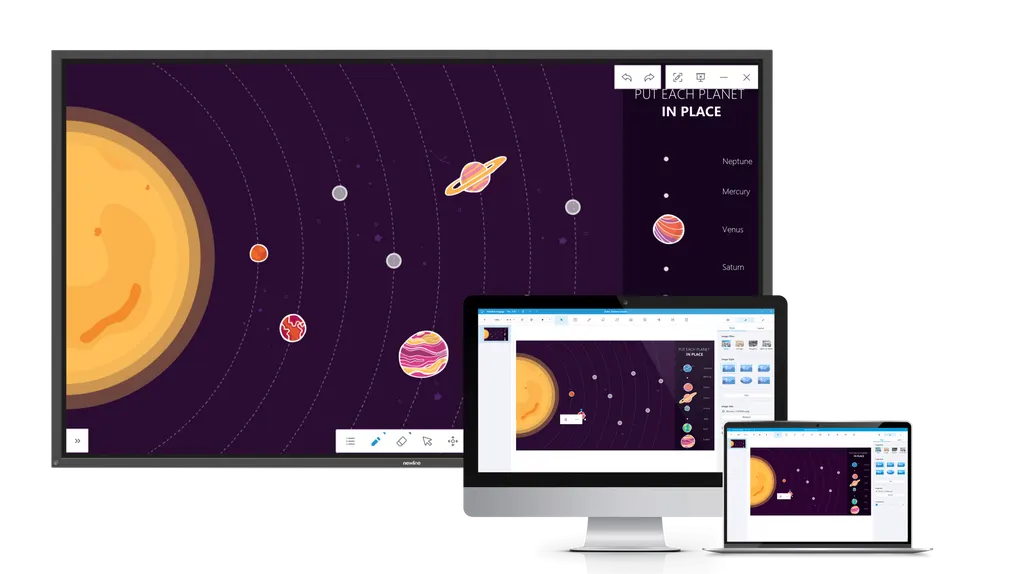
Newline Engage
Newline Engage Interactive Whiteboard Software
Newline Engage is interactive whiteboard software for Newline interactive flat panels, offered in two versions: Engage Desktop, licensed through product registration, and Engage Cloud, an online whiteboard for remote, hybrid and in-person sessions. It imports IWB, flipchart, notebook, PDF, PPT, image and video files, so schools and training centres in Qatar can reuse existing lessons. Request a quote for Newline panels with Engage.
Two ways to run Engage: Desktop and Cloud
Newline Engage is interactive whiteboarding software built for teachers and presenters who work on a Newline interactive flat panel. It comes in two versions. Engage Desktop is the installed application, and its licence is issued when you register a Newline product on the manufacturer's website. Engage Cloud is an online interactive whiteboard for remote, hybrid and in-person sessions, so a lesson can carry on when part of the class is at home.
Importing the lesson material you already have
Most schools and training providers in Qatar do not start from zero. Engage Desktop accepts a wide range of existing material, including IWB files, flipcharts, notebook files, images, videos, PDF, PPT, plain text and shapes. Teachers can bring older lesson packs into a new term instead of rebuilding them, then create fresh lessons with the same toolset.
Where Engage fits in Qatar
Three situations show where the software earns its place:
- A private school in Al Wakrah fitting out several new classrooms and moving maths and science lessons from older files into one shared format.
- A university teaching team in Education City running a hybrid tutorial, with some students in the room and others joining from home or from abroad through Engage Cloud.
- A training centre in the Industrial Area of Doha delivering safety induction sessions, where procedure PDFs and short videos are loaded before the session and marked up during it.
What to plan before rollout
Engage runs alongside a Newline panel, so the first planning step is confirming which Newline products each room uses and who will register them. Register each product on the manufacturer's website to receive the Desktop licence. Then decide which teachers will use Cloud for remote sessions, and whether existing files need converting or can simply be imported. Give staff a short trial with their own material before the first live lesson. Confirm the operating system and device requirements for Engage Desktop with the SmartRooms Qatar team before installing it on classroom computers.
If you are planning Newline panels for classrooms, meeting rooms or training rooms in Qatar, request a quote from SmartRooms Qatar and we will confirm how Engage licensing applies to each room.
Highlights
- Engage Desktop licence issued when a Newline product is registered
- Engage Cloud: online whiteboard for remote, hybrid and in-person lessons
- Imports IWB, flipchart, notebook, PDF, PPT and video files
- Invite all students into a Cloud class session
- Build lessons on the go with built-in whiteboarding tools
- Request a quote for Newline panels with Engage from SmartRooms Qatar
Estimated timeline
Quotation within 1 working day · delivery timing depends on stock availability, and we confirm it with your quotation.




