





Newline Ink
Newline Ink Digital Writing Software for Interactive Displays
Newline Ink is digital writing software for Windows that lets you annotate over PowerPoint, PDF files, web pages and playing video without leaving the application you are using. It runs on Windows today, with Linux and macOS under development. Schools, government offices and companies in Qatar that run interactive displays and must answer tender requirements for annotation software can request a licence quotation from SmartRooms Qatar.
What Newline Ink does on an interactive display
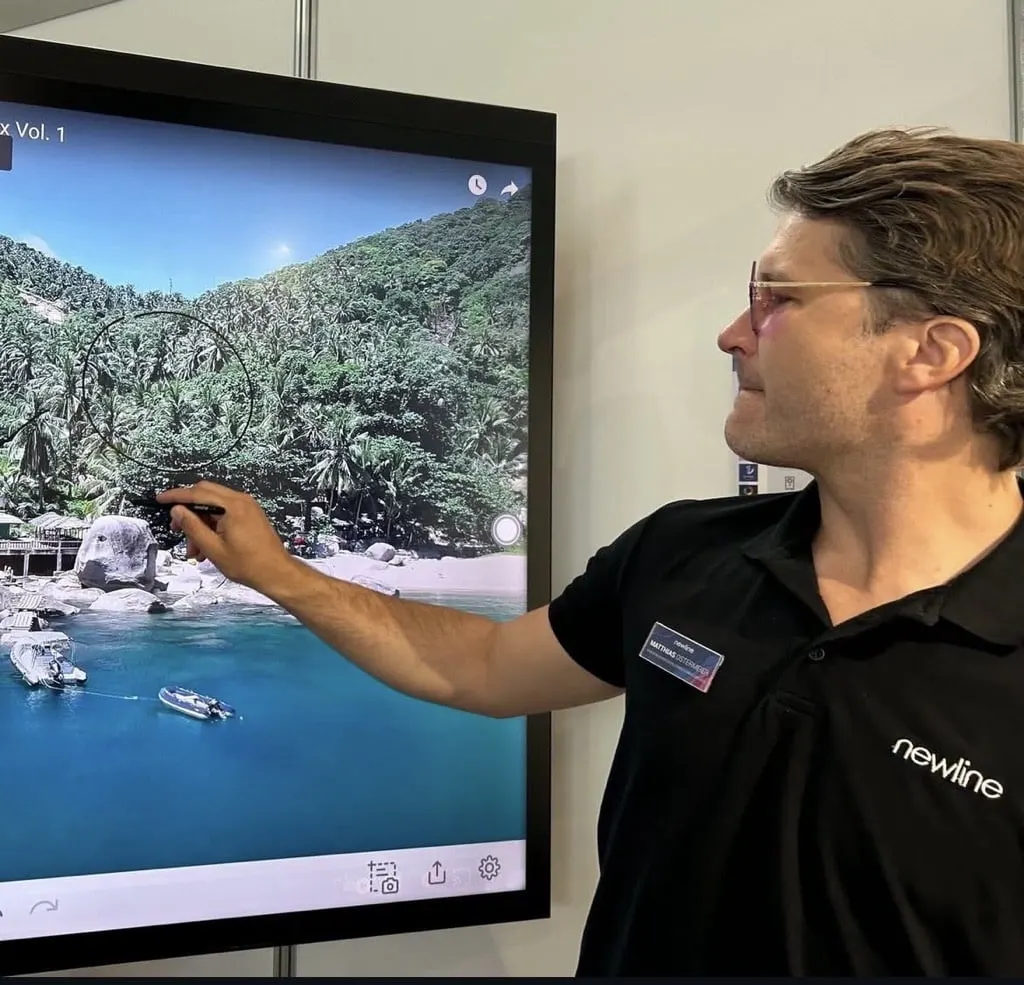
Newline Ink is digital writing software for Windows. It places a writing layer over whatever is already on the screen, so a teacher or presenter can write, draw and highlight over a slide deck, a PDF, a web page or a video that is playing, without closing the file or switching applications. The content stays in place and the annotations sit on top of it, which keeps a lesson or meeting moving.
The annotation layer is not limited to one presentation tool. It also works across third-party applications, so one workflow can cover a PowerPoint presentation in the morning, a contract PDF in a legal review and a live web dashboard in an afternoon board session.
Facts that matter before you order
- Platform: available now for Windows. Linux and macOS versions are under development.
- Content coverage: presentations such as PowerPoint and PDF, web browsers, videos in playback and third-party applications.
- Feature set: drawing and writing tools, control and interaction options, built-in presentation tools and management settings.
- Evaluation: a licence can be requested to test every feature and to integrate the software into current projects.
Where annotation saves time across Qatar
In a private school in Al Wakrah fitting out new classrooms, a science teacher can keep a lab diagram on screen and mark up each step as students ask questions, rather than redrawing it on a whiteboard. In a government office in Doha, a director can annotate a shared policy PDF with colleagues joining from the Industrial Area. At a training centre in Education City, an instructor can pause a recorded demonstration and draw directly on the frame to explain a procedure.
Hotels and corporate training rooms in West Bay and Lusail can use the same approach for client presentations, where the presenter needs to highlight figures in a proposal PDF without leaving the presentation.
Planning a Newline Ink deployment
Because Newline Ink runs on Windows, the first planning step is to confirm which Windows computer will drive each interactive display. List each room, its display and its computer, and send the list with your enquiry so the quotation covers every licence you need. Schools and public bodies often raise a purchase order, and SmartRooms Qatar accepts LPOs for multi-room orders.
If the software is part of a tender, share the tender clauses with the SmartRooms Qatar team before the quotation is prepared, so the offer matches the specification you are answering. SmartRooms Qatar also handles government tenders, including those published on Monaqasat.
Request a licence quotation
Newline Ink is sold by quotation. Send the number of rooms, the Windows computers involved and any tender clauses, and the SmartRooms Qatar team will usually return a quotation within one working day. Delivery covers all eight municipalities of Qatar, and you can pay by bank transfer, cheque or purchase order. Ask for a licence to test the software in one room before committing to a full rollout.
Highlights
- Available now for Windows; Linux and macOS under development
- Annotate over PowerPoint, PDF files and other presentations
- Works over web browsers and videos in playback
- Also works across third-party applications
- Licence can be requested to test all features
- Drawing, presentation and management tools included in the feature set
Estimated timeline
Quotation within 1 working day · delivery timing depends on stock availability, and we confirm it with your quotation.




