Biamp
MAX Connect Auditorium Mode License
Biamp MAX Connect Auditorium Mode License 900-10004 Software
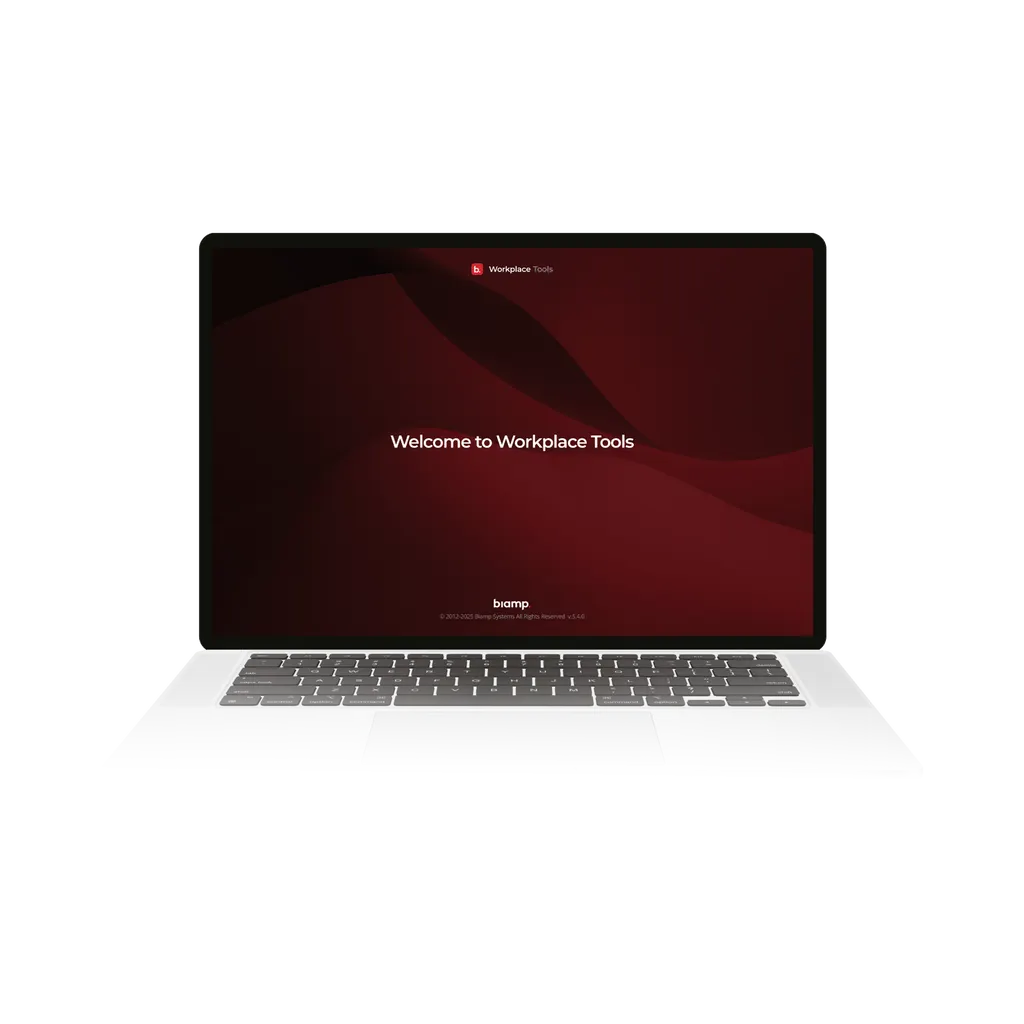
Workplace Tools Desktop App
Biamp Workplace Tools Desktop App (900-10017) AV Deployment Software
Priceon request
QuotationWithin 1 working day
DeliveryConfirmed with your quote, based on stock
Overview
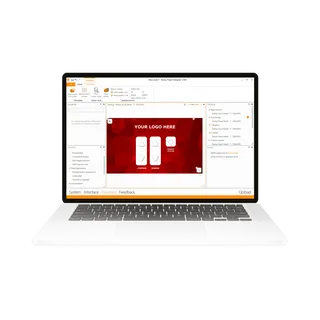
Biamp Workplace Tools Desktop App (900-10017) is a desktop application for AV integrators. It finds Biamp devices on the network as soon as they connect, carries them through configuration and commissioning, and links them to the Biamp Workplace platform. After go-live, firmware updates, diagnostics and setting changes can be done remotely. Suited to integrators and AV teams in Qatar deploying multi-room Biamp systems.
What the Workplace Tools Desktop App does
Workplace Tools is a desktop application for AV integrators working with Biamp equipment. It brings the stages of an installation that are often handled in separate tools into one place: finding devices, configuring them, commissioning them, connecting them to the cloud and keeping them running afterwards. Its primary application is central control, so it suits teams that manage several Biamp devices as one system rather than as isolated products.
Discovery and commissioning in a single session
When a technician arrives on site and connects to the network, the application automatically identifies every Biamp device it can see. That removes manual entry of device details at the start of the job and lets the team move straight to configuration. Configuration, commissioning and cloud connection all happen within the same application, so an integrator does not have to switch between separate utilities for each step.
Devices commissioned here appear in the Biamp Workplace platform immediately. There is no separate synchronisation step to run or check, which matters when a project has several rooms and a fixed handover date.
Managing systems after handover
Once a system is live, the application supports remote management. Firmware updates, device setting changes and diagnostics can be carried out from wherever the integrator is, which reduces the need for return visits to site. For a multi-building campus or a group of schools spread across the city, that can mean resolving a fault or applying an update without a long journey.
Both on-premises and cloud-connected deployments are supported within the same workflow, so the team does not need one process for local systems and another for cloud systems.
Answers during the workflow
The Workplace AI Agent gives on-demand answers drawn from the full Biamp product knowledge base. Technicians can ask for product documentation, connection diagrams or technical guidance without leaving the application or searching several sources. When a device is unfamiliar or a connection needs checking on site, that keeps the work moving.
Where it fits in Qatar
- Boardrooms in West Bay or Msheireb: an integrator commissions the control system for a newly fitted executive room and hands over a live, manageable system.
- A university or training centre in Education City: a team rolls out matching configurations across several lecture rooms and keeps them updated remotely during the academic year.
- A multi-site organisation across Doha and Al Khor: diagnostics and firmware changes are handled from one location rather than through repeated site trips.
What to plan before deployment
Confirm the network that the Biamp devices will join before the first visit, so discovery works on the first attempt. Decide early whether each site will be on-premises, cloud-connected or a mix of both, and agree who will hold remote management access after handover.
SmartRooms Qatar supplies the software and the Biamp equipment it manages, and offers a free site survey to confirm room layout and cabling before installation. Purchase orders (LPOs) and government tenders are accepted. To request a quote for the Workplace Tools Desktop App (900-10017), send SmartRooms Qatar your project list and device count.
Highlights
- Automatically discovers Biamp devices when connected to the network
- Configure, commission and cloud-connect devices in one session
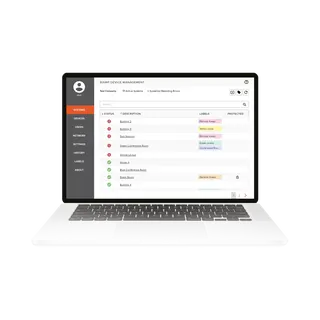
- Remote firmware updates, setting changes and diagnostics
- Commissioned devices appear in Biamp Workplace immediately
- Supports on-premises and cloud-connected deployments
- Workplace AI Agent answers from the Biamp product knowledge base
Room fit
Tell us the room size and platform (Teams, Zoom or BYOD) and we confirm the right combination with your quotation.
Estimated timeline
Quotation within 1 working day · delivery timing depends on stock availability, and we confirm it with your quotation.
Specifications
Source: manufacturer · checked Oct 2026
The full specification and datasheet for this model are available on request; we send them with your quotation.
Downloads
2 files from the manufacturerQuestions about Workplace Tools Desktop App
What is the Biamp Workplace Tools Desktop App used for?
It is a desktop application that covers the AV deployment workflow for Biamp equipment, from first device discovery through commissioning, remote management and later adjustments. Integrators use it to configure devices, commission them and connect them to the cloud from one application, rather than moving between separate tools. Its primary application is central control, so it suits systems where several Biamp devices work together as one installation.
Who is this software designed for?
It is designed for AV integrators and installation teams who commission Biamp devices and hand over live systems to clients. Facilities and IT managers benefit after handover, when the integrator can update firmware and run diagnostics remotely. In Qatar, that typically means audio-visual contractors working on offices, schools, universities and government buildings across Doha and beyond.
How does automatic device discovery work?
When a technician connects to the network on site, the application automatically identifies every Biamp device it finds. This removes manual entry of each device at the start of the job and speeds up the first stage of installation. Once discovered, the same application carries each device through configuration and commissioning, so the team can move straight to setting up the room.
Can configuration, commissioning and cloud connection be done in one session?
Yes. The application handles configuration, commissioning and cloud connection for every device within a single session. An integrator working on a meeting room with a Biamp system does not need to switch between separate tools for each step. This keeps the handover schedule predictable on projects with several rooms to commission in one visit.
Do commissioned devices appear in Biamp Workplace straight away?
Yes. Devices commissioned through Workplace Tools are immediately available across Biamp Workplace experiences, and no separate sync step is needed. For a client who wants to see newly fitted rooms in the Biamp Workplace platform on the day of handover, this means the rooms are visible without an extra process. Ask SmartRooms Qatar for a quote if you are planning a multi-room handover.
Can firmware updates and diagnostics be handled remotely?
Yes. Remote management lets an integrator push firmware updates, adjust device settings and run diagnostics from anywhere, without a site visit. For an organisation with buildings spread across Doha, Lusail and Al Khor, a fault can be checked or an update applied without a return trip. Network access and site conditions still need to be planned with the client before handover.
Does it support both on-premises and cloud-connected systems?
Yes. Workplace Tools supports on-premises and cloud-connected deployment types within a single, consistent workflow. A school group in Al Rayyan that keeps some systems local and connects others to the cloud can run both under one process instead of learning two installation methods. Confirm which deployment type each room needs before the site survey.
Is it suitable for a boardroom in West Bay or Msheireb?
A boardroom with a Biamp system is a typical fit. An integrator can discover the devices, configure the room, commission it and connect it to Biamp Workplace in one visit, then manage firmware and settings remotely afterwards. Boardroom systems often need careful planning around room layout, so SmartRooms Qatar offers a free site survey before installation to confirm placement and network requirements.
How does it help a university or training centre in Education City?
Universities and training centres often fit out many similar lecture and seminar rooms at once. Using this workflow, a team can discover and commission each room's Biamp devices in turn, then apply updates across the rooms remotely during the academic year without repeated campus visits. Agree room naming and network addressing in advance so the discovery stage runs smoothly.
Can one team manage a multi-site organisation from a single location?
Remote management lets an integrator handle firmware updates, setting changes and diagnostics for systems at different sites from one place, which suits an organisation with offices in Doha and Al Khor. Reviewing a fault remotely before sending a technician can save considerable travel time. Share the site list and device count with SmartRooms Qatar when you request a quote so the scope is clear from the outset.
Does the Workplace AI Agent help technicians during setup?
Yes. The Workplace AI Agent provides on-demand answers from the full Biamp product knowledge base, including product documentation, connection diagrams and technical guidance. Technicians can get answers without leaving the application or searching across multiple sites, which helps when a device is unfamiliar or a connection needs checking on site.
Does it work with non-Biamp equipment?
The manufacturer describes the application's discovery and management features around Biamp devices and the Biamp Workplace platform. The source data does not state support for other brands, so SmartRooms Qatar will confirm compatibility for any non-Biamp equipment in your room before quoting. Share the full equipment list when you request a quote so the integration plan is accurate.