Biamp
MAX Connect Auditorium Mode License
Biamp MAX Connect Auditorium Mode License 900-10004 Software
SOImage on request
PCS-EP
Sony PCS-EP PC Videoconferencing Endpoint Software
Priceon request
QuotationWithin 1 working day
DeliveryConfirmed with your quote, based on stock
Overview
Sony PCS-EP is PC videoconferencing endpoint software that lets a Windows PC join meetings hosted on a Sony PCS-VCS Series server. It carries voice, video and PC screen sharing, PowerPoint sharing and a presence contact list. Licences cover 3 users (PCS-EP3) or 10 users (PCS-EP10), each bought with a matching support pack. It suits staff working remotely from home, hotels or temporary offices across Qatar. Request a quote.
What the PCS-EP does on a Windows PC
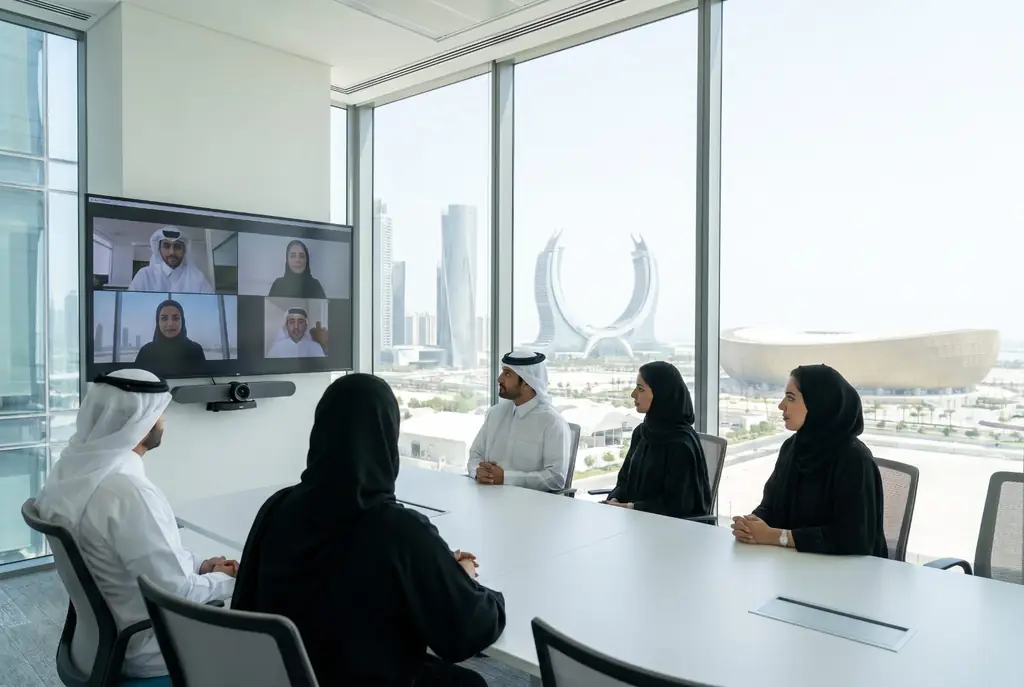
The Sony PCS-EP is endpoint software, not a camera, codec or meeting server. It installs on a Windows PC and links that computer to conferences run on a Sony PCS-VCS Series Visual Communication Server. Once connected, the user joins the meeting, sees and hears the other participants, and streams their own PC screen into the session. The computer becomes the meeting room, so a person can take part from any place with a broadband IP connection.
Licence size and the support pack rule
The PCS-EP is sold in two licence tiers. The PCS-EP3 covers up to 3 users and the PCS-EP10 covers up to 10 users. Either tier must be bought together with its matching support pack, PCS-EP3SP or PCS-EP10SP. Count the people who will join from a PC before you request a quote, because the tier sets how many users the deployment can serve and the support pack must match that tier.
Video, audio and sharing limits to plan around
- Video: up to HD 720p, depending on the server software
- Sharing: video, voice and PC screen streamed together
- Presentations: PowerPoint shared with remote participants running PC endpoint software
The 720p ceiling depends on the PCS-VCS server as well as the endpoint, so the server should be checked when planning picture quality. The presence contact list shows who is online, busy or offline, and a single click calls a contact or meeting.
Where it fits in Qatar
Three situations suit this software well. A ministry official working from home in Msheireb who needs to join a Doha review on a Thursday can connect from a Windows desktop or laptop with a webcam. A training consultant based in West Bay can join a client session from a serviced apartment without carrying room equipment. A contractor team in Mesaieed with one site office PC can stay in contact with head office in Doha. In each case, the Windows PC and broadband line do the work, and the server manages the meeting.
What to prepare before you buy
- Windows PCs with an embedded webcam, or an external USB camera (sold separately)
- A broadband IP connection at every location where users will join
- Access to a server running Sony PCS-VCS Series software
- A count of named users to choose between PCS-EP3 and PCS-EP10
Government and school buyers can issue a purchase order (LPO) or use the Monaqasat tender route. SmartRooms Qatar supplies and delivers to all eight municipalities of Qatar, and quotations are usually provided within one working day. Request a quote and include your user count, server details and PC specifications, so the licence and support pack can be matched correctly.
Highlights
- Turns a Windows PC into a videoconferencing endpoint
- Joins meetings hosted on Sony PCS-VCS Series servers
- Licences for up to 3 users (PCS-EP3) or 10 users (PCS-EP10)
- Each licence must be bought with a matching support pack
- Video up to HD 720p, depending on server software
- Shares video, voice, PC screen and PowerPoint presentations
Room fit
Tell us the room size and platform (Teams, Zoom or BYOD) and we confirm the right combination with your quotation.
Estimated timeline
Quotation within 1 working day · delivery timing depends on stock availability, and we confirm it with your quotation.
Specifications
Source: manufacturer · checked Oct 2026
The full specification and datasheet for this model are available on request; we send them with your quotation.
Downloads
0 files from the manufacturerNo downloadable files are listed for this model yet. Ask us and we will send the datasheet.
Questions about PCS-EP
What is the Sony PCS-EP used for?
The Sony PCS-EP is PC videoconferencing endpoint software. It lets a Windows PC join video meetings hosted on a server running Sony PCS-VCS Series software, and send voice, video and screen content during the session. It suits staff who need to attend a meeting from their desk or a temporary site without a dedicated room, such as officials, consultants or managers who move between Doha offices.
Does the PCS-EP host meetings by itself?
No. The PCS-EP is designed to join conferences hosted on a server running Sony PCS-VCS Series Visual Communication Server Software. Before requesting a quote, confirm that your organisation already runs that server or plans to deploy it, because the endpoint software depends on it to connect to meetings.
Should a school in Al Wakrah buy the PCS-EP3 or the PCS-EP10?
Choose by the number of users who need an endpoint. PCS-EP3 covers up to 3 users and PCS-EP10 covers up to 10 users. A school with a small leadership team that joins from home or from a classroom PC would fit the PCS-EP3, while a whole administration team of up to ten people would need the PCS-EP10. Either way, the matching support pack must be included.
Do I need a support pack with the PCS-EP?
Yes. The PCS-EP must be purchased together with a support pack that matches the licence. Use PCS-EP3SP with the PCS-EP3 licence for up to 3 users, or PCS-EP10SP with the PCS-EP10 licence for up to 10 users. SmartRooms Qatar will confirm the correct pairing in the quotation, so include your user count in your request.
What video quality can I expect?
Video quality goes up to HD 720p. The manufacturer notes that this depends on the PCS-VCS Series server software, so the server settings shape the final picture. For a ministry review or a board discussion where slides and faces both matter, plan the server side alongside the endpoint from the start, not after installation.
What does each user need besides the software?
Each user needs a Windows PC with an embedded webcam or an external USB camera, which is sold separately, plus a broadband IP connection. The source data does not specify particular microphones or speakers, so confirm the audio hardware for each room or desk with the SmartRooms Qatar team before you request a quote.
Can staff join from home or from a hotel in Doha?
Yes, as long as the PC has a broadband IP connection and can reach the meeting server. The PCS-EP is intended for people joining from home, hotels or temporary offices, so a consultant staying in West Bay can attend a Doha client meeting from a hotel room. Check network permissions with your IT team before any trip.
Can we share PowerPoint presentations during a meeting?
Yes. The PCS-EP lets you share PowerPoint presentations with remote participants who are also running PC endpoint software. Video, voice and PC screen can be streamed at the same time, which helps a project team in Doha walk engineers in Mesaieed through a drawing or report without sending files around by email.
Does the PCS-EP run on Mac or Linux?
The manufacturer describes the PCS-EP as software for a Windows PC, so do not assume it will run on other operating systems. Check the operating system on every machine that will join meetings, and send that list with your enquiry so SmartRooms Qatar can confirm compatibility before you buy.
How does the contact list help a distributed team?
The presence contact list shows whether colleagues are online, busy or offline. A single click places a call to a contact or starts a meeting. For a team split between Doha offices and a site in Ras Laffan, this reduces guesswork about availability and means staff can check who is free before they call.
Can a government office buy the PCS-EP through an LPO or tender?
Yes. SmartRooms Qatar accepts purchase orders (LPOs) and government tenders, including Monaqasat, and accepts payment by bank transfer, cheque or purchase order. Send the tender reference and your user count with your request, and the quotation will state the PCS-EP licence tier, the matching support pack and the PC requirements.