Thursday, 22 October 2026 · 11 Jumada I 1448 AH Sun – Thu · 9:00 – 18:00
+971 56 914 9477 العربية
WhatsApp
This model is discontinuedThe manufacturer no longer makes it. Request a quote and we will propose the closest current replacement.
Suggested replacements ↓

C7017T

Dell C7017T 70-inch Interactive Touch Monitor (Discontinued)

WhatsApp
Priceon request
QuotationWithin 1 working day
DeliveryConfirmed with your quote, based on stock
PDFDownload datasheet (Dell C7017T C7017T RS232 Protocol Document.pdf)
Overview

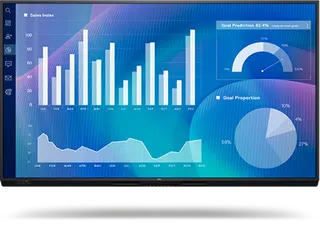
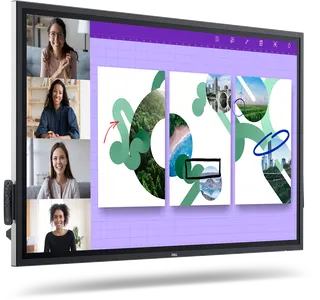
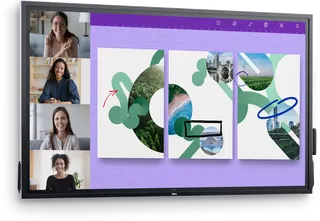
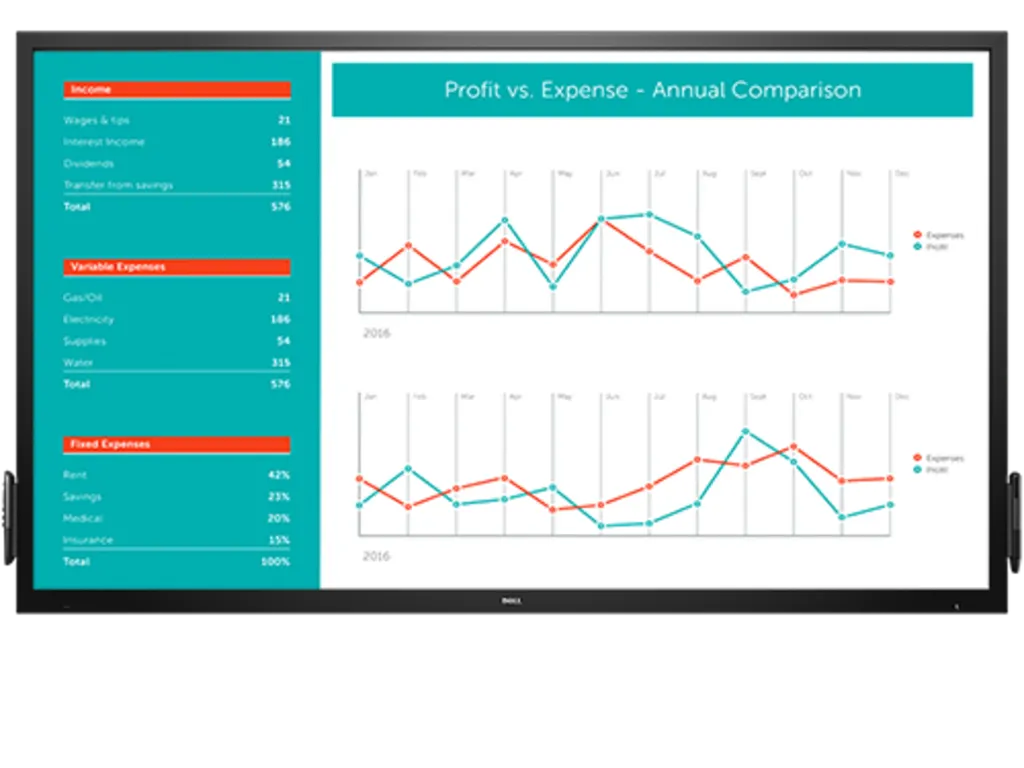
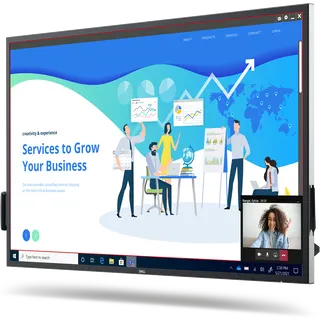
The Dell C7017T is a 70-inch interactive touch monitor from the Dell C Series, part of the interactive flat panel range used in classrooms and meeting rooms. Dell has discontinued this model, so this page serves organisations that already own one, buyers comparing options and anyone seeking a replacement. SmartRooms Qatar can quote a current equivalent or compatible replacement for your room.

What the Dell C7017T is and why its status matters

The Dell C7017T is a 70-inch interactive touch monitor from the Dell C Series, listed under interactive touch monitors within the interactive flat panels category. It is used for presenting and group work in classrooms and meeting rooms. Dell has discontinued this model, which means it is no longer part of the manufacturer's current range, so most buyers today are better served by a current equivalent.

If your organisation already runs C7017T panels, the discontinuation mainly affects planning: spare units, extra screens for a new room, and matching a replacement to the panels already on the wall. If you are comparing models, use this page as the reference point for the 70-inch class and ask for a current alternative of the same size.

Confirmed facts and what to check before buying

The manufacturer record we hold for this model confirms the brand, series, 70-inch screen size, category and discontinued status. It does not include resolution, touch technology, connectivity, brightness, operating temperature or included software, so this page does not state those figures. Ask SmartRooms Qatar for the full specification sheet for your unit before approving a purchase or a replacement.

  • Confirm the exact model code and screen size on your unit or invoice.
  • List the video inputs and touch connection your lessons or meetings need.
  • Check the wall or stand, including weight and mounting pattern.

Where a 70-inch touch monitor fits in Qatar

  • A mid-sized classroom in Al Wakrah, where the teacher wants a large touch surface at the front and students in the back row need to read the board clearly.
  • A meeting room in Lusail that connects with colleagues in other countries, where remote participants need to read shared content clearly.
  • A training centre in Msheireb running small-group workshops, where several people work at the screen during the Sunday to Thursday working week.

Planning a 70-inch installation in Qatar

Large panels are heavy and must be fixed to a wall or stand that can carry the load. SmartRooms Qatar offers a free site survey, which we recommend before mounting so the wall structure, cable routes and viewing distance are checked. Plan power points for the room layout. Qatar mains supply is 240 V at 50 Hz with BS 1363 (Type G) sockets, and the power input for this model should be confirmed from its documentation before installation.

Schools and government bodies often buy through a purchase order (LPO) or a tender, including Monaqasat. Send the quantity, rooms and delivery address and we will quote against your paperwork. Delivery is available to all 8 municipalities of Qatar, quotations are usually issued within one working day, and payment can be made by bank transfer, cheque or purchase order.

Next step: request a quote for a current equivalent

To request a quote for a current equivalent or compatible replacement, send SmartRooms Qatar the model code, the number of units, the rooms they will go in and whether you need installation. If you already own C7017T panels, include the quantity needed to match them. Our team will return a quotation with a recommended alternative for your use.

Highlights

  • 70-inch Dell C Series interactive touch monitor
  • Discontinued by Dell; current equivalents can be quoted
  • Listed under interactive touch monitors in interactive flat panels
  • Full specification sheet to be confirmed before purchase
  • Free site survey recommended before mounting a large panel

Classroom fit

At 70″ the farthest student should sit within about 5.2 m (6× the screen height).

Estimated timeline

Quotation within 1 working day · delivery timing depends on stock availability, and we confirm it with your quotation.
Specifications

Source: manufacturer · checked Oct 2026
The full specification and datasheet for this model are available on request; we send them with your quotation.

Downloads

22 files from the manufacturer
PDF Manuals & guides Dell C7017T C7017T RS232 Protocol Document.pdf 313 KB Dell C7017T manuals & guides (PDF, 313 KB) PDF Manuals & guides Dell C7017T Dell Display Manager Users Guide.pdf 465 KB Dell C7017T manuals & guides (PDF, 465 KB) PDF Manuals & guides Dell C7017T Dell Display Manager Users Guide.pdf 465 KB Dell C7017T manuals & guides (PDF, 465 KB) PDF Manuals & guides Dell C7017T Dell Web Management for Monitors Users Guide.pdf 503 KB Dell C7017T manuals & guides (PDF, 503 KB) PDF Manuals & guides Dell C7017T Installation Guide (MSA1U_MTA1U_LSA1U_LTA1U-I).pdf 1.4 MB Dell C7017T manuals & guides (PDF, 1.4 MB) PDF Manuals & guides Dell C7017T Installation Guide (MSA1U_MTA1U_LSA1U_LTA1U-I).pdf 1.4 MB Dell C7017T manuals & guides (PDF, 1.4 MB) PDF Manuals & guides Dell C7017T Monitor Simplified Service Manual.pdf 2.3 MB Dell C7017T manuals & guides (PDF, 2.3 MB) PDF Manuals & guides Dell C7017T Monitor Teardown Instructions.pdf 868 KB Dell C7017T manuals & guides (PDF, 868 KB) PDF Manuals & guides Dell C7017T Quick Setup Guide.pdf 1.5 MB Dell C7017T manuals & guides (PDF, 1.5 MB) PDF Manuals & guides Dell C7017T Quick Setup Guide.pdf 1.5 MB Dell C7017T manuals & guides (PDF, 1.5 MB) PDF Manuals & guides Dell C7017T RS232 Protocol Document.pdf 144 KB Dell C7017T manuals & guides (PDF, 144 KB) PDF Manuals & guides Dell C7017T Users Guide (2).pdf 5.9 MB Dell C7017T manuals & guides (PDF, 5.9 MB) PDF Manuals & guides Dell C7017T Users Guide (3).pdf 3.6 MB Dell C7017T manuals & guides (PDF, 3.6 MB) PDF Manuals & guides Dell C7017T Users Guide (4).pdf 3.6 MB Dell C7017T manuals & guides (PDF, 3.6 MB) PDF Manuals & guides Dell C7017T Users Guide.pdf 6.0 MB Dell C7017T manuals & guides (PDF, 6.0 MB) PDF Manuals & guides Dell Web Management for Monitors Users Guide.pdf 503 KB Dell C7017T manuals & guides (PDF, 503 KB) PDF Drawings & CAD Dell C7017T Outline Dimension.pdf 194 KB Dell C7017T drawings & cad (PDF, 194 KB) PDF Drawings & CAD Dell C7017T Outline Dimension.pdf 194 KB Dell C7017T drawings & cad (PDF, 194 KB) ZIP Software & firmware · Opens on manufacturer site DELL_C7017T_FirmwareUpdate_M3F103_Windows.zip Dell C7017T software & firmware (ZIP) PDF Other documents Dell C7017T Statement of Volatility.pdf 76 KB Dell C7017T other documents (PDF, 76 KB) PDF Other documents Dell C7017T Statement of Volatility.pdf 76 KB Dell C7017T other documents (PDF, 76 KB) EXE Other documents · Opens on manufacturer site DELL_C7017T-MONITOR_A00-00_DRVR_JP4TY.exe Dell C7017T other documents (EXE)

Questions about C7017T

Can I still buy a new Dell C7017T?
Dell has discontinued the C7017T, so it is no longer in the manufacturer's current range and we cannot confirm a purchase of new units of this exact model. SmartRooms Qatar can instead quote a current equivalent or a compatible replacement in the 70-inch class. Our team will check the size, mounting and connections against your room before you decide.
What is the Dell C7017T and who is it for?
The Dell C7017T is a 70-inch interactive touch monitor in the Dell C Series, within the interactive touch monitors subcategory of interactive flat panels. It suits schools, training centres and offices that want a large touch display at the front of a room for presenting and group work. Because the model is discontinued, this page is most useful to existing owners, comparison buyers and replacement shoppers.
Which Qatar rooms suit a 70-inch interactive touch monitor?
A 70-inch screen suits a mid-sized classroom or a meeting room of moderate size, where people at the back still need to read shared content. In Al Wakrah, a private school might place one at the front of a classroom, while in Lusail a company could use one in a meeting room linked to colleagues abroad. For a much larger hall, a bigger display or a video wall would be a better fit.
We already run C7017T panels. Can you quote matching replacements?
Yes. If a school in Al Rayyan is extending its building or replacing one damaged panel, send the number of existing units and the rooms involved. SmartRooms Qatar will look for a current equivalent or compatible replacement that fits the same wall, stand and setup, and quote it separately. Confirm first whether the new panels must match the existing ones in size or connections.
Does the manufacturer record confirm the resolution and touch specification?
No. The record we hold for the C7017T confirms its brand, series, 70-inch size, category and discontinued status. It does not include resolution, touch technology, brightness or connectivity, so we do not state those figures. Ask SmartRooms Qatar for the full specification sheet for your unit before comparing it with a replacement or approving an order.
How should I plan for summer heat and dust in Qatar?
Summer temperatures in Qatar can exceed 45 degrees Celsius, and dust storms can reach indoor spaces through open doors and windows. The record we hold does not list an operating temperature range for this model, so we cannot confirm one. Discuss the intended room with the SmartRooms Qatar team before installation, especially for lobbies, window-facing walls or any location with limited cooling.
What should a site survey check before wall-mounting a 70-inch panel?
Before a panel goes on a wall in a West Bay office, check the wall structure, the panel weight and mounting pattern, cable routes to source devices, the power point position and the viewing distance from the furthest seat. SmartRooms Qatar offers a free site survey, and we recommend it before any drilling. Ask us to note any trunking or conduit needs in the survey as well.
Does this model work with Qatar's 240 V mains supply?
Qatar mains supply is 240 V at 50 Hz, with BS 1363 (Type G) sockets. The record we hold for the C7017T does not list its power input, so we cannot confirm compatibility from our data. Check the rating in the unit's documentation, and have a qualified electrician confirm the socket position before installation, especially in a newly fitted room.
Can a school order several units through a purchase order?
Yes. Schools, government bodies and other public organisations in Qatar often buy through a purchase order (LPO) or a tender, including Monaqasat. Send the number of units, the rooms and the delivery address to SmartRooms Qatar, and we will prepare the quotation so it matches your procurement paperwork. Delivery covers all 8 municipalities of Qatar.
How do I compare the C7017T with a current replacement?
Compare screen size, resolution, touch specification, video inputs, operating temperature, mounting options and warranty terms. The C7017T is 70 inches, so a replacement should be checked for the same viewing distance and wall space. Products supplied by SmartRooms Qatar are covered by the manufacturer's warranty, and you should ask for the warranty terms of the specific replacement you are considering.
What happens after I request a quote?
Send the model code, quantity, room type and whether you need installation. SmartRooms Qatar usually issues a quotation within one working day. Payment can be made by bank transfer, cheque or purchase order. If you request a replacement, the quotation will name the current equivalent so you can compare it directly with the C7017T before approving it.
Is this panel suitable for a training centre running small-group workshops?
It can suit a training room where small groups gather at the screen, such as a workshop room in Msheireb used from Sunday to Thursday. Before choosing, confirm the touch and input features your facilitators need, and check the room's seating and sightlines. A current replacement can be quoted to match the same room layout and power plan.

Suggested replacements

Dell C6522QT Dell C6522QT 65-inch 4K Interactive Touch Monitor
65″ 3840 x 2160 350 cd/m²
Dell C7520QT Dell C7520QT 75-inch 4K Interactive Touch Monitor
75″ 3840 x 2160 350 cd/m²
Dell D7523QT Dell D7523QT 75-inch 4K Interactive Touch Monitor
75″ Interactive displays
Dell P6524QT Dell P6524QT 65-inch 4K Interactive Touch Monitor
65″ 3840 x 2160 350 cd/m²
Dell P7524QT Dell P7524QT 75-inch 4K UHD Interactive Touch Monitor
75″ 3840 x 2160 at 60Hz 350 cd/m²

Similar models

BenQ CM7505 BenQ Board CM7505 75-inch Interactive Display
75″ UHD 3840 × 2160 pixels Ultra Precision IR
SMART SBID-6286S-V3 SMART Board 6086S-V3 86-inch Interactive Display with iQ
86″ 4K UHD (3840 × 2160) HyPr Touch with InGlass
SMART SBID-6286S-V3-P SMART Board 6086S-V3 Pro 86-inch Interactive Display with iQ
86″ 4K UHD (3840 × 2160) HyPr Touch with InGlass
Clevertouch Clevertouch Edge 65" Clevertouch Edge 65" 4K Interactive Display with Camera and Speakers
65″ 4K UHD (3840x2160 @60Hz) Android 15
Clevertouch Clevertouch Edge 86" Clevertouch Edge 86" 4K Interactive Flat Panel
86″ 4K UHD (3840x2160 @60Hz) Android 15
Email Call