55TC3D
LG 55TC3D 55-inch Interactive Digital Board (Discontinued)
- Screen size
- 55"
- Resolution
- 1,920 x 1,080 (FHD)
- Touch
- P-Cap (Ag Metal Mesh)
- Memory
- 4GB RAM
The LG 55TC3D is a discontinued 55-inch interactive digital board with a Full HD IPS panel, 40-point touch and an OPS slot. Its embedded webOS app supports annotation and screen sharing without a separate PC. Schools, meeting rooms and training areas in Qatar that already run this model, or are comparing boards, can request a quote for a current equivalent or compatible replacement.
What the LG 55TC3D is
The LG 55TC3D is a 55-inch interactive digital board with a 1,920 x 1,080 IPS panel, 450 cd/m² typical brightness and projected-capacitive touch supporting up to 40 points. LG has discontinued this model. The manufacturer data lists it under two variant codes, 55TC3D-B.AMA and 55TC3D-B.AMI.
This page is written for organisations that already run this board, buyers comparing it with newer models, and anyone searching for a replacement. SmartRooms Qatar can quote a current equivalent or a compatible replacement that matches the connections and mounting your room already uses.
Touch, writing and the embedded app
The touch layer uses a silver metal mesh under 3.2 mm anti-glare protective glass. It detects objects wider than 6 mm, positions touches to within 2 mm and handles up to 40 points at once, so several people can write or move content together. Pen stroke thickness changes with writing speed.
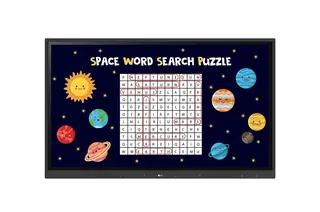
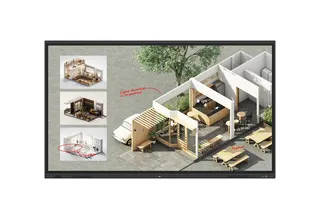
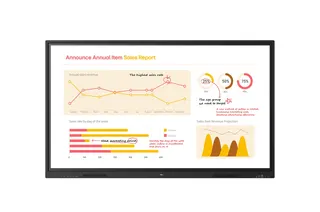
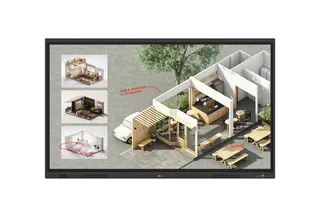
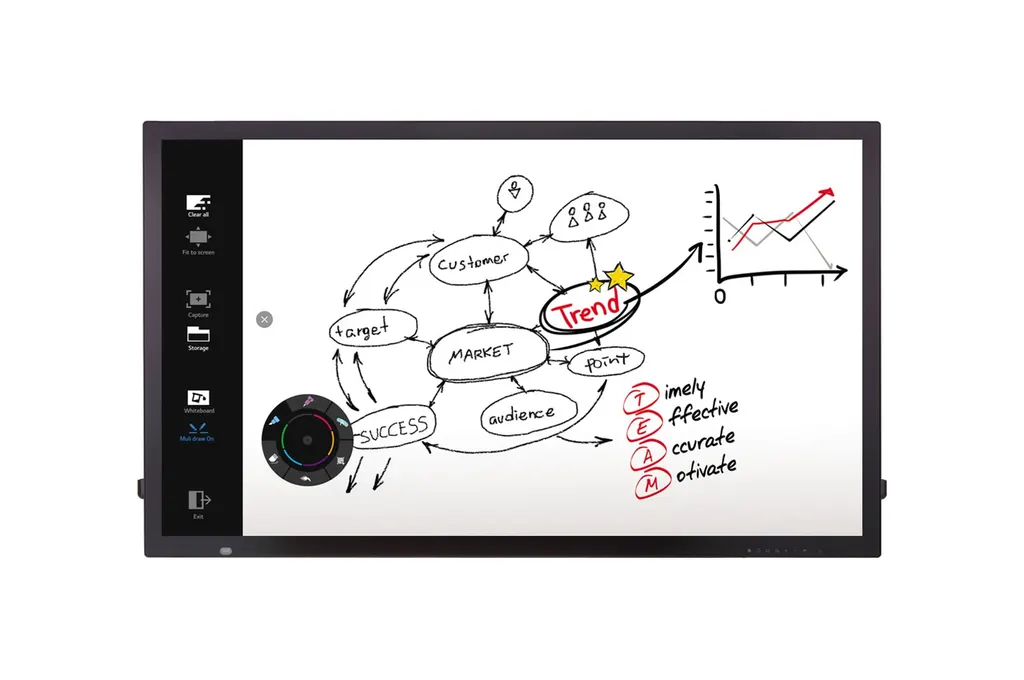
The built-in IDB app runs on webOS. Presenters can write, annotate and save notes on the board without a separate computer or extra software licences, and participant laptops can share their screens into the session. A light press on the screen opens a menu for running functions and changing settings.
Connections and expansion
The connection set suits a mix of laptops, PCs and control systems:
- Video: three HDMI inputs, one DisplayPort, one DVI-D and one RGB input
- USB: USB 3.0 and USB 2.0 inputs, plus a USB 2.0 touch output
- Expansion: an OPS slot with its own USB 2.0 connection for the optional OPS Kit KT-OPSA
- Control: RS232C in and out, and an RJ45 input for external control
An audio input is also provided. PBP and PIP modes let two sources share the screen in full-screen, original-ratio or sub-screen layouts, which suits a teacher showing a lesson alongside a live feed.
Where it fits in Qatar
A private school in Al Wakrah refitting a classroom could use the 55-inch panel for whole-class teaching, with group annotations saved to the board. In a government office in Msheireb, PBP can show a presentation beside a document or dashboard during one meeting. A training centre in Education City or Lusail can use the touch surface for hands-on sessions.
Heat matters here. The operating range is 0°C to 40°C at 10% to 80% humidity, which is below typical Qatar summer temperatures outside air-conditioned rooms. Install it in a cooled room away from direct sun through windows, and confirm room conditions during a site survey.
What to plan before you order
- Head weight 30.1 kg and packed weight 36.1 kg, so plan for two people to lift it and a mount rated for the load.
- Panel dimensions 1,276.4 x 751.9 x 63.9 mm; carton 1,369 x 890 x 210 mm; VESA 300 x 300 mm; optional wall mount LSW350A/B.
- Typical power consumption of 100 W or less, and 70 W or less in Smart Energy Saving mode.
- Software: SuperSign Premium for content management and SuperSign Link for control and monitoring.
- Companion IDB DUO minimum requirements: Windows 7 or 10, or macOS 10.12 or 10.13, with 4GB RAM.
- Certifications: UL/cUL/CB/TUV/KC for safety; FCC Class A, CE and KCC for EMC.
Because this model is discontinued, check your existing room, mount and PC specification before ordering parts or a like-for-like unit. SmartRooms Qatar offers free site surveys, the right time to confirm wall structure for a 30.1 kg panel.
Request a quote
Send SmartRooms Qatar your room size, mounting type, required inputs and whether you need an OPS slot. Quotations usually follow within one working day, and we deliver to all eight municipalities of Qatar. Request a quote for a current equivalent or compatible replacement.
Highlights
- 55-inch Full HD IPS panel, 1,920 x 1,080 resolution
- 450 cd/m² typical panel brightness
- Projected-capacitive touch with up to 40 simultaneous points
- Embedded webOS app for writing without a separate PC
- OPS slot for the optional OPS Kit KT-OPSA
- Discontinued by manufacturer; quotes for current equivalents
Classroom fit
At 55″ the farthest student should sit within about 4.1 m (6× the screen height).
Estimated timeline
Quotation within 1 working day · delivery timing depends on stock availability, and we confirm it with your quotation.
Specifications
PANEL3
- Screen Size
- 55"
- Native Resolution
- 1,920 x 1,080 (FHD)
- Brightness (Module, Typ., cd/m²)
- 450
CONNECTIVITY3
- Input
- HDMI (3), DP, DVI-D, RGB, Audio in, USB 3.0, USB 2.0, OPS USB 2.0
- Output
- Touch USB 2.0 (2)
- External Control
- RS232C in/out, RJ45 in
PHYSICAL SPECIFICATION6
- Bezel Width
- 32.7mm (T), 33.4(L/R), 38.8 mm(B)
- Monitor Dimension (W x H x D)
- 1,276.4 x 751.9 x 63.9 mm
- Weight (Head)
- 30.1kg
- Carton Dimensions (W x H x D)
- 1,369 x 890 x 210 mm
- Packed Weight
- 36.1kg
- VESA™ Standard Mount Interface
- 300 x 300 mm
ENVIRONMENT CONDITIONS2
- Operation Temperature
- 0°C to 40°C
- Operation Humidity
- 10% to 80%
POWER CONSUMPTION2
- Typ.
- ≤ 100W
- Smart Energy Saving
- ≤ 70W
STANDARD(CERTIFICATION)2
- Safety
- UL/cUL/CB/TUV/KC
- EMC
- FCC Class "A"/CE/KCC
SOFTWARE COMPATIBILITY2
- Content Management Software
- SuperSign Premium
- Control and Monitoring Software
- SuperSign Link
MINIMUM REQUIREMENTS FOR LG IDB DUO8
- OS (Windows 32bit or 64bit)
- Windows 7, Windows 10
- OS (macOS)
- macOS 10.12 Sierra, MacOS 10.13 High Sierra
- CPU (Windows)
- 2.7GHz+ Dual Core Broadwell or higher
- CPU (macOS)
- Any CPU which supports Sierra or High Sierra
- Memory
- 4GB RAM
- Hard Drive
- 1GB of free space
- Graphics Hardware (Windows)
- Intel Iris or higher, Nvidia, ATI
- Graphics Hardware (macOS)
- Any GPU which supports Sierra or High Sierra
ACCESSORY2
- Basic
- Remote Controller (include battery 2ea), Power Cord, QSG, HDMI (3M), Regulation Book, Phone to RS232C Gender, Touch Pen (2ea), Touch Pen Tip (1ea)
- Optional
- OPS Kit (KT-OPSA), Wall Mount (LSW350A/B)
TOUCH6
- Touch type
- P-Cap (Ag Metal Mesh)
- Available object size for touch
- more than Ø 6mm
- Accuracy
- 2mm
- Interface
- USB 2.0
- Protection Glass Thickness
- 3.2T (Anti-Glare)
- Multi touch point
- Max. 40 Points