TRUCAST Express
Newline TRUCAST Express Wireless Presentation App (Discontinued)
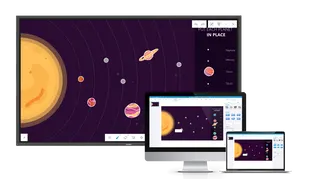
The Newline TRUCAST Express is a discontinued wireless presentation app built into the TRUTOUCH RS series of interactive displays. It lets Mac, PC, Android and iOS laptops, tablets and smartphones share their screens over your existing LAN or Wi-Fi network, with up to four sources shown together in split-screen. Organisations in Qatar that already run TRUTOUCH RS displays, or are comparing options, can request a quote for a current equivalent.
What the TRUCAST Express app does
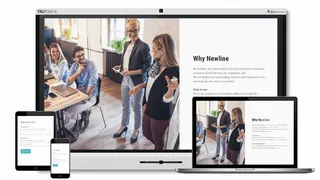
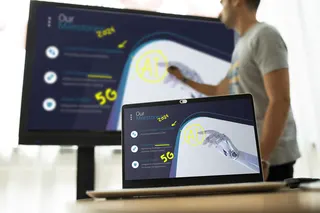
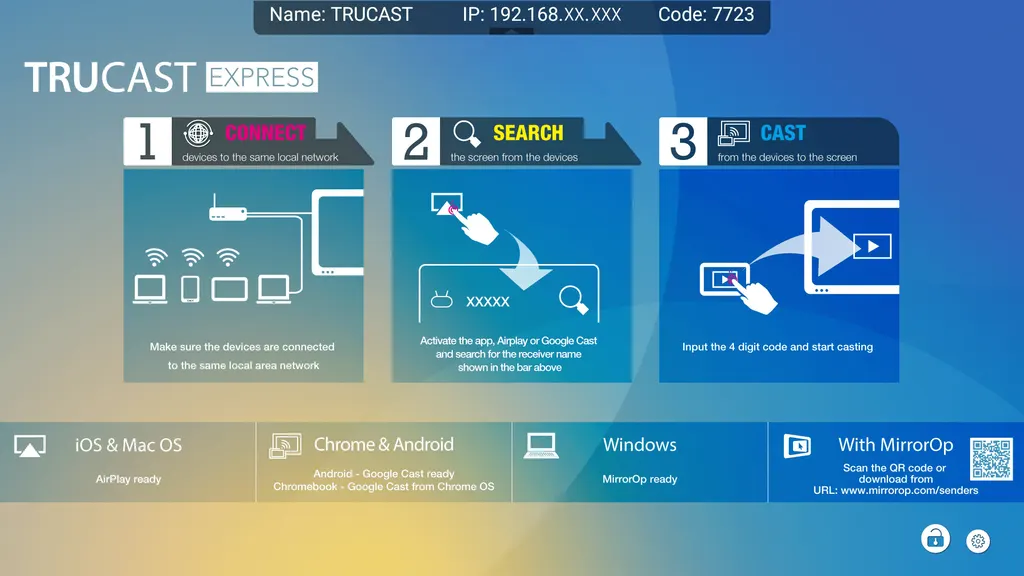
TRUCAST Express is a wireless casting app built into the TRUTOUCH RS series of interactive displays. Instead of running a cable from each laptop to the panel, presenters connect over the same LAN or Wi-Fi network and send their screen to the display. Newline has discontinued this model, so this page is written for sites that already own it, teams comparing it with other options, and buyers searching for a replacement.
Casting, split-screen and device support
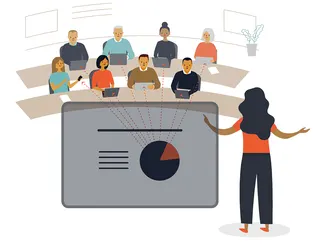
Up to four devices can be shown at once in a four-way split screen. This suits review sessions where several people compare documents or designs side by side. The app works with Mac, PC, Android and iOS devices and supports AirPlay, Google Cast and MirrorOp, so each presenter can use the casting method that matches their device.
- Up to four devices shown together in split-screen
- Mac, PC, Android and iOS devices supported
- AirPlay, Google Cast and MirrorOp casting options
- Connection over your own LAN or Wi-Fi network
Moderation and file sharing
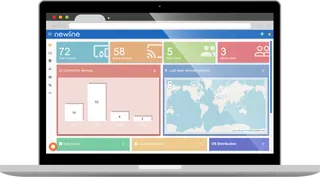
The host can allow free projection or choose which devices are permitted to cast to the display. This is useful when a session includes visitors or external consultants who should not take over the screen. Files can also be saved, shared and sent with a single button, so presenters do not need to pass around a USB drive during a meeting.
Where it fits in Qatar
In a seminar room at a university in Education City, several students can connect their laptops and phones to a TRUTOUCH RS display and compare group work in split-screen without swapping cables between presenters. In a meeting room in Msheireb, staff who work in Arabic and English can share their own device from their seats while the host decides who may cast. A private school in Al Wakrah could use the display in a staff room for training sessions where teachers bring their own tablets.
What to plan for before you request a quote
Because the app depends on the network, check that the display and the presenters' devices can reach each other on the same LAN or Wi-Fi network before the meeting. Confirm the TRUTOUCH RS model in use with your IT team, since the app is built into that series. SmartRooms Qatar offers free site surveys before a replacement is quoted, and quotations are usually provided within one working day. Organisations can pay by bank transfer, cheque or purchase order, and can issue an LPO.
Request a quote from SmartRooms Qatar to confirm whether your current TRUTOUCH RS display can keep the same casting workflow, or whether a current equivalent suits your rooms better.
Highlights
- Built into the TRUTOUCH RS series of interactive displays
- Casts up to four devices at once in split-screen
- Supports Mac, PC, Android and iOS devices
- AirPlay, Google Cast and MirrorOp casting options
- Host can allow free casting or restrict who casts
- Discontinued by Newline; request a quote for a replacement
Estimated timeline
Quotation within 1 working day · delivery timing depends on stock availability, and we confirm it with your quotation.